slim1972
Pre Op
-
Joined
-
Last visited
Everything posted by slim1972
-
Telling coworkers is not an good idea. I did my surgery last June and I didn't tell them as any thing. They notice I loosing weight. I told them the same. I don't cares about anyone
-
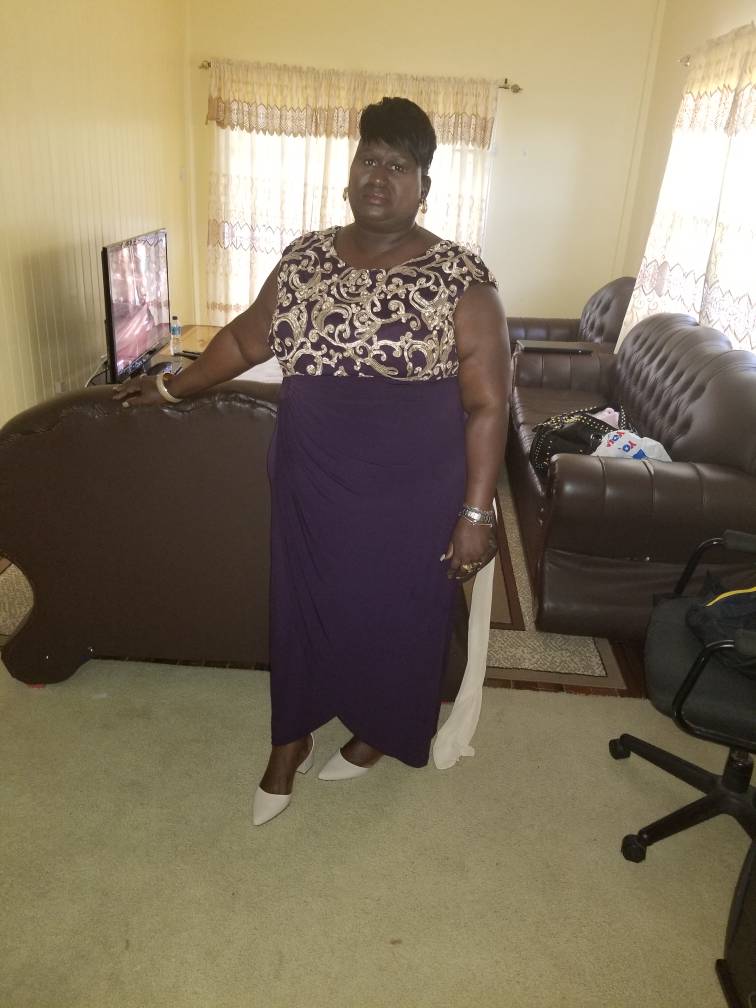
Congratulations you will love your new baby I remember I was 310lbs now I'm 226 lbs. My surgery was june 2019, Don't be scared it's easy 123. Lol. Good luck.
-
Hi, I have done my surgery last June 2019, I have lost 80 lbs from 310 lbs. You can go through all you appt , when things come back nanual you finish all your tests. Don't forget their are many people has been post back for surgery. Good luck.
-
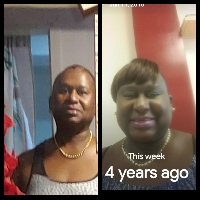
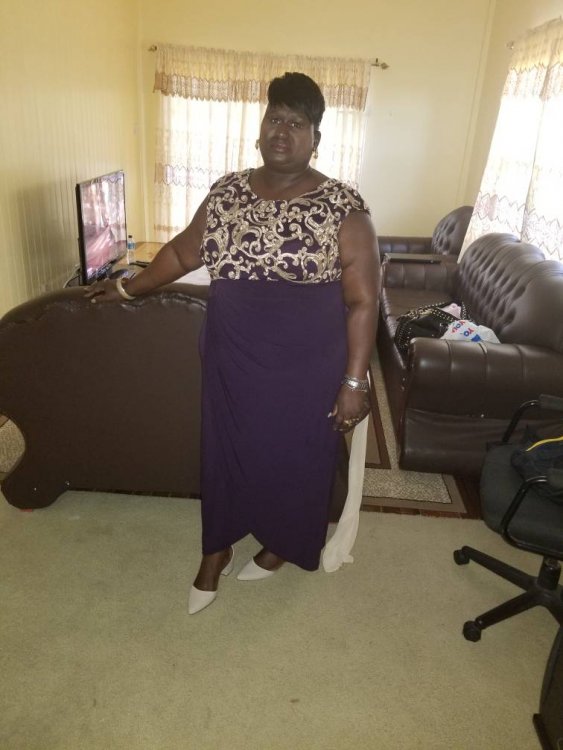
Now and then

-
I don't think the Dr did the surgery on her. I did mind on june and lost 80 in 5 months
-
Just a little advice latch on protein shake and lots of water
-
Good luck to all I did my surgery last was June I had 312lbs now 230lbs. I did the sleeve.
-
Nice keep it up
-
Good luck for your surgery I did mind in June I lost 31 lbs.
-
I'm trying the Same. Don't want to gain but that 312 lb. I'm now 2 months 253lbs
-
I my cloth fits perfect Sent from my SM-G950U using BariatricPal mobile app
-
I hop hope you have a great surgery
-
The surgeon are professional my surgery is June soon I'm just excited.
-
I try the same was the result. Sent from my SM-G950U using BariatricPal mobile app