harrisonb
Pre Op
-
Joined
-
Last visited
-
-
-
I feel you girl i think im only day 3 and i cheated...i feel so committed and motivated but I miss food...this is hard. Never realized how extra hooked i was but we will get thru this...just keep the goal in sight...only thing that curves my hunger so far is a suger free vanilla puddin with a scoop of protien...hope that helps Sent from my SM-G925T using the BariatricPal App
-
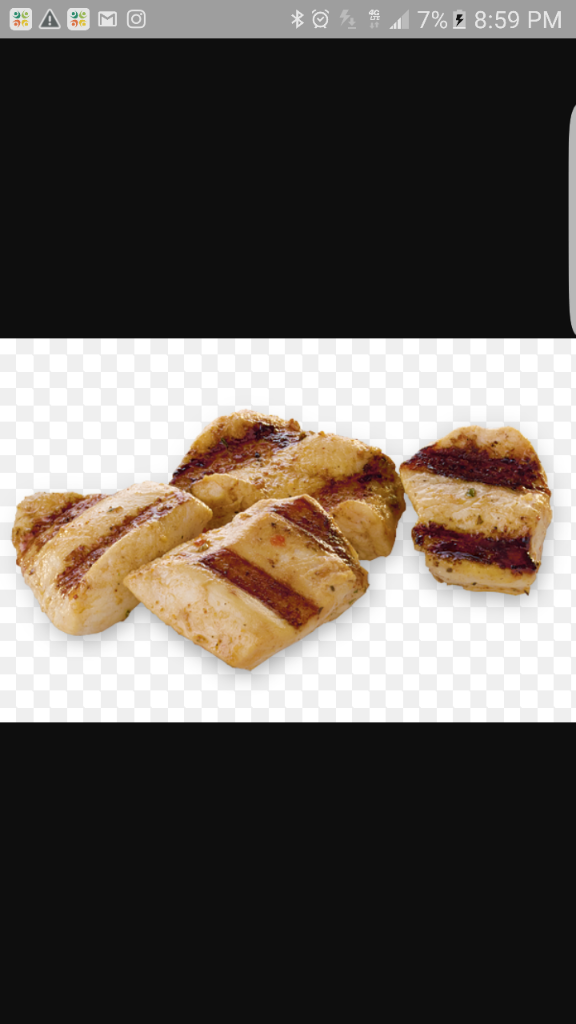
I ate one of my sons grilled chicken nuggets after having the sleeve done on 2-3-17 but i was hungry...my mom started freaking out and crying talking about spit it out...but me im like its grilled it was small and im chewing it alot..n im hungry...is this a sign of challanges to come or was it a minor fraction...idk..i dont feel guilty, scared because this will be harder than i thought and bad my mom was that upset but I dont feel guilty..idk..it was grilled n in my future diet...OPIONIONS?? Sent from my SM-G925T using the BariatricPal App

-
Thansk for posting this mine was 2/3 and i have been having the same pain...usually its agter not sipping for a while...i was told about the gas x strips but havent found them yet...if u find them 1st let me know how they work.. Sent from my SM-G925T using the BariatricPal App
-
So today is is day 3 since my sugery and I am feeling pretty good.. I am like ready to start life again. Has anyone ever started back in a week? How did you feel? I was thinking about only doing half of days and my overnight job. Sent from my SM-G925T using the BariatricPal App
-
Omg yes Sent from my SM-G925T using the BariatricPal App
-
-
-
Yes and u look amazing...the more love u give yourself the more true love u will recieve just keep loving Sent from my SM-G925T using the BariatricPal App