mstrice
Gastric Sleeve Patients
-
Joined
-
Last visited
-
-
-
-
Thanks with all that weight I was tired lol
-
-
-
-
-
-
-
-
-
-
-
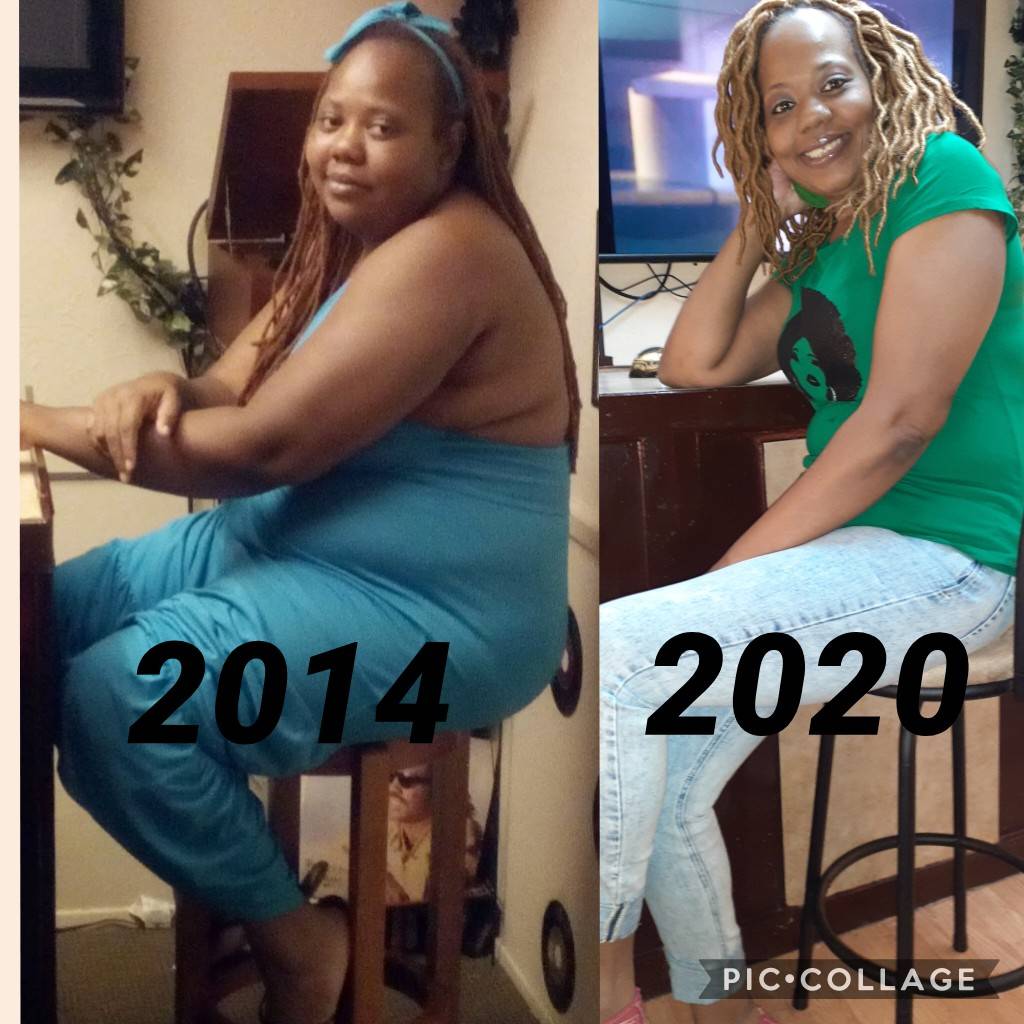
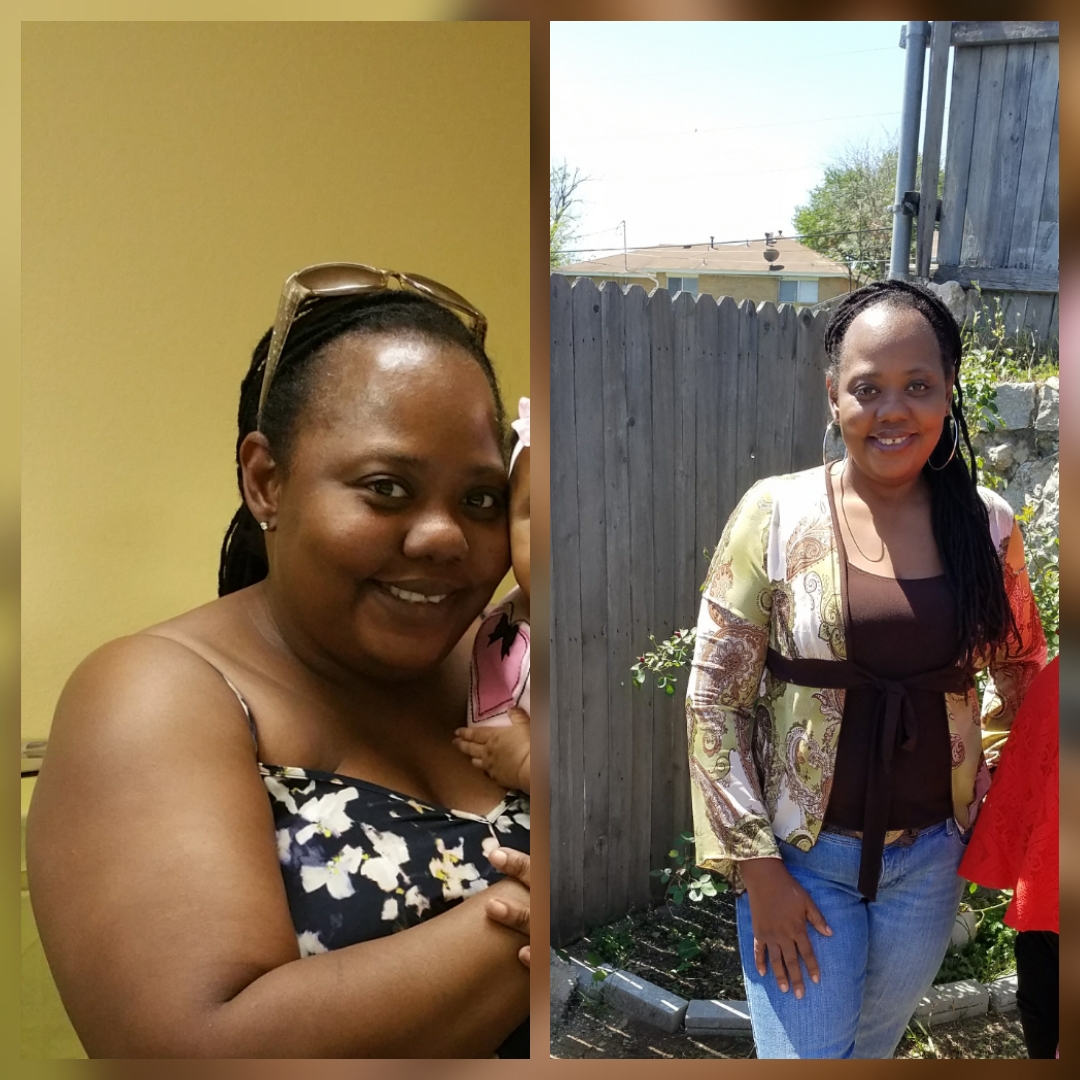
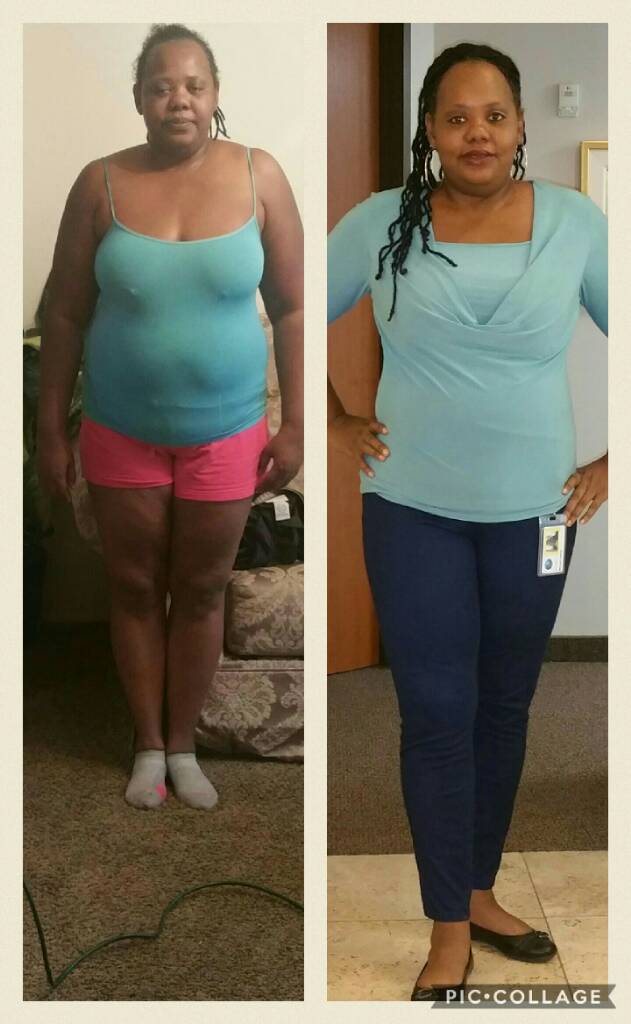
Today December 27 I had my surgery. The first picture Is Dec 27 2016 and the second one is Dec 23 2017. I feel great
-
-
mstrice changed their profile photo
-
You look great congratulations Sent from my SM-G930T using BariatricPal mobile app
-
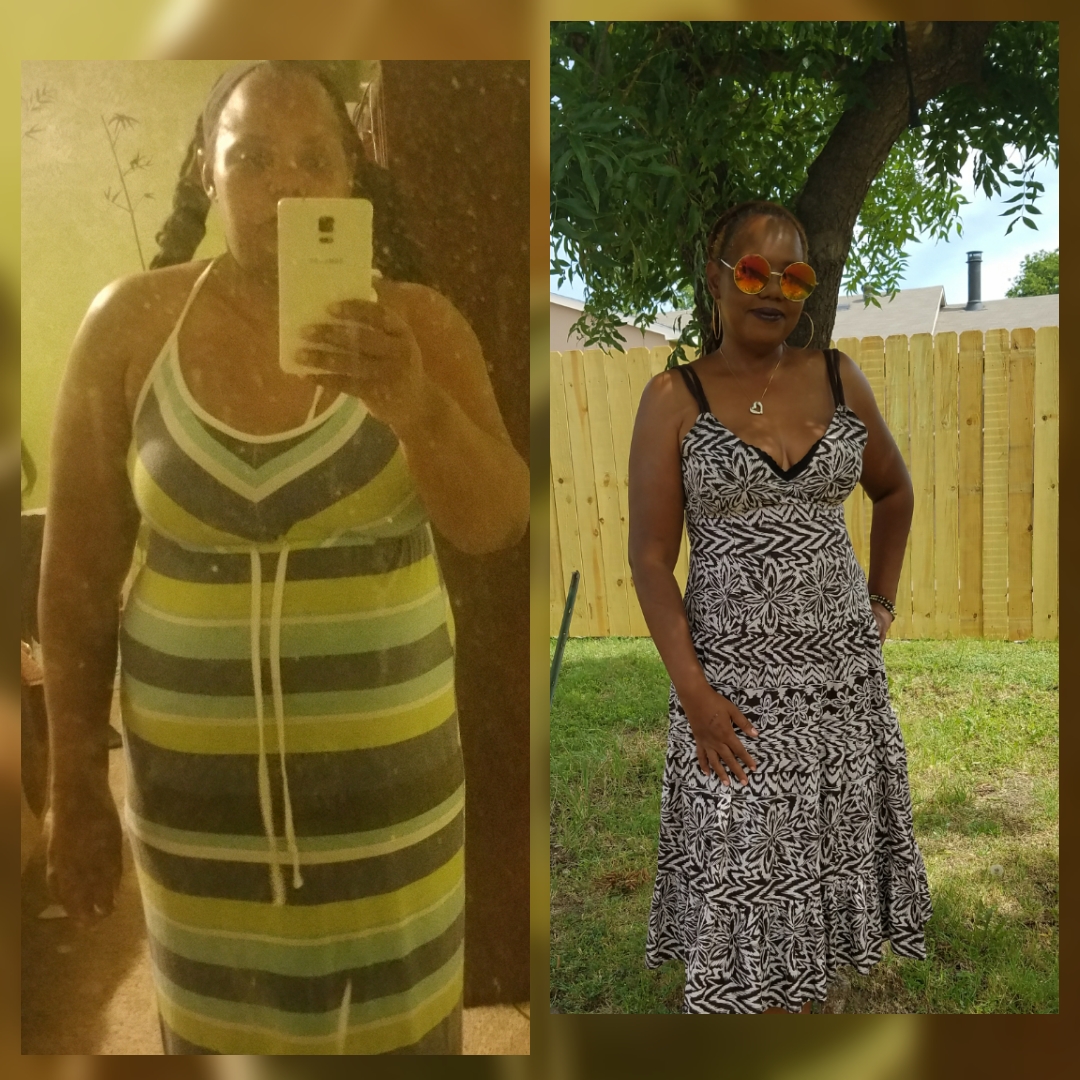
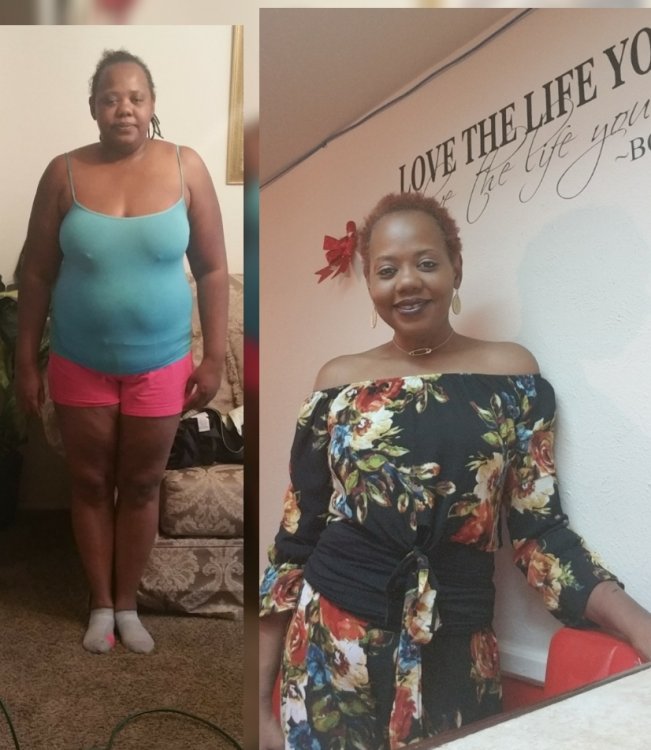
I had my surgery December 27th 2016 I have lost a total of 80 pounds the pictures are from 3 years ago in the updated picture is September 1st 2017 this is the best decision I have ever made no complications at all
-
-
-
-
-
-
-
Thank you I have lost a total of 68 Sent from my SM-G930T using BariatricPal mobile app
-
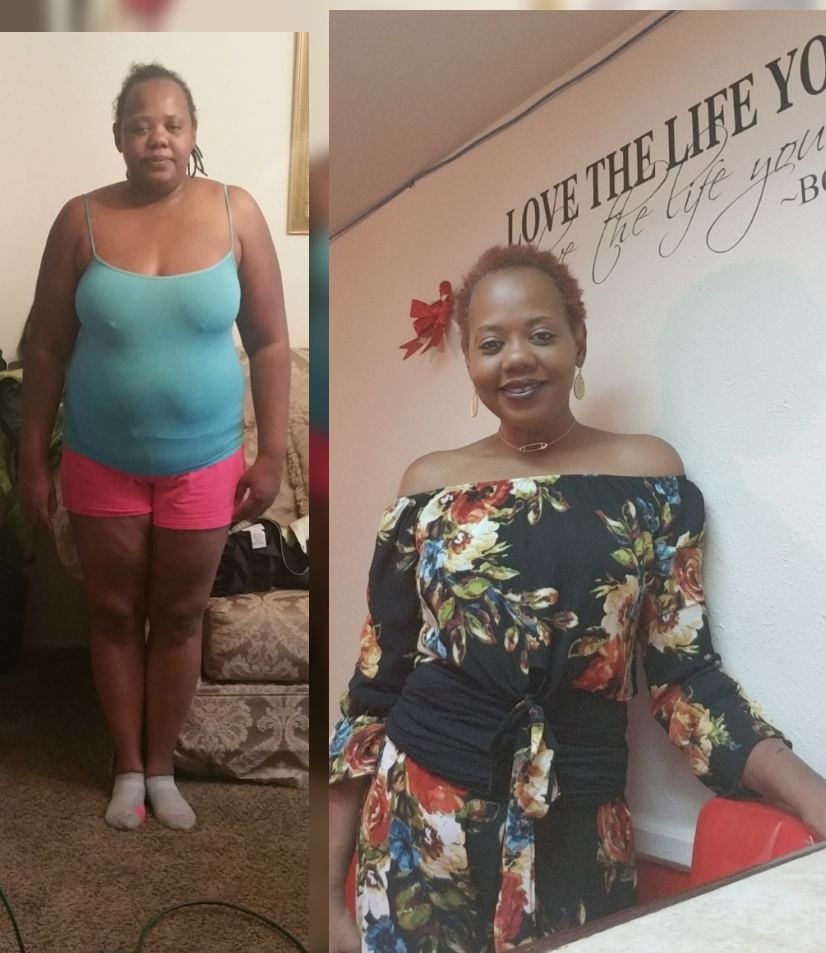
First picture was taken on Jan 3, 2017 second one was taken May 29, 2017.
-
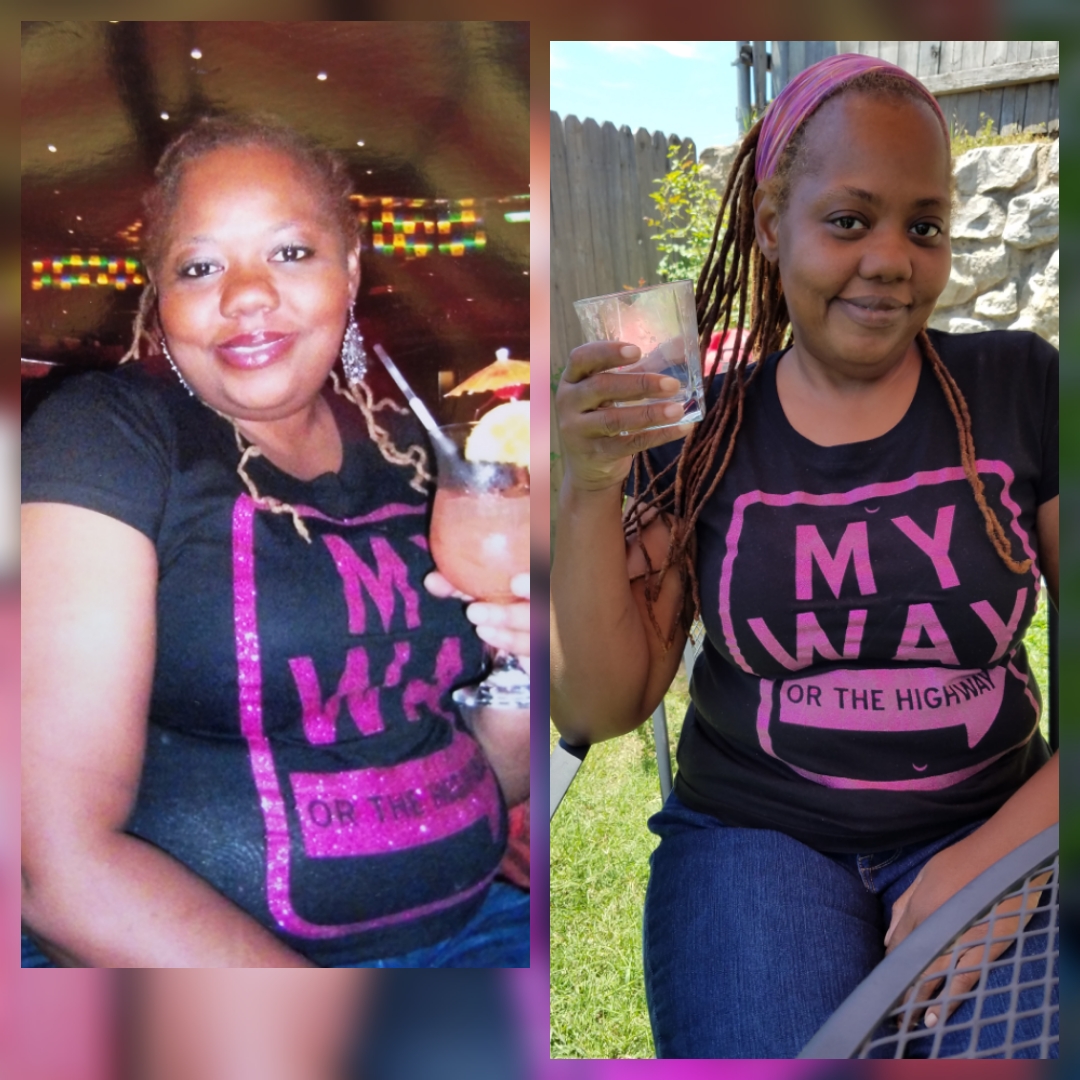
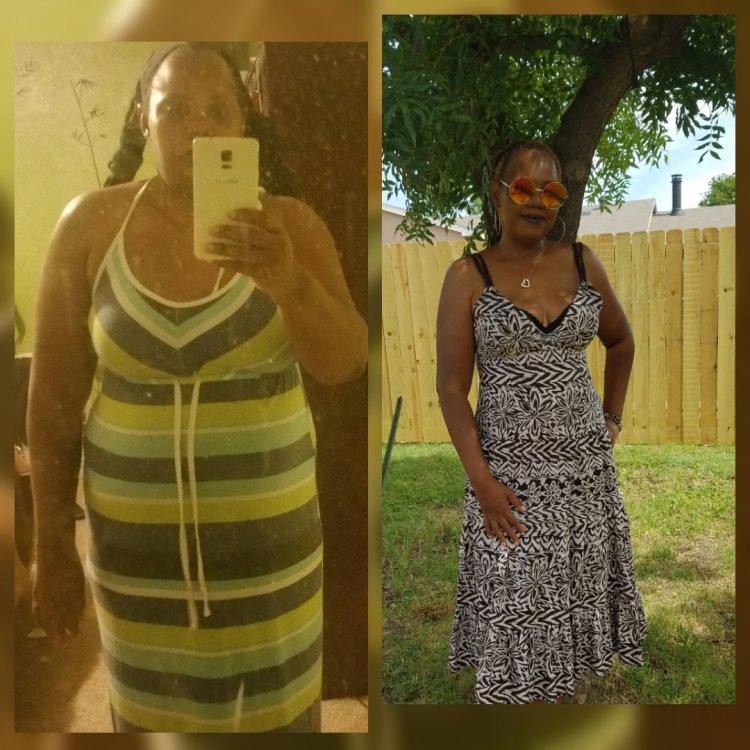
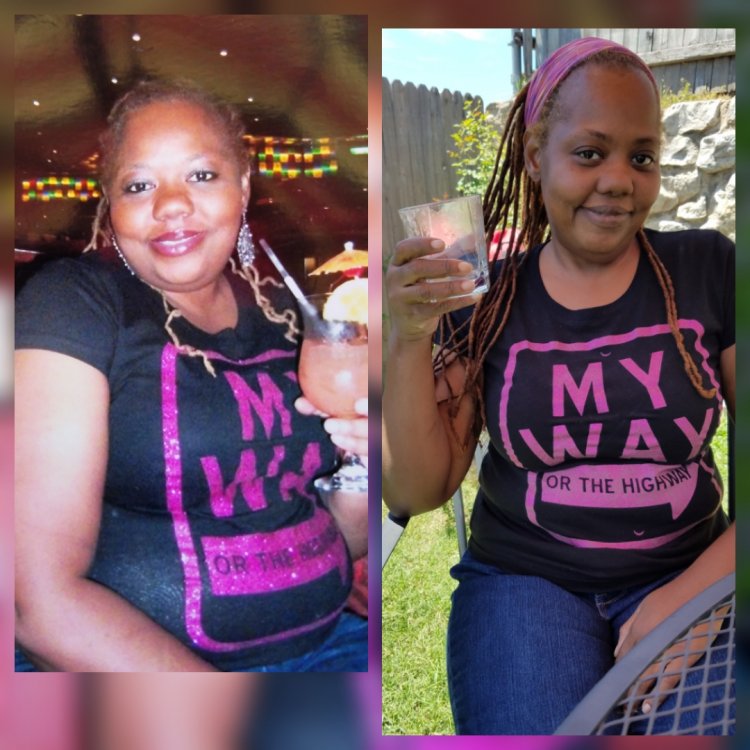
A total of 63 pounds gone. I still can't believe how good I feel physically and mentally. First picture 3 years ago on a cruise the other one yesterday.
-
Looking good
-
-
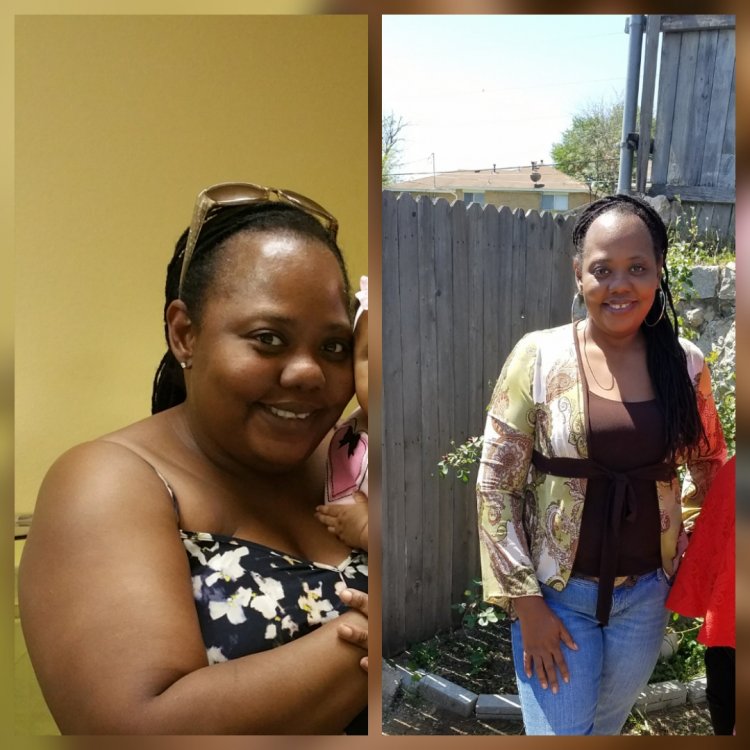
I am so happy I did this; I haven’t felt this good and a very long time. I had my surgic done on December 27 2016 and as of today March 30, 2017 I have lost a total of 50 pounds. I thought before I would have trouble eating right, but believe me when I tell you the evil food that I use to love it’s not a problem don’t even want it like fry chicken, bread, and lots of sweets after all food is only a mind thing.
-
-
I am feeling really good Sent from my SM-N910T using the BariatricPal App

-
So I will be starting week 2 full liquid diet didn't call my surgeon because they are still closed for the holidays so my question is it states that I can have strained baby food cream of vegetable Soup so what else can I have. Is strained food the same thing as puree food Sent from my SM-N910T using the BariatricPal App
-
I was just wondering would it be okay if I cook some cabbage and just drunk the broth from it Sent from my SM-N910T using the BariatricPal App