krystabel
Pre Op
-
Joined
-
Last visited
Everything posted by krystabel
-
Good job Sent from my SM-G900FD using the BariatricPal App
-
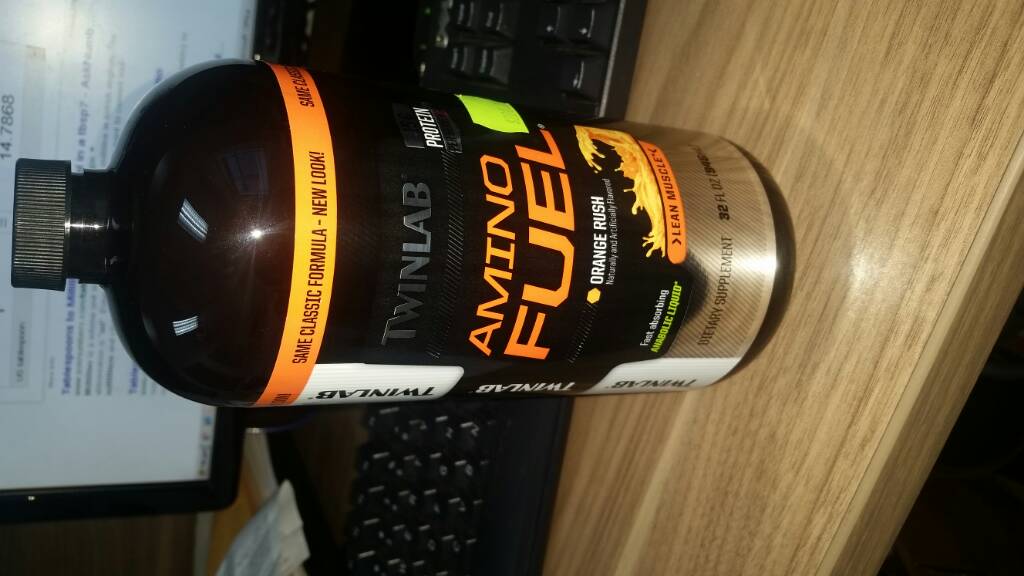
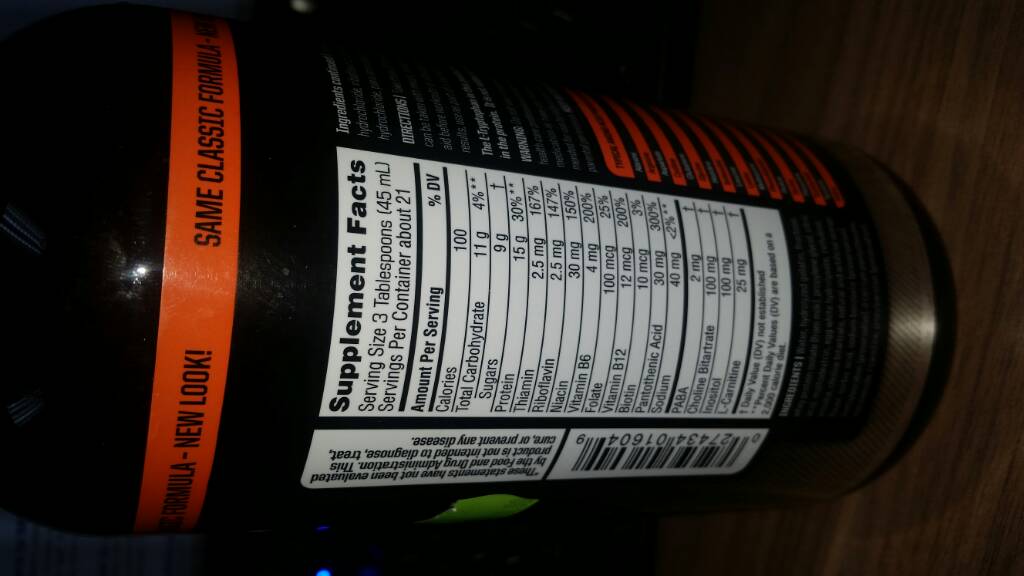
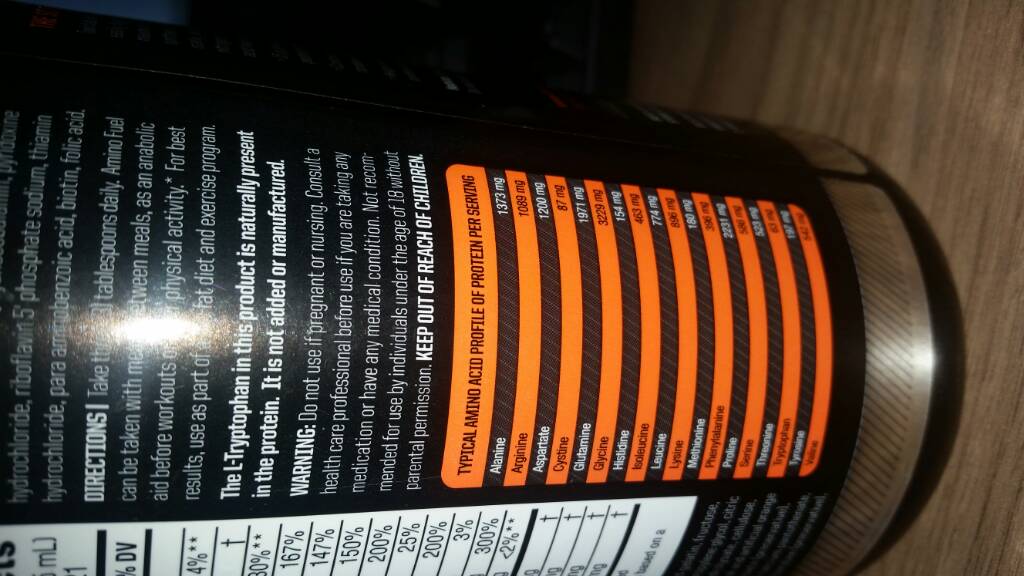
I'm almost 3 mths post op starting working out. I'm getting alot of muscle pain and feeling very drained. Does any know if you can take this Amino Fuel to up you Protein intake Sent from my SM-G900FD using the BariatricPal App
-
Congrats Sent from my SM-G900FD using the BariatricPal App
-
10 weeks post op. Help needed badly. I really need help with what to eat. I need to know what's healthy and easy to prepare n tasty. Sent from my SM-G900FD using the BariatricPal App
-
I'm simularly built I'm 5'11 and had surgery on April 12. My weight then was 286. About 10 weeks post op, I had gastric bypass n currently weigh 240. You'll look and feel great as the lbs start to go. Best feeling ever. Good luck on your journey Sent from my SM-G900FD using the BariatricPal App
-
Good luck Sent from my SM-G900FD using the BariatricPal App
-
I totally understand I'm now approaching 7 weeks and I gave stalled since week 5. Frustrating but don't want to complain Sent from my SM-G900FD using the BariatricPal App
-
I'm almost 7 weeks post op. In the first month I lost 25 lbs. But for the lady 2 weeks I've only lost 5lbs is that normal Sent from my SM-G900FD using the BariatricPal App