AmyMarie79
Pre Op
-
Joined
-
Last visited
-
-
-
This is amazing!!! Congratulations!
-
-
-
-
-
Thank you!!!
-
-
Thank you so much. That makes me feel a little better! I do feel each day it gets better.
-
I had revision from sleeve to bypass 5/21/19. I'm having a lot of pain in my lower left side. Is this a common complaint?
-
AmyMarie79 changed their profile photo
-
-
-
-
-
Congratulation! Thank you! Sent from my SM-G920V using the BariatricPal App
-
-
I really do appreciate all the help!!! Sent from my SM-G920V using the BariatricPal App
-
Thanks Jenn. I'm 8 weeks out. Don't feel like I've hit it yet. I've had to work very hard for the 36 pounds I've lost in this 8 weeks. If I don't follow the plan is will gain or not lose. Sent from my SM-G920V using the BariatricPal App You've got a way to go before your honeymoon phase ends. Honestly, you will lose no matter what you do for several months. It's just automatic because of the calorie restriction. But then our bodies adjust, and we have to help things along by constantly tweaking things to keep our weight consistently moving downward. You should still have great restriction and relatively low hunger for quite a while. Lucky you Thanks Babbs! Sent from my SM-G920V using the BariatricPal App
-
-
-
Thanks Jenn. I'm 8 weeks out. Don't feel like I've hit it yet. I've had to work very hard for the 36 pounds I've lost in this 8 weeks. If I don't follow the plan is will gain or not lose. Sent from my SM-G920V using the BariatricPal App
-
-
Thank you so much! Sent from my SM-G920V using the BariatricPal App
-
After your surgery when would you say the "honeymoon" phase began and ended? TIA Sent from my SM-G920V using the BariatricPal App
-
Thank you Sent from my SM-G920V using the BariatricPal App
-
Hello everyone! I'm 3 weeks post op. I've lost 32 pounds since I started my liver reduction diet. A week ago I started pureed food. Is it normal that my weight hasn't budged since week 2? Sent from my SM-G920V using the BariatricPal App
-
Thank you! Sent from my SM-G920V using the BariatricPal App
-
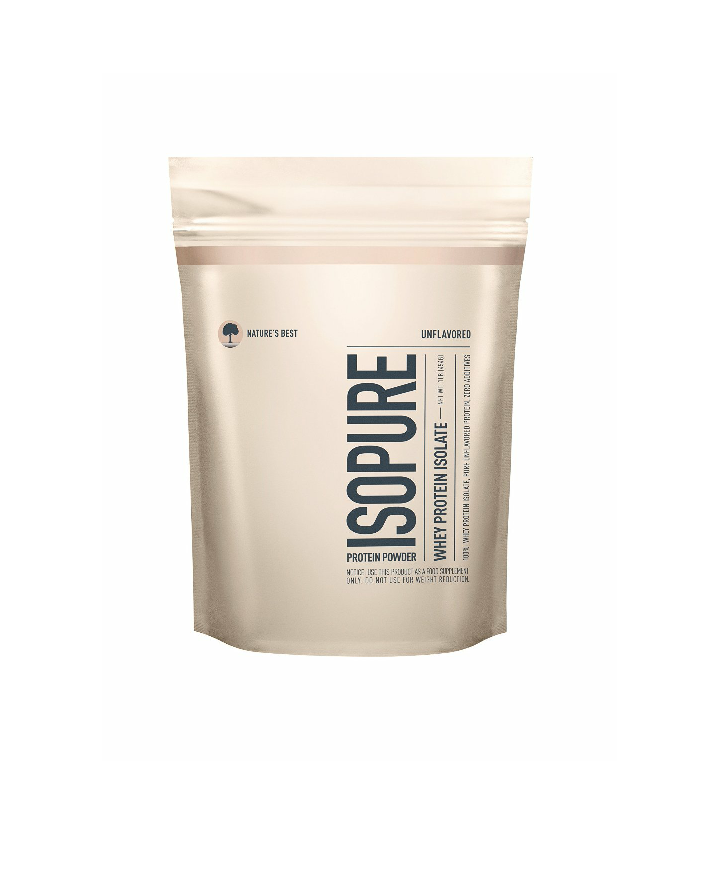
Has anyone tried this Protein powder? If so did you like or dislike it? Sent from my SM-G920V using the BariatricPal App
-
Yay! Ty Sent from my SM-G920V using the BariatricPal App