Lemm61
Pre Op
-
Joined
-
Last visited
-
-
-
-
-
-
Hit normal BMI. HW: 223 SW: 189 (GB on 6/1) CW: 136 GW: 123

-
-
-
Doing well here! Ten more pounds and I reach a normal BMI!
-
-
-
-
I mix mine with cold decaf coffee, add ice and mix in the blender. The caramel flavor is really good with coffee.
-
-
Wait! What? How do you bake them into cookies?
-
The new oatmeal one is good!
-
-
-
-
-
-
-
GBRNY 6/1.

-
-
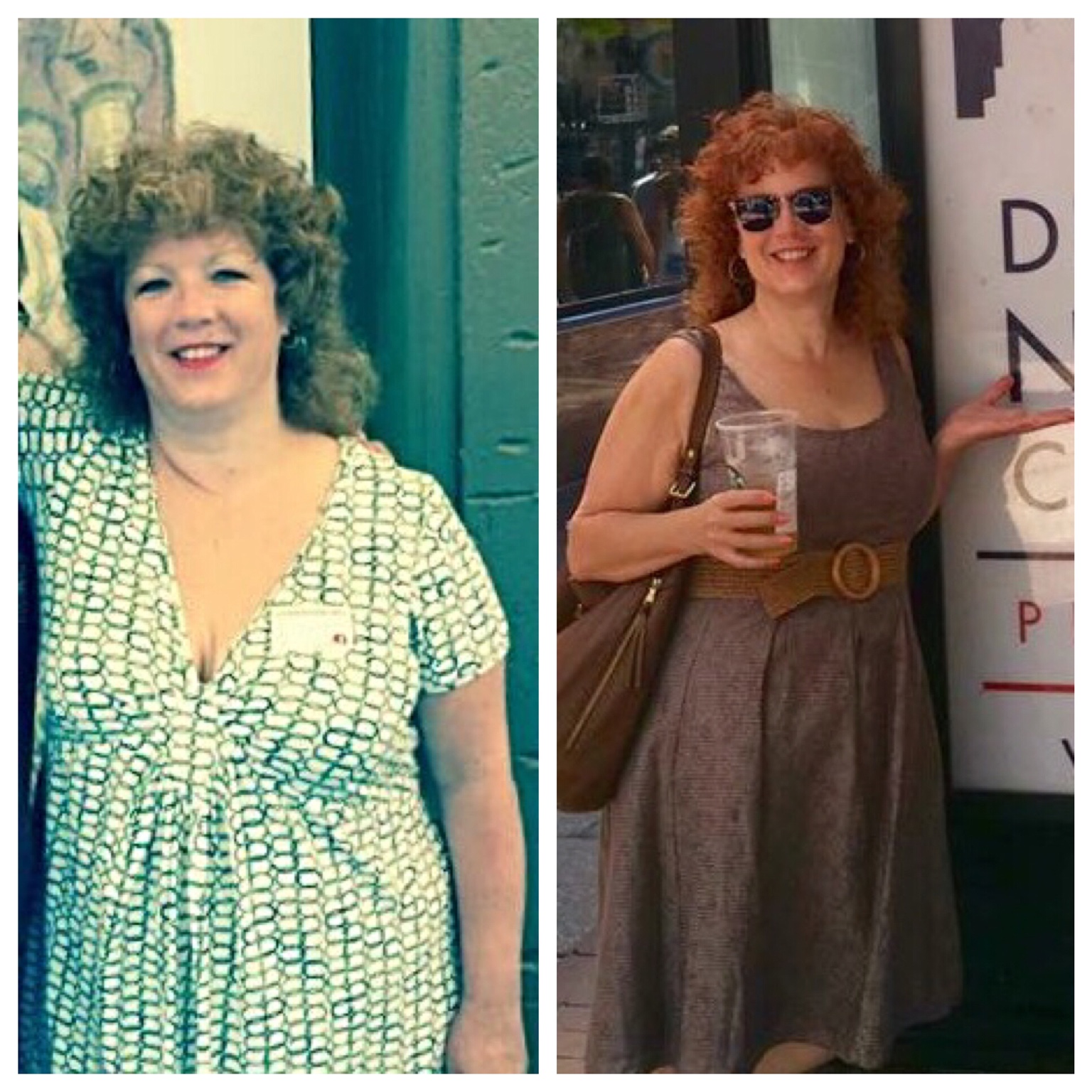
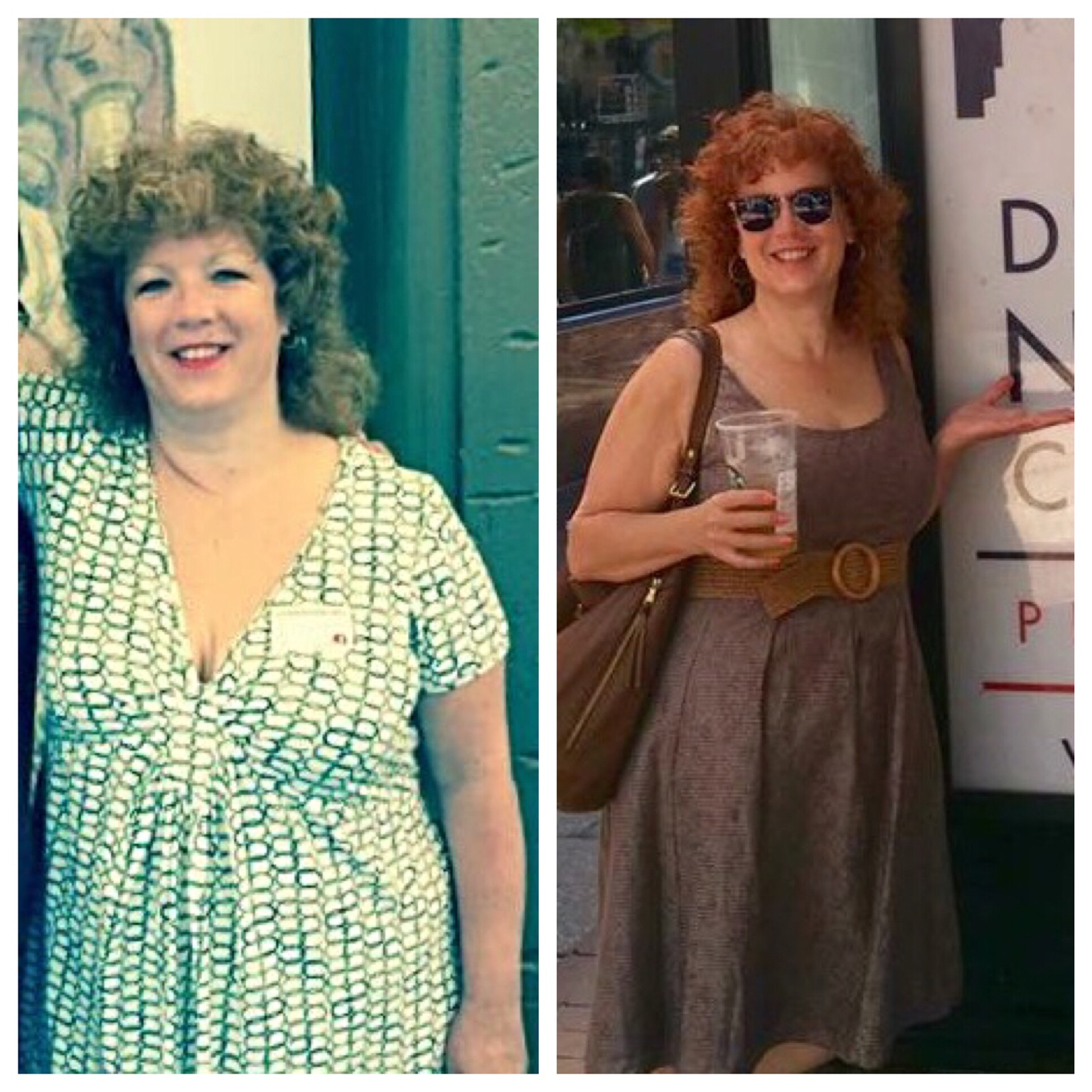
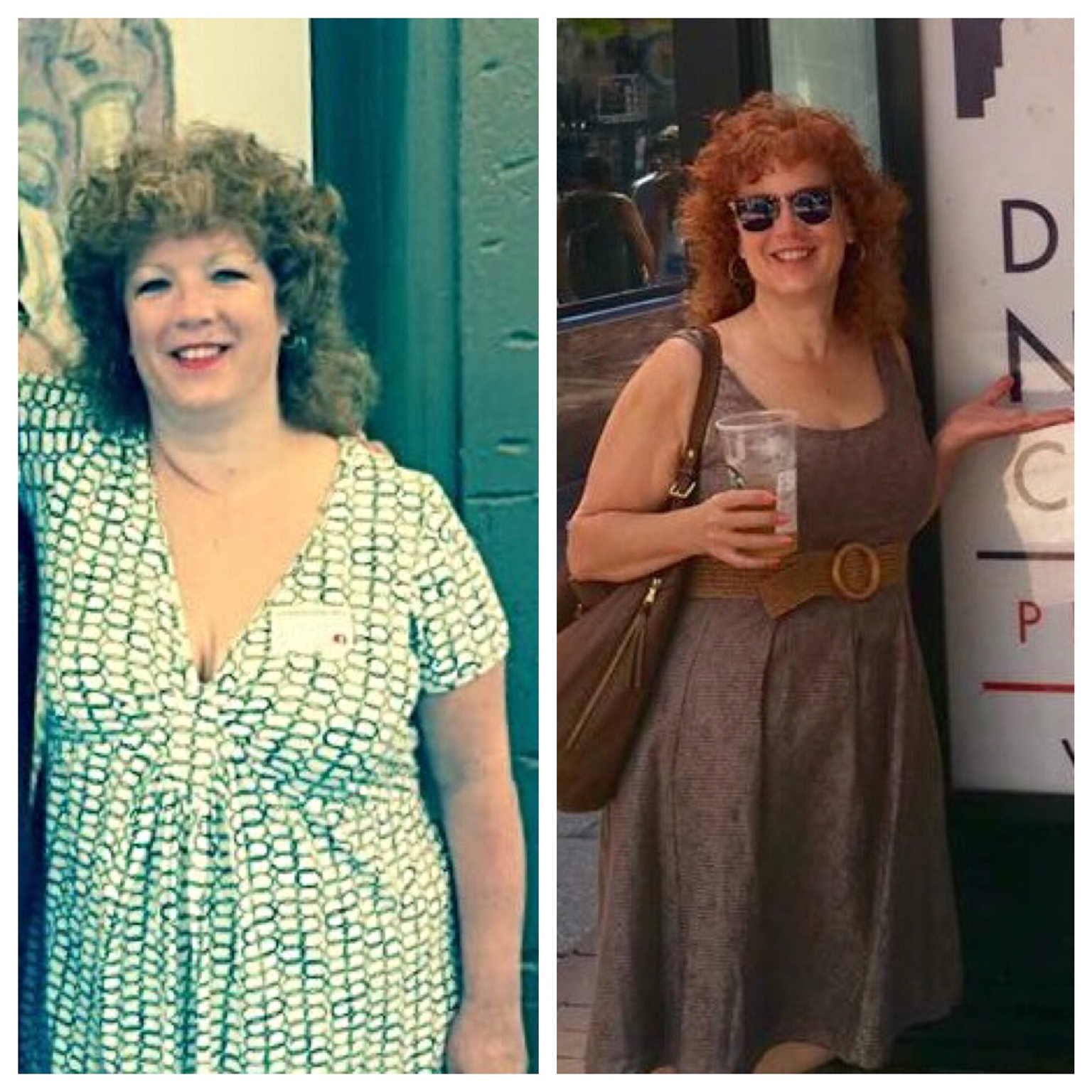
Good progress so far. Feeling great! Pre op at about 240 lbs. Post op at 8.5 weeks at 159 lbs. About 30 more to go!

-
Preop picture and 8.5 weeks out. Progress feels good!

-
-
-
Your blood sugar may be low.
-
Wow! Congrats
-
At what point did everyone add protein bars into their diet??? I'm 6 weeks post op GB RNY.
-
@@tholbert08 I had a large hiatal hernia repaired as well. And yes, I'll be 55 this November. 3 1/2 weeks post op now and feeling pretty good. Down 12 pounds since surgery. 44 pounds since January when I first weighed in at the WLS Clinic.
-
Try a heat pack too.
-
How much sugar, if any?
-
I like the Isopure zero carb Iced Tea. Syntrax Nectar Fuzzy Navel. Quest Salted Caramel protein powder, I mix this with a vanilla premier protein shake and a little extra water.