Skip to content
View in the app

A better way to browse. Learn more.

BariatricPal

A full-screen app on your home screen with push notifications, badges and more.

To install this app on iOS and iPadOS
  1. Tap the Share icon in Safari
  2. Scroll the menu and tap Add to Home Screen.
  3. Tap Add in the top-right corner.
To install this app on Android
  1. Tap the 3-dot menu (⋮) in the top-right corner of the browser.
  2. Tap Add to Home screen or Install app.
  3. Confirm by tapping Install.
  • Appearance

Join BariatricPal free

  • Ask your own questions
  • Reply and follow topics
  • Message other members
  • No cost, no spam

jesskrismom

Pre Op
  • Joined

  • Last visited

  1.    carlaw reacted to a post in a topic: Before and After Pics
  2.    Te-Te Turner reacted to a post in a topic: Before and After Pics
  3.    anewme2015 reacted to a post in a topic: Before and After Pics
  4.    LadyK44 reacted to a post in a topic: Before and After Pics
  5.    OKCPirate reacted to a post in a topic: Before and After Pics
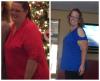
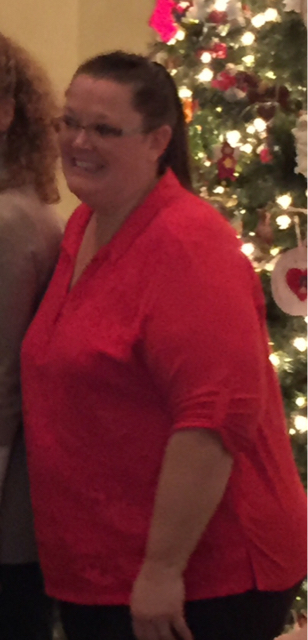
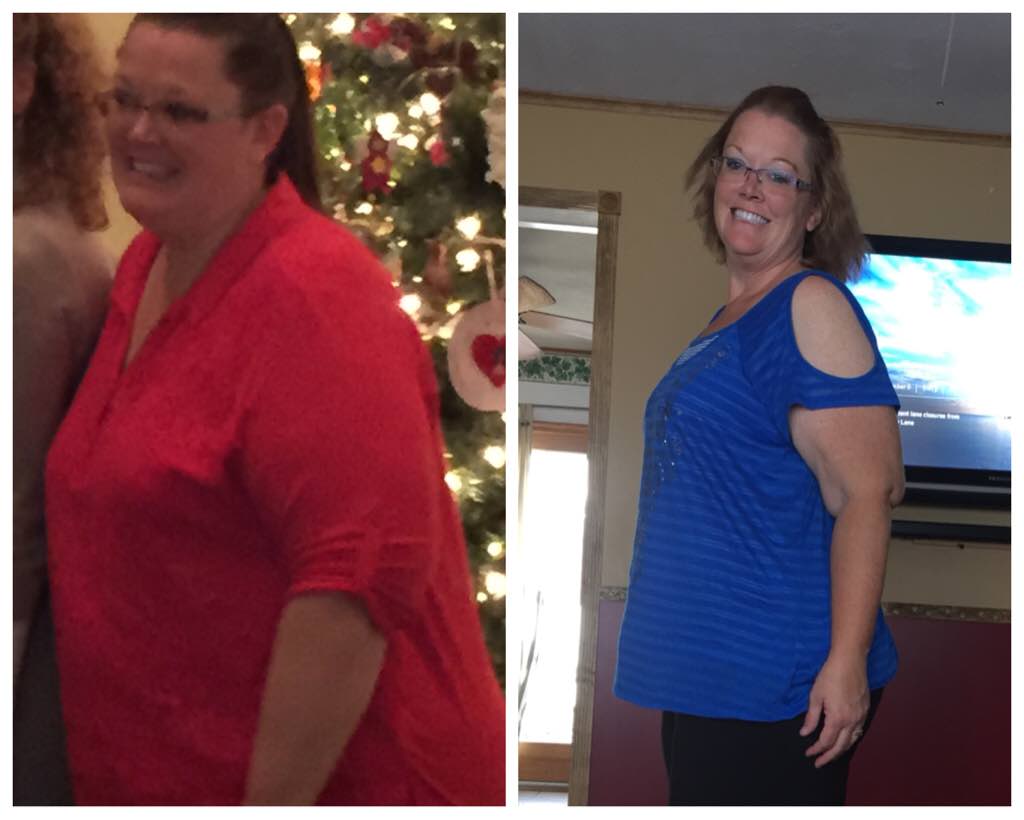
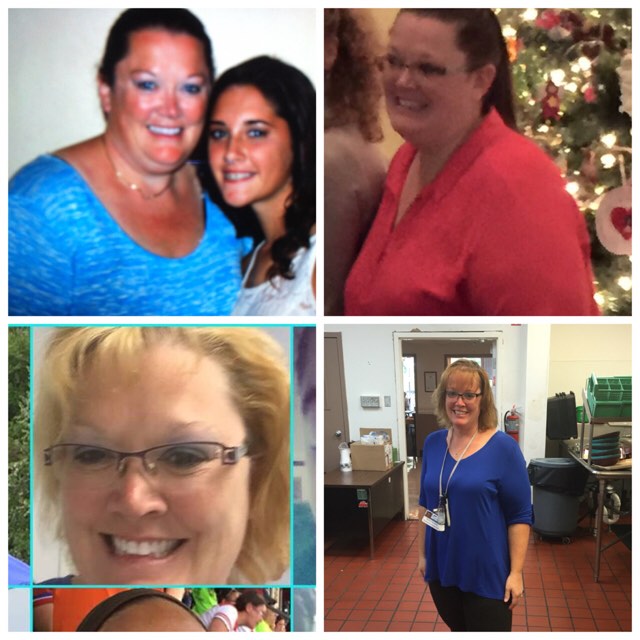
  6. . Oct 2014, dec 2014, May 2015, yesterday! Awesome journey so far.
  7. I am four months post surgery. Currently down 67#.
  8.    EastTexasMom reacted to a post in a topic: Pics
  9.    momfromjersey22 reacted to a post in a topic: Pics
  10.    jesskrismom reacted to a post in a topic: Pics
  11.    tcon reacted to a post in a topic: Pics
  12.    OKCPirate reacted to a post in a topic: Pics
  13.    Babbs reacted to a post in a topic: Pics
  14. I've been doing ok with jerk and Cajun but I am also on mess for gets which work well.
  15. I'm doing good. 6/16/15 post op. Some swings but my husband is awful. He is post op 5/2015.
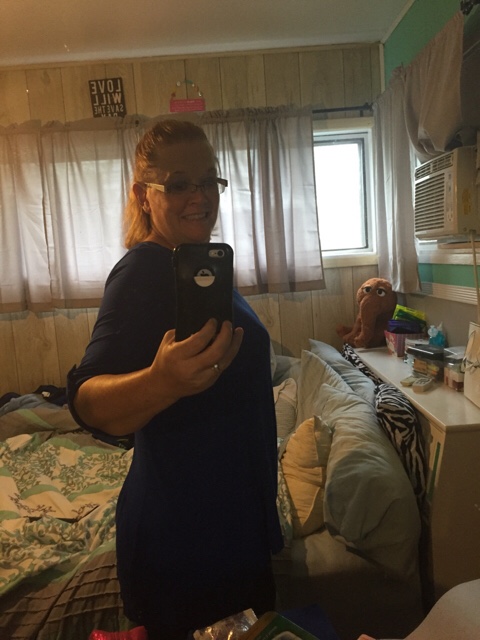
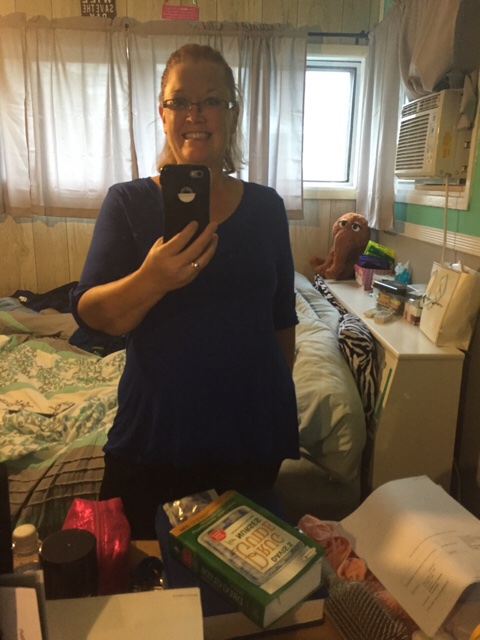
  16. before and after. 3 months post op.
  17. My doctor offered a prescription to prevent gallstones. I never got it filled. I am 3 months post op and so far no problems.

Account

Navigation

Search

Search

Configure browser push notifications

Chrome (Android)
  1. Tap the lock icon next to the address bar.
  2. Tap Permissions → Notifications.
  3. Adjust your preference.
Chrome (Desktop)
  1. Click the padlock icon in the address bar.
  2. Select Site settings.
  3. Find Notifications and adjust your preference.