jredding
Gastric Bypass Patients
-
Joined
-
Last visited
-
-
-
-
-
-
Congratulations!!! I can't wait for onederland!!
-
-
-
-
-
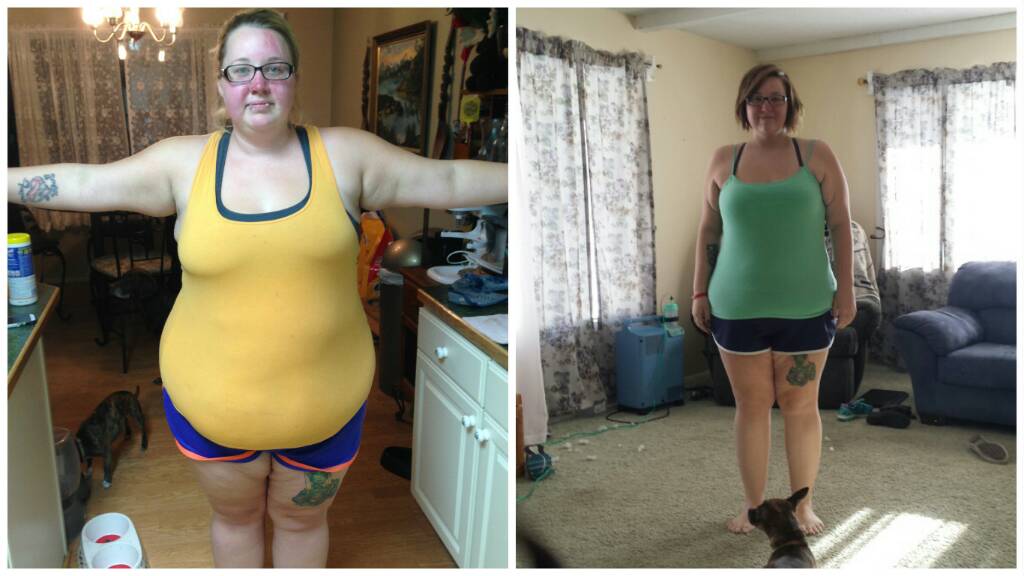
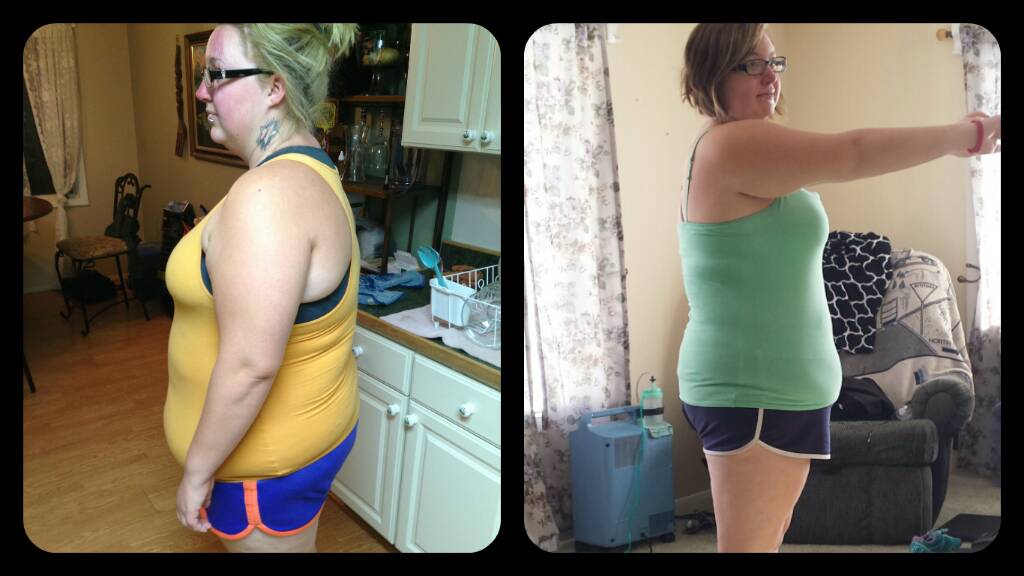
2 months out and 55lbs down so far
-
-
I use Baritastic. I like it because you can set your own protein and calorie goals.
-
Congratulations! You look fantastic!!!
-
-
-
-
-
The app on my Samsung phone crashes at least a couple times a day also...
-
Zumba Exhilarate is really good! I love it. It's so fun! I've also been looking into Piloxing. I think I'll have to try it soon.
-
Recovery has been really good! Minimal pain. Getting enough fluids can be tricky, but I'm doing my best. Being able to eat again is weird. Haha. I'm on the soft food stage now. It's been good. I weighed in yesterday morning and I'm down 41 lbs!!
-
I went to Mexico and had rny surgery done by Dr. Ponce DE Leon. I had a really good expirience. I did my research and with 20 years of expirience and no negative reviews that I could find, I knew he was the right doc for me. My sis and I both decided on him. We flew to San Diego the day before and were picked up by Roberto and driven to the recovery house. The next morning we were taken to the hospital and our tests (blood tests, ekg, ect.) were done. Then we were good to go for surgery. The nurses, doctors and other staff were all very friendly and made the 2 night hospital stay very pleasant. After being discharged from the hospital, we were taken back to the recovery house for our 2 nights with Juan and German taking us out for walks and exploring. It was a very good expirience. I'm just over a month out and have had no complications or problems whatsoever.
-
Great job! That's so inspiring!
-
That's so great! Congratulations!!!
-
-
@"Miss Mac" what multivitamin do you use?
-
-
What oils did you use in your blend?
-
-
Thank you!!
-
-
Good luck! I'm 2 days post RNY! I'm sure you'll do awesome!!
-
We're doing so well! I woke up with no pain today. Our leak tests went well. We're just waiting to have our drains taken out and then we get discharged!