Sleevie.Nicks
Pre Op
-
Joined
-
Last visited
Everything posted by Sleevie.Nicks
-
Here for anything !! Help support someone to talk to I am here for all!!
-
Thanks to everyone for the support and knowledge!!!!
-
So I was going through one clinic & they had more pre-op qualifications then I thought I could handle, come to find out this other clinic aren't asking for nearly as much so I will be able to have my surgery sooner!! I can't wait I am so excited!!! I started this process last year and was 3/4ths the way done all I had to do was lose 10% body fat and move on to the surgery!! However I got cold feet needless to say I had decided I wasn't ready!! But now I am super ready and I can't wait!!!! I don't have as much pre-op qualifications so it will be quick from this point and I am so happy that I am ready for this step finally!!
-
omg!!!! Success all over that's amazing I can't wait to get my life back and start this journey && actually be healthy and happy!!Enjoy this journey! It's simply amazing. Is it easy- no but well worth it! I'm down 96lbs since my surgery 3.5 months ago. Best thing I've ever ever done (well minus my husband and kids). The confidence I have now- huge! I have bones in my body that I didn't know existed- well at least not for the past 8 years! Haha. But seriously soak this process in and enjoy the ride! hats awesome thanks so much!!!
-
great things are happening so much and I just found out I don't have to lose any weight for pre op to get this procedure!! I am so happy liquid diet here I come!!!!!
-
Had my first nurse appt today was great!! I have already been through all the steps this is my second and final time going through this process because I started last year and was 3/4ths of the way through it and got cold feet but not this time I am ready and focused!! Keep in touch since we are all around same progress
-
thanks so much!! I thought long and hard and did a lot of research and I am ready!!!
-
Went to my first nurse appointment!! I am excited but I am also anxious to actually go through this journey!! Because last year I started this journey and 3/4ths of the way through I got cold feet!! So I am going through it yet again and I am sticking with it!! I am so excited!!
-
omg!!!! Success all over that's amazing I can't wait to get my life back and start this journey && actually be healthy and happy!!
-
yes just because you could and you did it's like something we all can enjoy especially knowing that we can shop at any regular shop and it's like omg I actually don't have to be embarrassed or sad that I can't fit!!
-
ahhhh the old boob sweat!! Lol ????????
-
that blew my mind!! You hit the nail on the head preachhhh!!!!!!!!! ????????????????????????????????????????????????????????????????
-
Looks like we are in This together!!
-
not necessarily...im not even thirty, and my tits were nice and firm before surgery. and i've got good genes too...i guess i was bigger than i thought and im down to about my hs size. and i can only call them my ol' bitty bags. i hope children will firm them up, but if not, im def going for a lift around 40 yrs old. even tho my bf says i should lift them naturally...i dont think he gets it. loloh hunny I don't think men will ever get it!! Haha but yea I am soooooooo freaking afraid to go from my ddd to nasty little munchkins!! I'd be ok with a c tho
-
oh no how much weight have you lost?
-
yea we'll make sure to keep me updated on the size change!!
-
Yes I am anxious!! I don't have a date set but I am hoping its late August or early September!! However I am still going through the process still early yet but I am going through it nonetheless what about you?
-
niceee!! I was born at Abbott lol but that's cool I want to experience a big wls community within mn to arrange meet ups and go and share stories with others!! Of course not until the time is right but I think it would be awesome!!
-
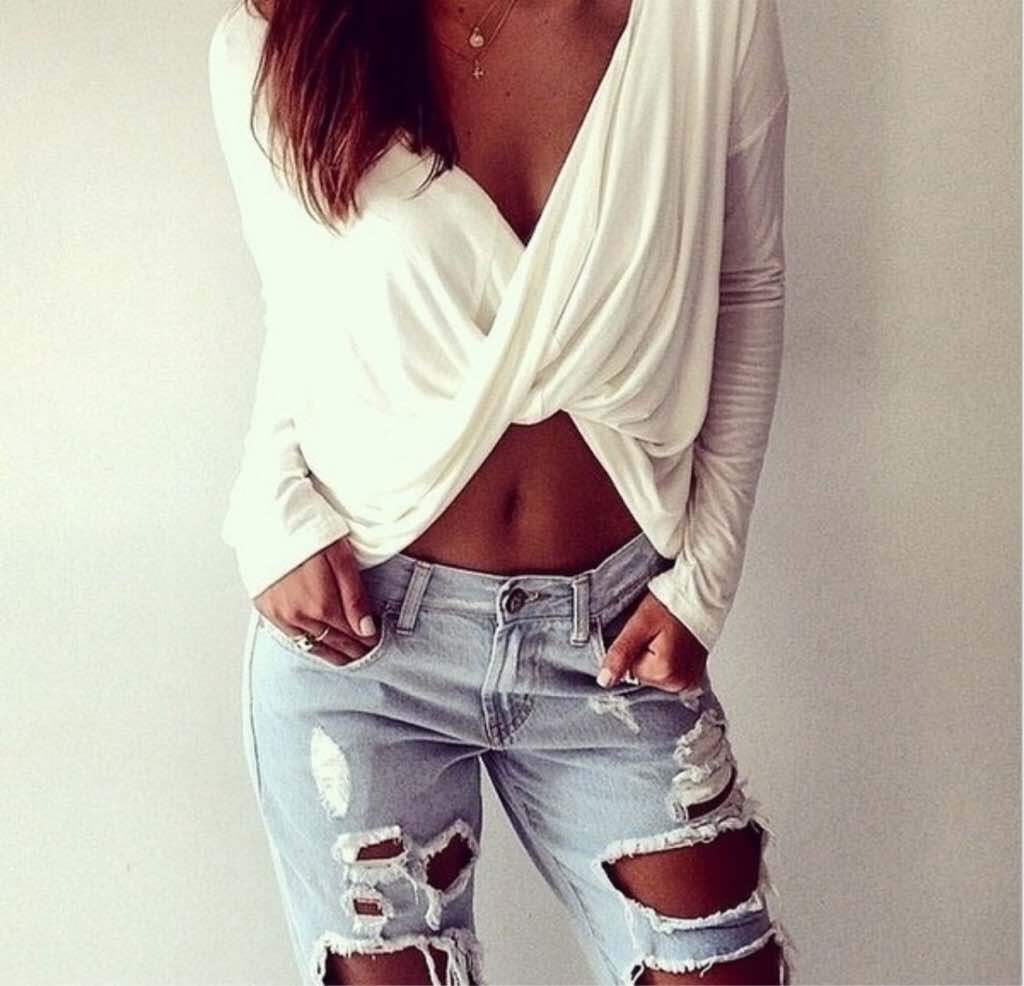
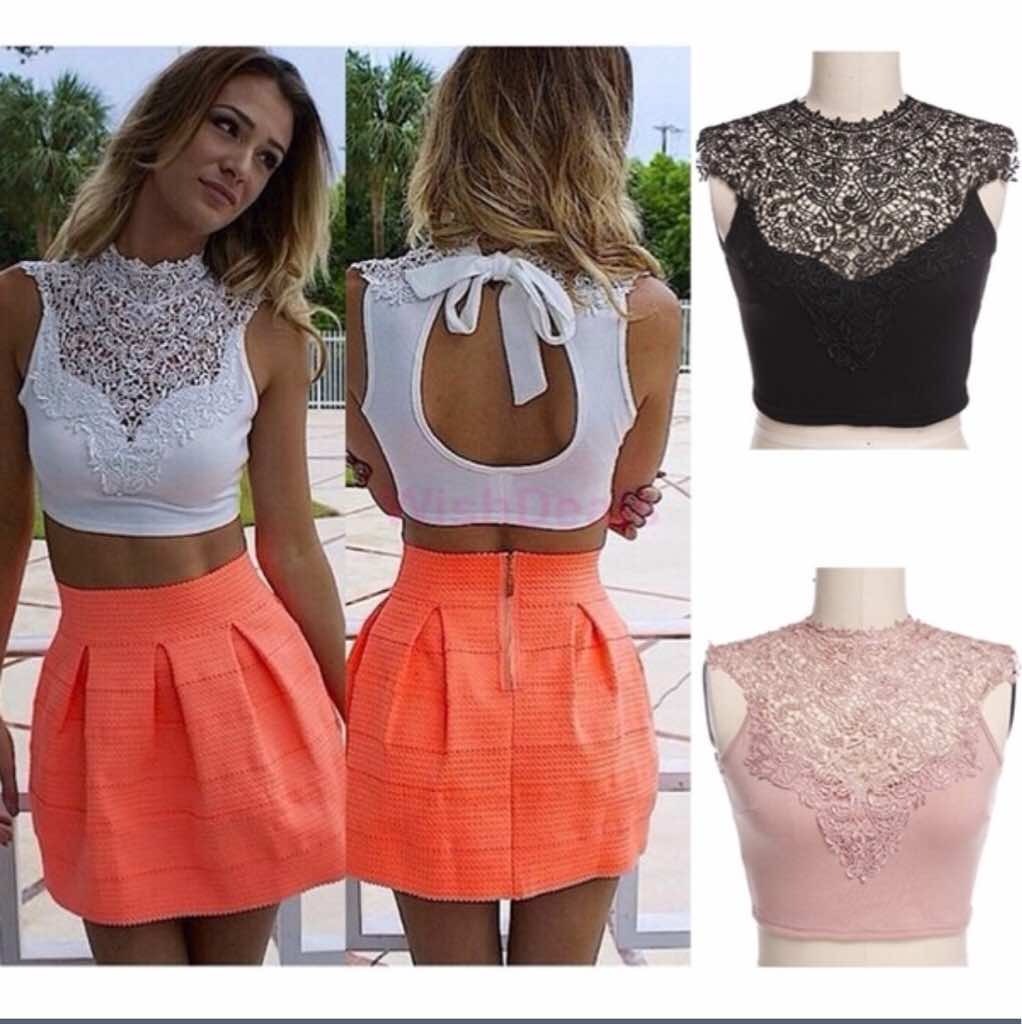
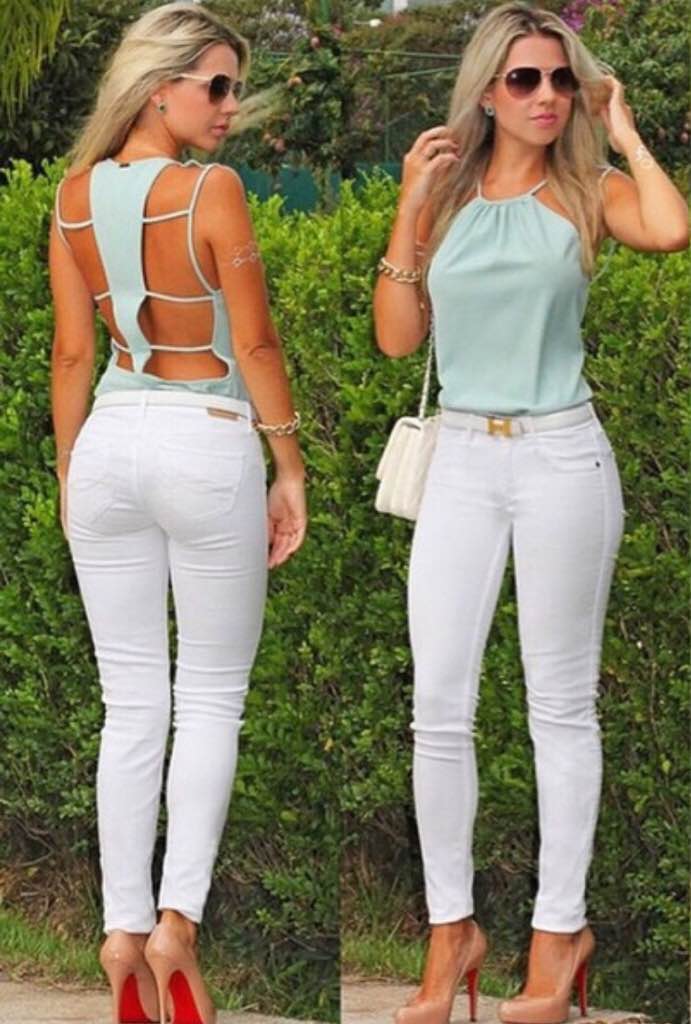
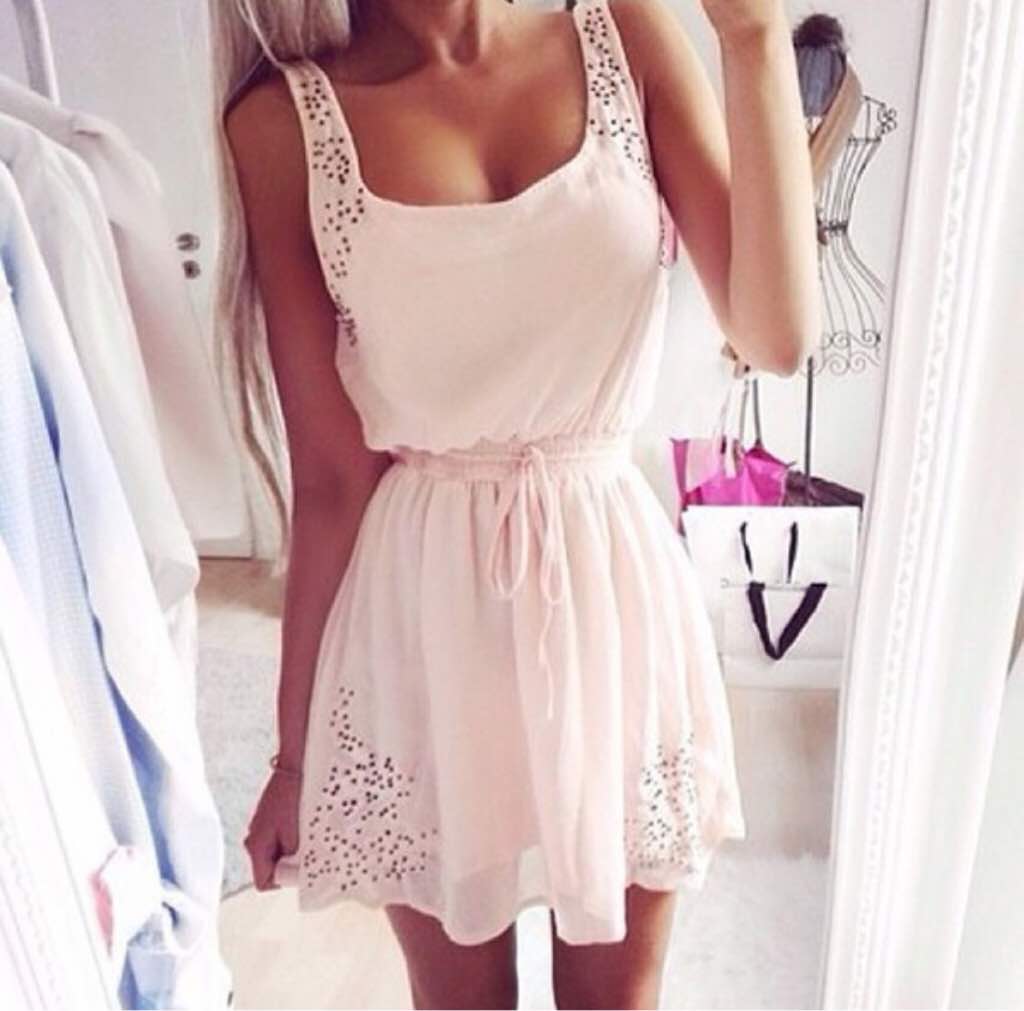
How about everyone post a picture of something you really really want after you get this procedure!! I will go first!! For example!! No more than 4 pictures!! Let's do it!! I want to be able to wear cute stuff like those pieces below!!




-
Planning to also document on YouTube... I've watched so many journeys, it my turn. I'm going to be a September sleever.be sure to leave your information I would life to subscribe!! Empowering each other is very important!! nice be sure to send me your information I want to be sure to subscribe to it to see your journey!!
-
oh gosh!! But good luck with everything!! ????????
-
i can't wait!! It's going to be soooooo freaking cool !! I am anticipating wearing a regular size maxi dress so I don't have to go around looking like I am covered in a big sheet!! that is going to be awesome!! I can't wait until that happens!! Congrats girl you deserve it!!
-
thanks for sharing that is awesome I am happy you reached that!! That's Wonderful!!
-
Oh yeaaaaaaaa!!!! Targets clothing is off the chain!! Aooowwwww!!! && I love old navy clothing for working out and other things I want all the top fashion and will be better affordable because it's regular size not big girl size
-
ohh I hear ya!! That's what I call big girl problems!! We just don't get to look the way we want and it translates into how we feel about ourselves!! Well not anymore we will have our time to look AMAZEBALLS!! Hang in there wonderful things ahead!!