princess20
Gastric Sleeve Patients
-
Joined
-
Last visited
-
-
-
-
-
-
-
-
-
-
-
-
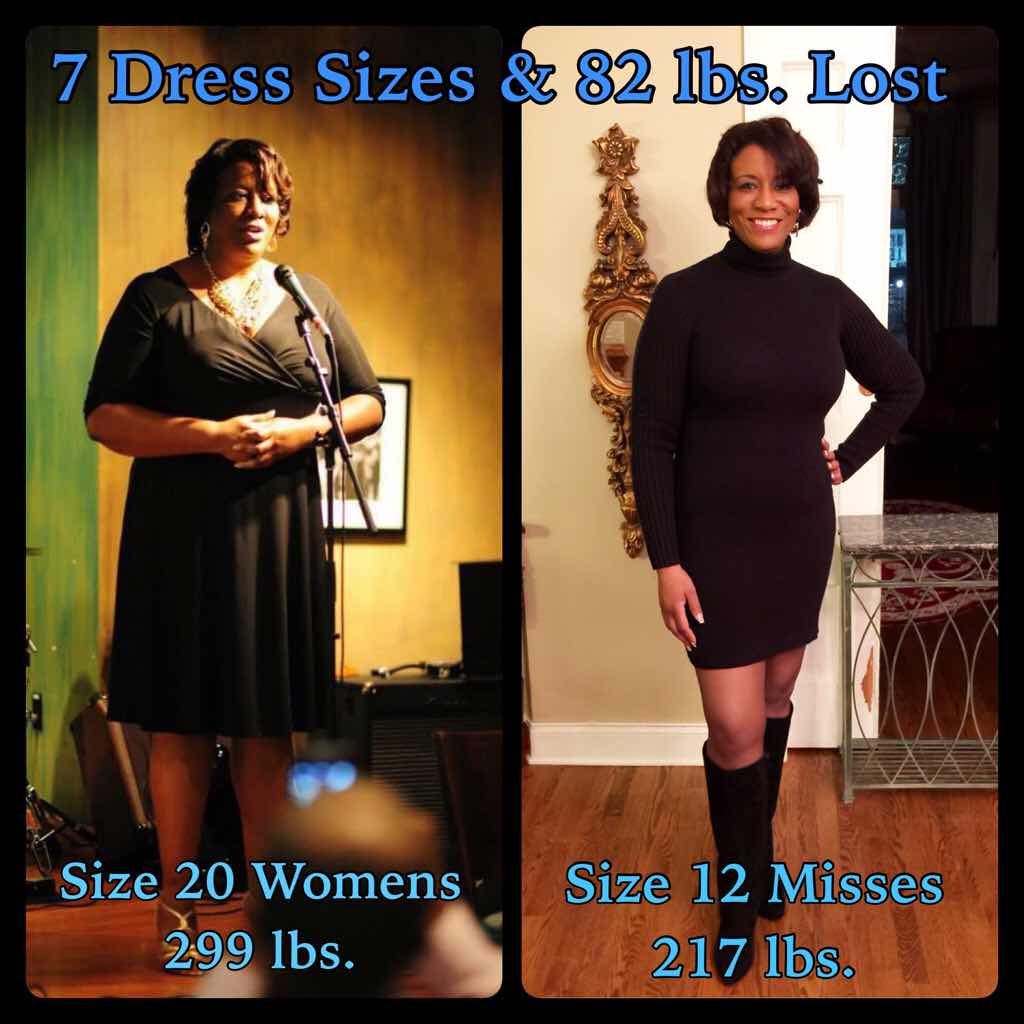
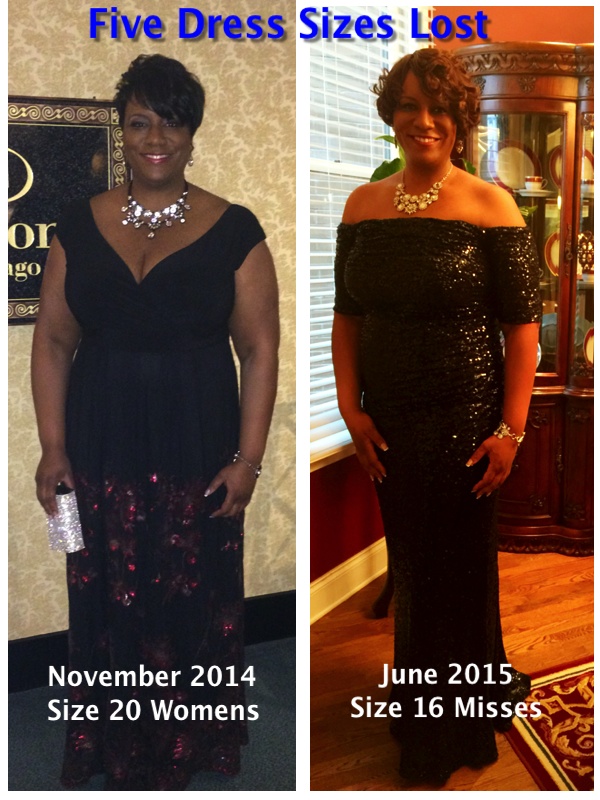
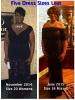
I was sleeved April 6,2015. This progress photo was taken Dec 5, 2015.
-
princess20, a weight loss surgery photo album by princess20 on BariatricPal. 4 photos in Before and After Gastric Sleeve Photos.
-
-
-
-
-
-
YOU GO GIRL!!!!!! KEEP UP THE GREAT WORK! I like the way you have on the same clothes in all the photos. That's a cool idea.
-
-
I was about 2 months & 5 days post op and was down 50 pounds in this photo.
-
Before & After Photos, a weight loss surgery photo album by princess20 on BariatricPal. 1 photo in Member Photo Gallery.
-
I've never had a pair of them. I have always had shoe lust for them. LOL
-
-
-
Pssstttt....stop beating yourself up. You are human. No one told you to eat zero carbs for the rest of your life. I thought the same thing at first, then I hit a stall. One day I "fell off the wagon" and kept eating all day mostly Protein and some carbs. When I got on the scale the next morning, my weight dropped two pounds. Then I remembered that we can be guilty of not eating enough and not eating small amounts about six times a day (every 2-3 hours). So each day after that, I made sure that I got in all my Proteins, all my fluids, a few carbs, and ate six times a day. The scale started moving again. Based on your ticker, YOU ARE DOING GREAT!!! Don't let head games stress you out. You are on your way!
-
A friend who had sleeve surgery told me to celebrate non-scale victories, so I am DELIGHTED that at seven weeks post-op, I am down two shoe sizes. I went from a 11WW to a 11M. This is especially thrilling, because I LOVE HIGH HEELS. I had to stop wearing them because my weight got to be too much to stay on heels longer than about 30 minutes and there are not many choices for heels with extra wide feet. My dream is to buy a pair of Christian Louboutin shoes since they only come in medium widths. Since they are so expensive, I will wait until I reach my weight loss goal to buy them. I am glad that I am refocusing how I reward myself and not using food as incentives.
-
-
I don't want to tell him....ever.
-
Popsicles tasted like steak after surgery. LOLOL
-
The first "date" was coffee. I guess I meant to say the first time we go to dinner...
-
I was just sleeved seven weeks ago. I am down 45 pounds. Now that my weight is down, my confidence is going up, so I decided to try online dating sites. How do I explain the fact that I can only eat 4-5 bites at the most of food on a first date? I don't want to get into a long discussion about my health history on a first date and really don't want to get into it ever. How do I explain to my dates why I am not eating so much?
-
No matter how you feel after surgery, it WILL get better EVERYDAY. I kept wondering if it would always hurt to swallow, be in pain, etc. It will pass before you know it.
-
ROCK ON girlfriend!!!
-
AWESOME!!!!