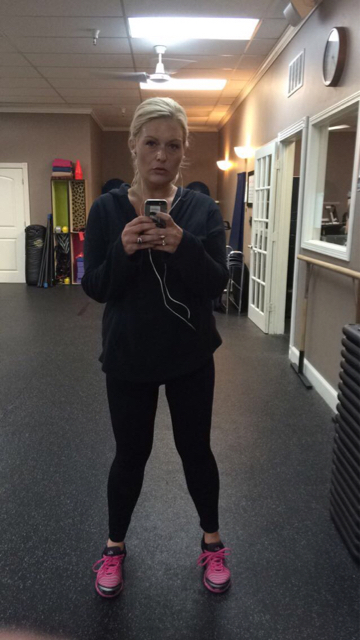
katiedoo
Pre Op
-
Joined
-
Last visited
-
-
-
I'm so glad to read these posts! I've taken 3 positive tests... Just 5 months post op! Glad to hear everyone is doing well. My first doctors appointment is tomorrow????. It's been 30 years with no luck so I'm praying my 80lb weight loss will do the trick... And my body can keep this baby healthy.
-
-
-
-
-
-
-
-
-
I'm almost 3 months post op now,60# down, no complications. Dr Rod & Dr Elmo were the best choice. Their team was truly wonderful.
-
Thanks everyone for sharing! Such inspiration.
-
I'm still a work in progress! Almost 3 months post op, and I'm down 60#. @ 5'8"- 179lbs. The sleeve is the best decision I've EVER made, by far. More to come!



-
I'm down 50 @ 3 months. How are you doing? I've noticed it coming off less rapidly the closer I get to goal...
-
Just stick with the plan & u will be there before you know it! I too had a stall at the 200mark! It won't be the last my friend. You'll get there!!!
-
Surgery 5/11/15- 5'8- HW:270, SW: 223 CW:195!
-
I'm sorry, the 10th... Surgery on the 11th. Maybe we can keep in touch? I met another lady named Debra that will be there with us as well. She's from Maryland.
-
Yes I am. Flying in from Dallas on the 11th also! ????????
-
Thank you!! 8 more days!!!
-
I'm just trying to make for an easy breezy surgery. I started the pre op high protein- low carb diet 14 days prior to my surgery date. My nurse said it would help for recovery as well...
-
I was thinking the same about withdraw from crappy foods. What did you take to get by?
-
Anyone have trouble with headaches on their pre-op diet!!? I don't know if it's stress or lack of water or caffeine...
-
Your gonna do great sleeve32! Keep us updated on your progress!!
-
 katiedoo reacted to a post in a topic:
Please share your story with me from band to sleeve I'm in my pre op and very anxious
katiedoo reacted to a post in a topic:
Please share your story with me from band to sleeve I'm in my pre op and very anxious
-
Where is everyone having surgery?!