becweaves
Gastric Sleeve Patients
-
Joined
-
Last visited
-
-
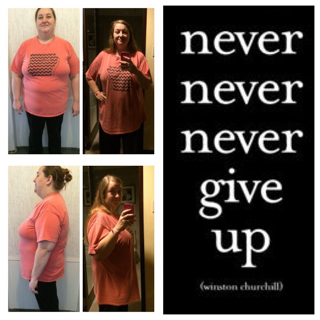
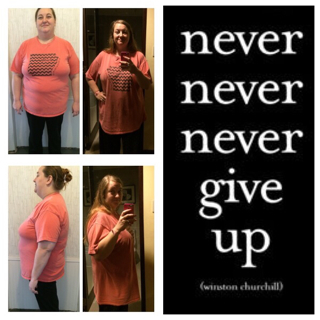
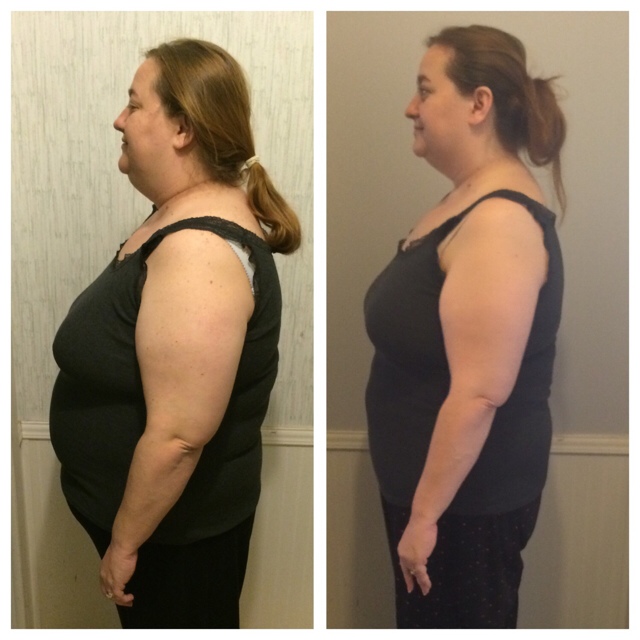
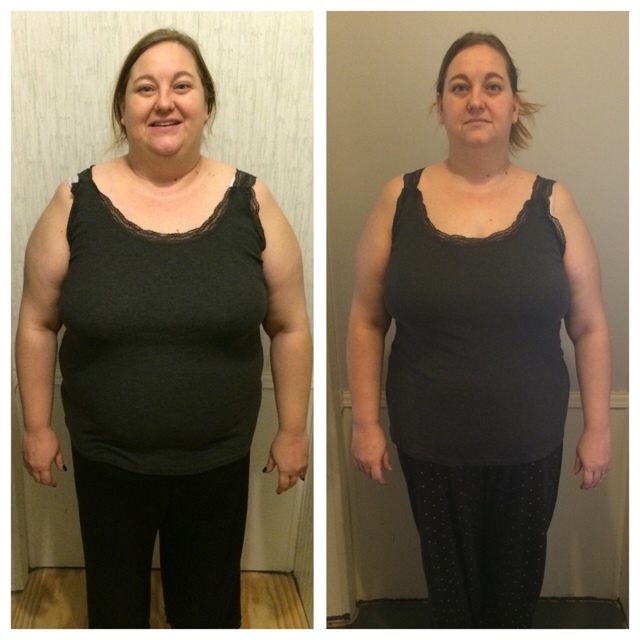
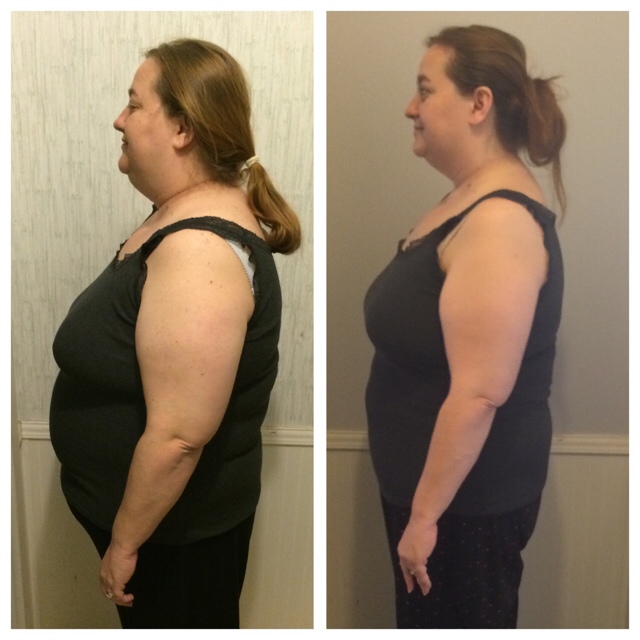
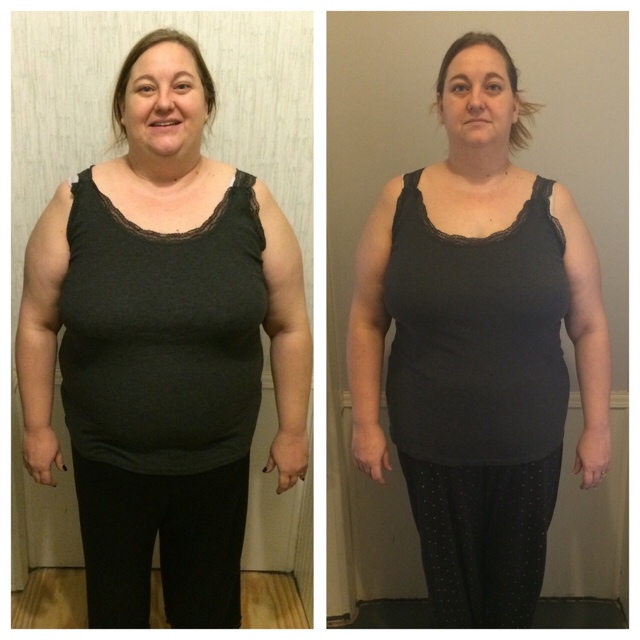
I haven't checked in for a while Surgery date - November 19th 2014 Starting weight - 275 Current weight - 184 Total lost 91 pounds!!! 14 pounds to initial goal of 170 How's everyone else doing??
-
-
-
-
-
-
-
-
-
-
-
I haven't really "worked out" but I walk a lot!
-
-
-
-
-
-
-
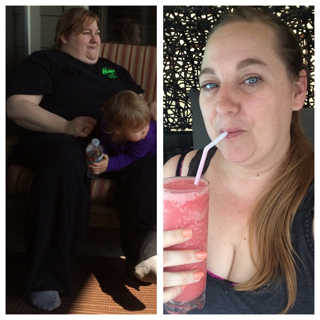
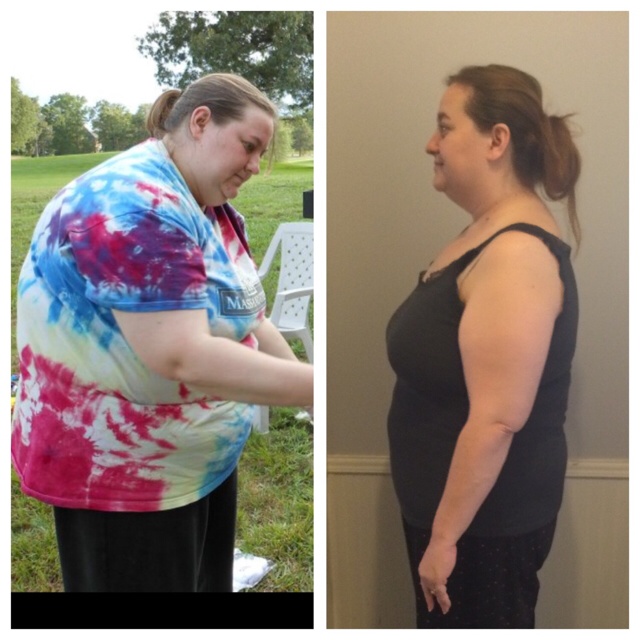
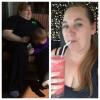
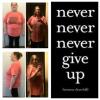
How is everyone doing? I hit Onederland today! 196.4 pounds to be exact! Down from 275!! Here's some before and current pics!
-
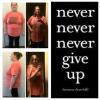
Awesome!!! I hit Onederland today and it feels AMAZING!!!
-
Totally!!! I was shocked! I am down 67 pounds and my feet have shrunk a size already from a 9 to an 8!
-
-
-
I don't drink a lot of milk but have really good luck eating lots of cheese. I'll have to try some milk and let you know how it does :-)
-
-
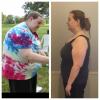
I am feeling great!!!! I had surgery November 19th and I am down 62.6 pounds! 12 pounds was pre-op and 50 since surgery :-) I feel great!!!! Best decision I've ever made! My heaviest weight was 275 and now I am at 212.4. I am going on a cruise on the 27th of February and I hope that I am under 200 by the time we leave :-) that would be awesome! Here's a before and 2 week ago picture.... Best decision I've ever made!!!
-
I am on a general diet and typically get about 1/2 cup down at each meal. I try and stick with proteins like Chicken, Shrimp, salami, cashews etc for the primary portion of my meal and will add a fork full of vegetables. I snack only sometimes and when I do it's a protein bar or veggie straws. I was sleeved on 11/19 and have lost 62 pounds total - 50 since surgery.
-
I find it hard to get my water in too! I am doing ok eating but I make sure to take all of my vitamins because I don't want to lose my hair and they help with skin issues. I found that zero vitamin water squeezed lemonade is the best and it seems to be easy for me to drink - I typically get 3 20oz bottles down daily. I've lost 62 pounds total - 50 since surgery on 11/19/2014
-
Does anyone else travel a lot? I'm finding it hard to get all of my protein in and eat healthy while on the road - all suggestions are welcome!! Here's my travel schedule and you will understand how much I am traveling in the past and upcoming months and how worried I am that I'm not going to continue to lose while away from home... 2 weeks ago - Radcliff, Ky Last week - Oahu, Hawaii This week - Radcliff, Ky Next week - home Week after that - Orlando, Fl Week after that - San Diego, Ca Week after that - home Week after that - cruise with the hubby for 7 days Week after that - Manila, Philippines Week after that - Manila, Philippines Week after that - home FINALLY!! Help!!! I need suggestions!
-
1/2 way to my goal!!!!
-
1/2 way to my goal!!!!
-
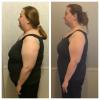
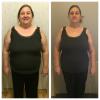
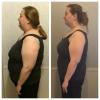
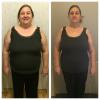
I hit the 1/2 way to my goal point today!!! 55 pounds down!!!! 12 pre op and 43 since surgery on 11/19
-
Wow! You are doing wonderful! What are you eating at this stage? Are you working out?
-
I'm in week 6 and haven't had bread yet. I'm holding out because I dint want to start craving carbs :-)