sschoch30
Pre Op
-
Joined
-
Last visited
-
-
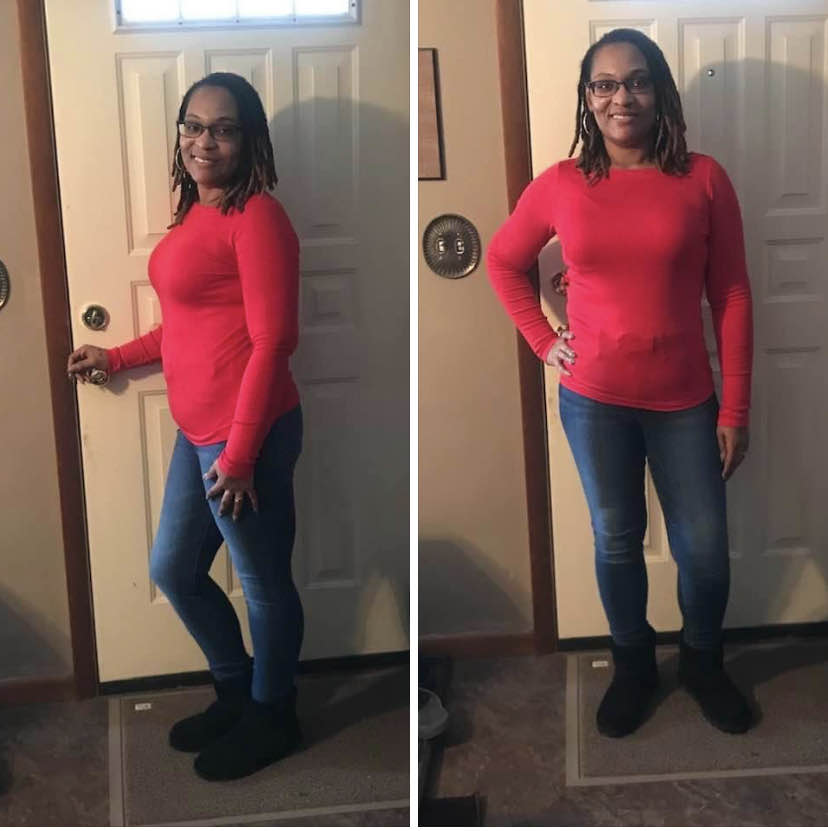
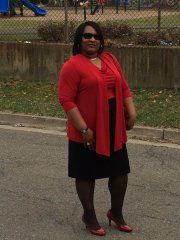
I am 7 years out. I was 168lbs but I’m back to 205. My goal is 170-175lb. Medication changes caused my weight gain.
-
-
-
-
-
-
-
-
-
-
-
It was a comfort food kind of week. Time to reset!?
-
I’m well! Thanks!?❤️
-
-
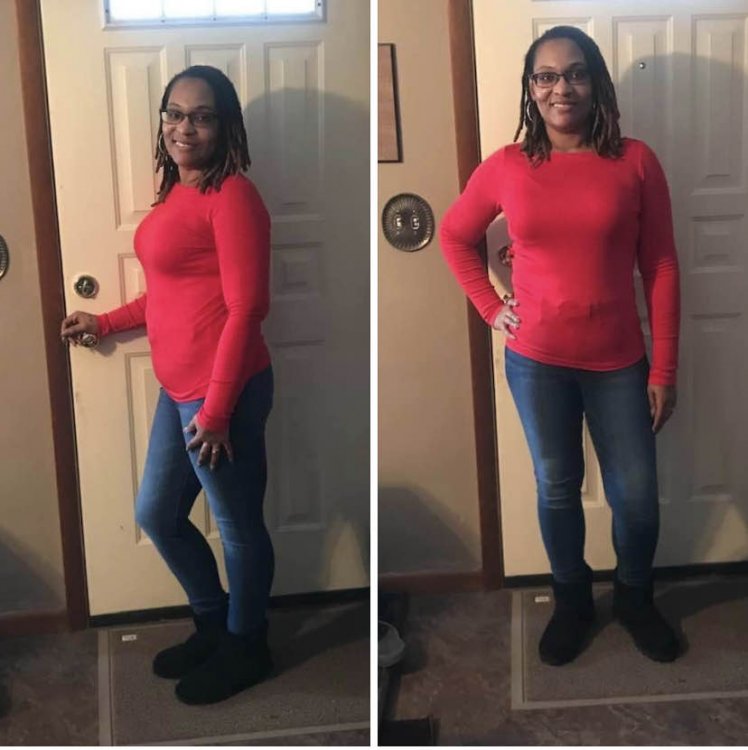
I’m 168 and I’m 5’5” in a size 8 and size small tops. If I worked out I could be in a size 6.
-
I always go back to shakes. The only ones that taste good to me and keep me full for two hours is Ensure plus. Has 5G more sugar than recommended but it’s lactose free so it doesn’t hurt my tummy. I gained my weight back x2 and lost it with shakes, good food choices, portion control and normal activity. I went from a 24/22 to a loose Size 8. Took a few years but now it’s just the way I eat. Occasionally I have a naughty week but I always get back on track.
-
-
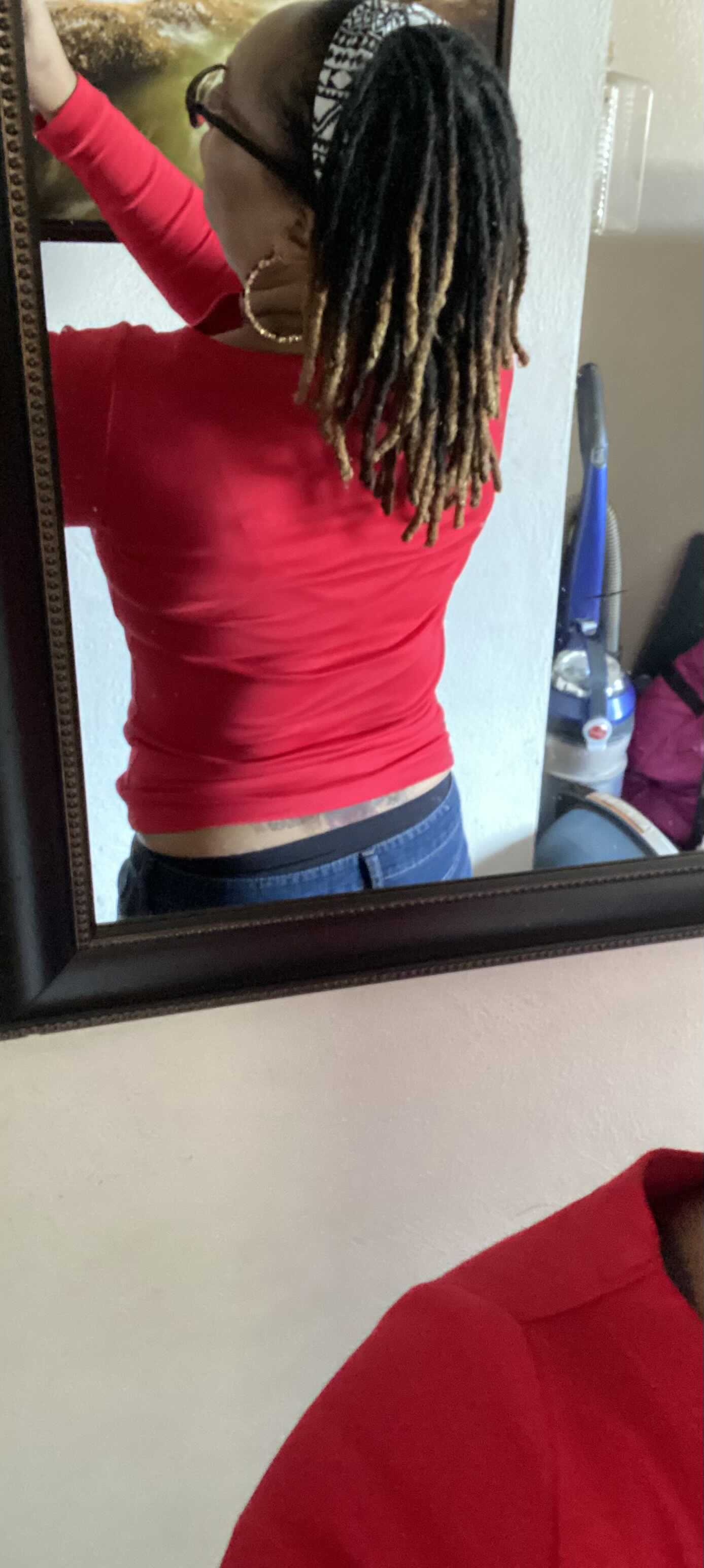
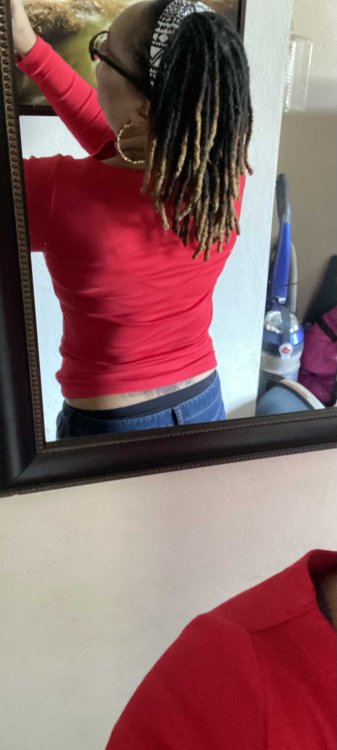
I’m still losing size even though I can’t stay below 170. The lowest I’ve gotten these six years is 168. My size 8 Gap Jeans are fallen off me??
-
-
-
-
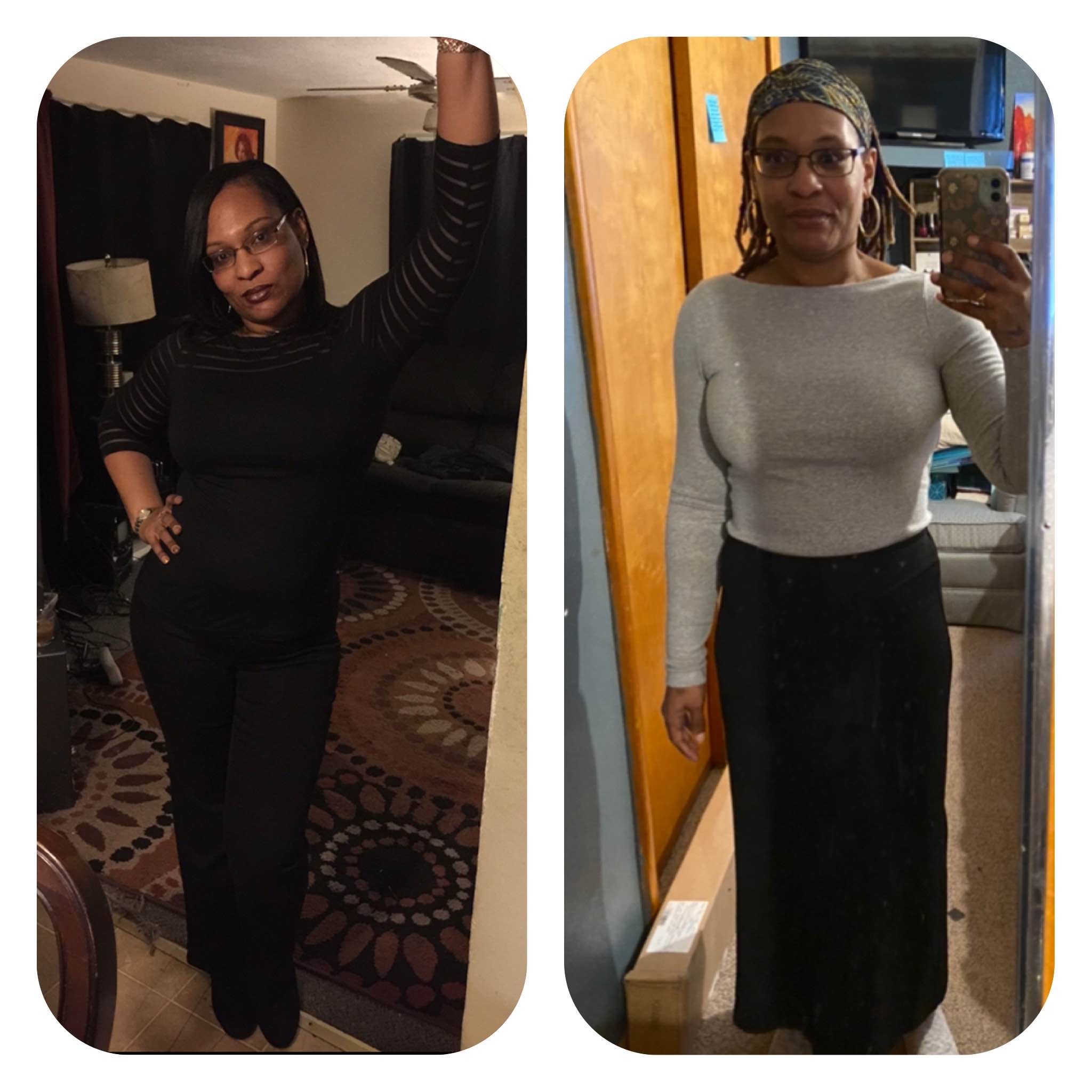
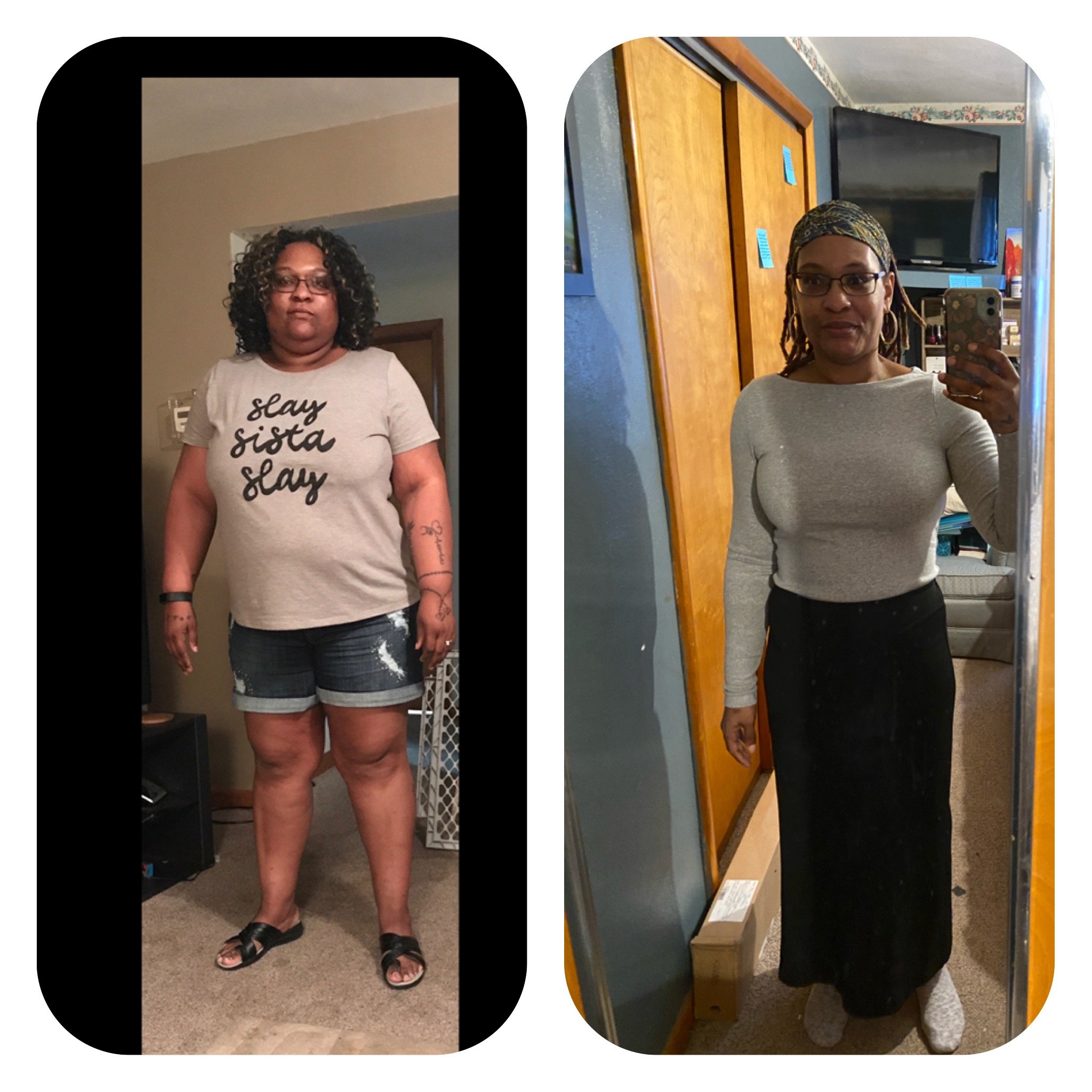
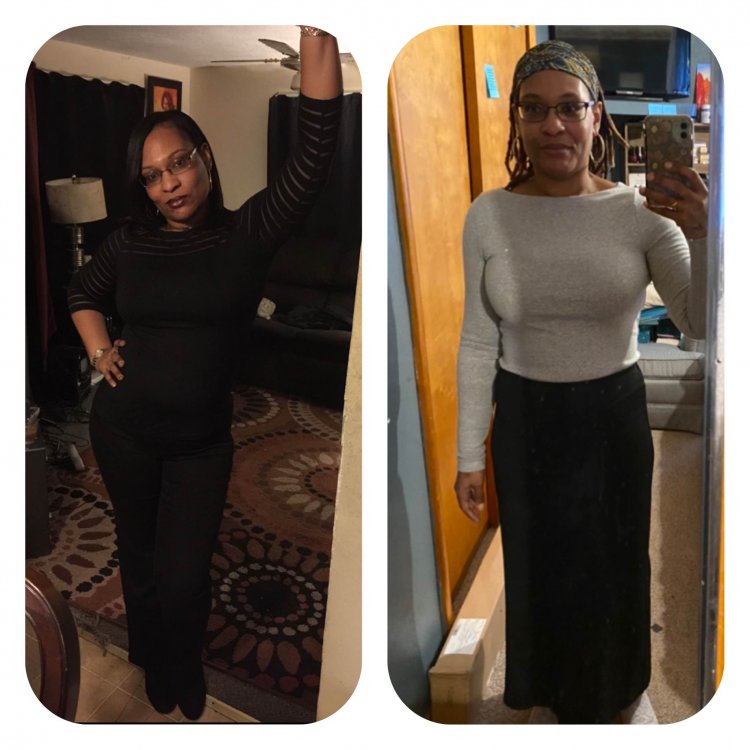
On the left was me in 2015 size 6 and Nov. 2020 size 8 after regain and then losing the weight. The crazy thing is I weigh exactly the same but I a size bigger. I used to go to the gym and o can’t work out anymore so that must be the reason.
-
I’m 6 years out and I not only regained but I gained double what I lost. It took from 2017 to Nov 2020 to get back to a size 8 at 170lbs. I use to be a size 6 at 170lbs. I can’t get any smaller and I’m okay with that. My point is you can do it. Start by eliminating the problem foods one by one. You don’t have to swear them off just only eat them on occasion and if they make you go off track find a healthy option to replace them. After a while your sleeve will kick back in to action. It takes longer but remember the sleeve is only a tool and we have to use it in order for it to work. I went from about 300 lbs to 170 this time around. So I know you can do it too! After yo-yo dieting for a year. I went vegan for a year and lost a ton of weight. After a year I went back to meat. I even supplemented one to two meals with ensure plus and I ate a regular dinner. I have my restriction back. I’m just trying to maintain now. My best friend is now motivated to get back on track. She’s now lost 15 pounds. She doing shakes and portion control and healthy choices. It’s different for us all. Find what works for your life so you can really maintain it. If you don’t like what your doing or it’s too restrictive it won’t work. Try new recipes really get into the lifestyle. Milk Street recipes are really fun and takeout taste but way healthier. Try it. Have fun!! You can do it and we will celebrate every success with you! ❤️
-
-
-
-
-
Weight loss is a Journey. Initially I lost then I gained twice as much back and thank God I am back to a healthy weight. I don’t want to ever be obese as long as I live.
-
-
-
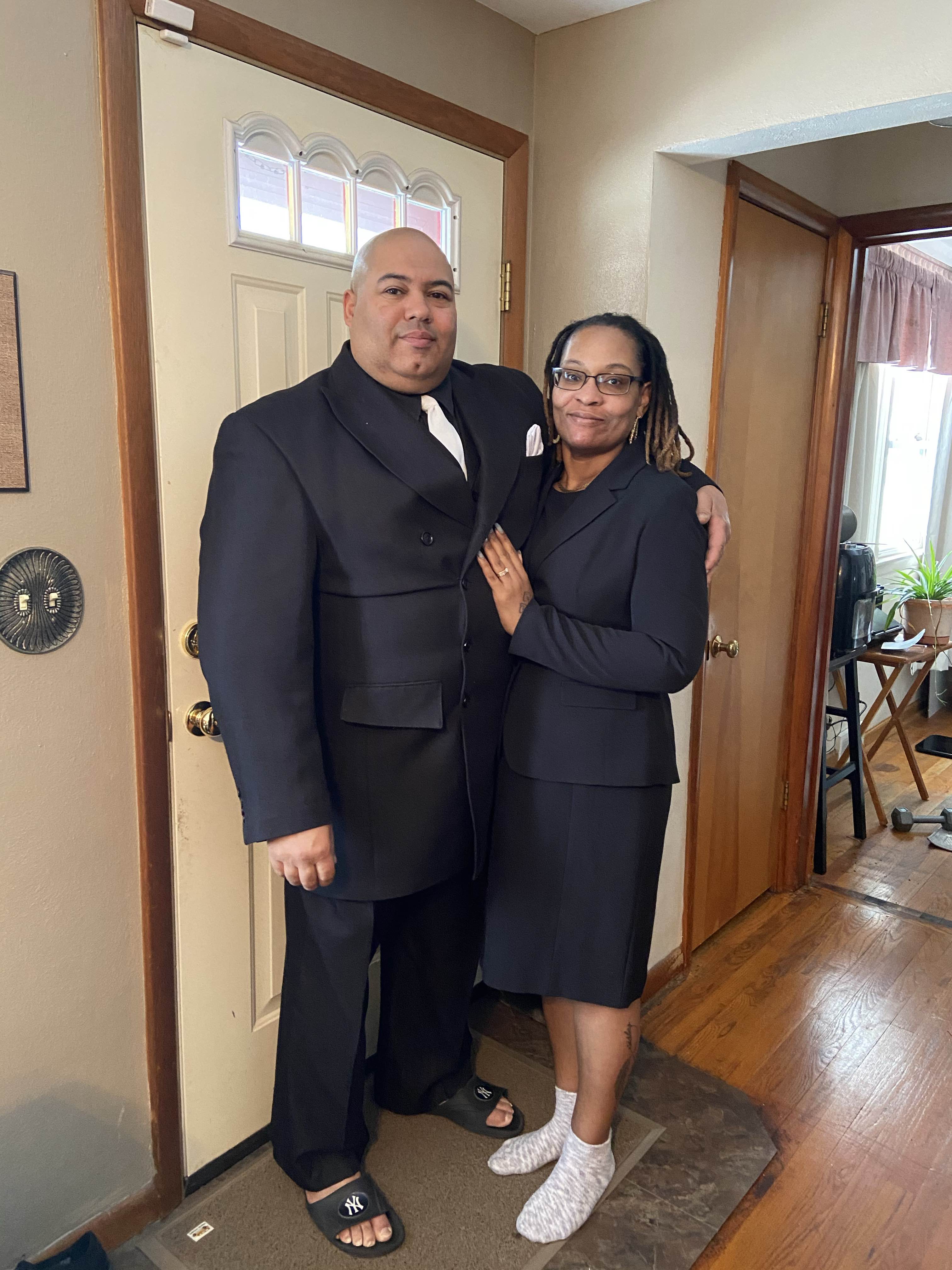
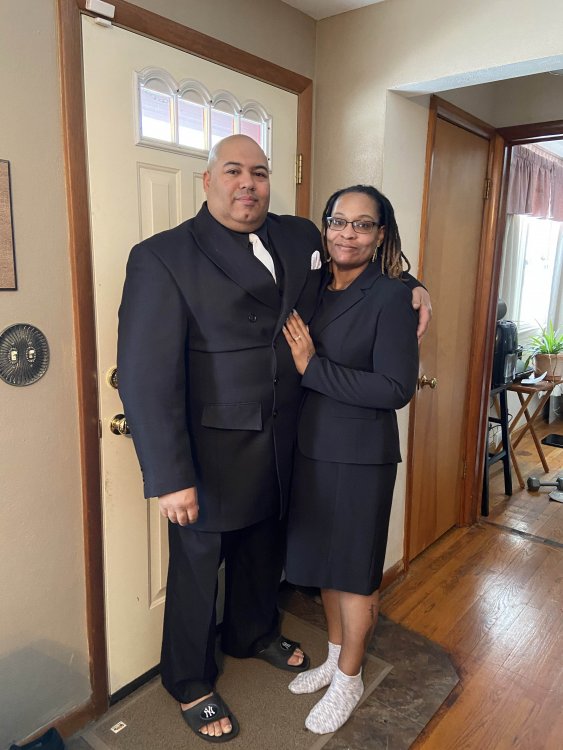
Today with my husband of 15 years! Feeling good about where I am physically, emotionally, financially and most important spiritually.
-
Hi all, I haven’t been here in over 5 years. I regained all my weight x2 by 2017. I have since lost it and I have 19 more pounds to lose to be at goal. Is anyone else at or close to goal? I would love to hear how everyone is doing. Life has been rough but I’m thankful to still be here and I feel blessed to have lost the weight I gained from being ill and on so many medications. HW 300 CW 169
-
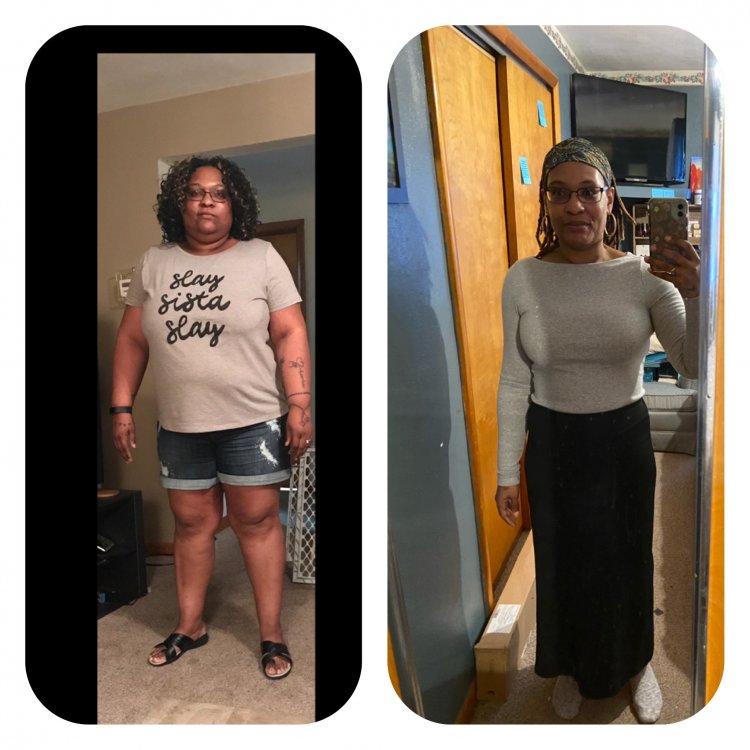
Hello, I had my surgery in October 2014. I went from a 14/16 plus size and 244lbs at 5’5.5” to a size 6 170lbs. In 2015 I became disabled and depressed. I lost my career and independence, social life... I was put on many medications that caused me to gain 60lbs in two months. After 1 and A half years I weighed over 300 pounds. I was disgusted. The medications were damaging my liver so my husband suggested to go vegan. Three years Later I’m a size 8 and I weigh 169 pounds. I don’t even know how I did it but I did and I wanted to share it with you all. Because you can do it to! Just never give up and make small changes and soon the small changes will become your new habits. I was only vegan for one year. Then I started ensure plus and cooked a healthy dinner. My health problems do interfere with my appetite so I guess that helps a little. But I have my restriction back and my latest report from the doctor was that all my labs are normal including my liver. The picture shows me in July 2017 and me in December 2020. I’d like to stay in touch with the others who are striving to maintain your health. I’m looking for a support system because I don’t have anyone else who’s been through what I’ve been through but I know you’re out there.
-
Jen have you tried natural and organic foods? My taste has changed also and I feel that I do better with natural meats that the animals weren't given antibiotics and the such. I hated soy milk prior to surgery but now it tastes like almonds to me and I like it. It's a challenge for me to find foods that taste good because I tend to get bored easily with food. I can't force myself to eat something just because it's good for me if I don't like the taste either.