ThinLizzie77
LAP-BAND Patients
-
Joined
-
Last visited
-
-
-
-
-
-
Thank you so much!
-
 ☠carolinagirl☠ reacted to a post in a topic:
40lbs to go- Bought a size 10 dress and out of the 200s!!!
☠carolinagirl☠ reacted to a post in a topic:
40lbs to go- Bought a size 10 dress and out of the 200s!!!
-
-
kll724 reacted to a post in a topic:
Bastard! {WARNING: may contain content not suitable for newbies and those with a clean mouth)
-
Bama53 reacted to a post in a topic:
Bastard! {WARNING: may contain content not suitable for newbies and those with a clean mouth)
-
-
You look fantastic! Gorgeous dress you have in, too!
-
Hahaha oh no!! I have had verrry similar situations, and it is bloody awful! I find if I'm really hungry and "forget", I eat with the speed of Old Liz and end up in agony. Ugh!!! My kids have made Halloween cupcakes so I will be steering clear!!
-
I had very similar pains after surgery. A massage-although sore initially-was what ended up moving the gas around and dispelling it. I felt better within a day or 2.
-
That is just fantastic!! You are doing unbelievably well :-) very inspirational!
-
Are you kidding?! You look fantastic!! And your hair is lovely-I wish I could pull off short hair!
-
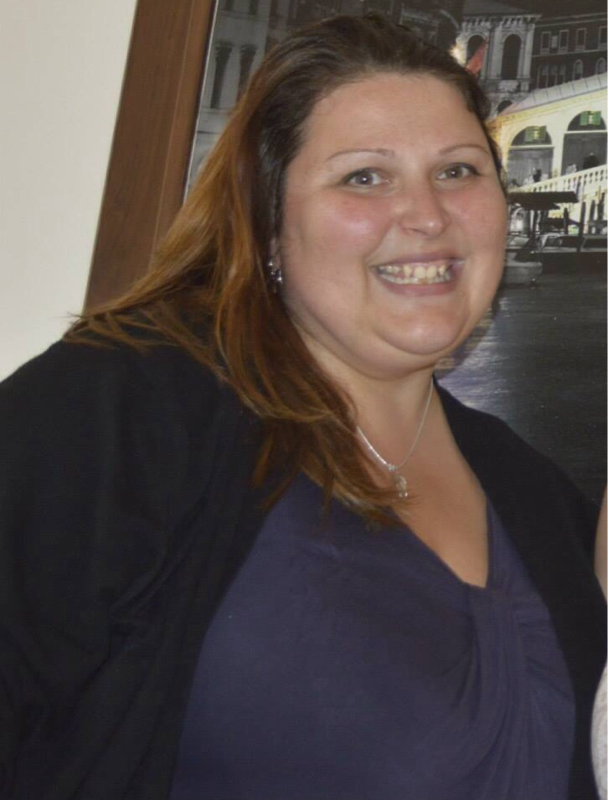
I was banded in Feb this year at 340 lbs, and got good restriction after 2 fills by July. I'm now at 265, with a goal of 170 (I'm quite tall). Here are my before and afters :-) will post a current full body one soon too. Xx