





totiss
Gastric Bypass Patients
-
Joined
-
Last visited
Everything posted by totiss
-
Nice job
-
Nice job
-
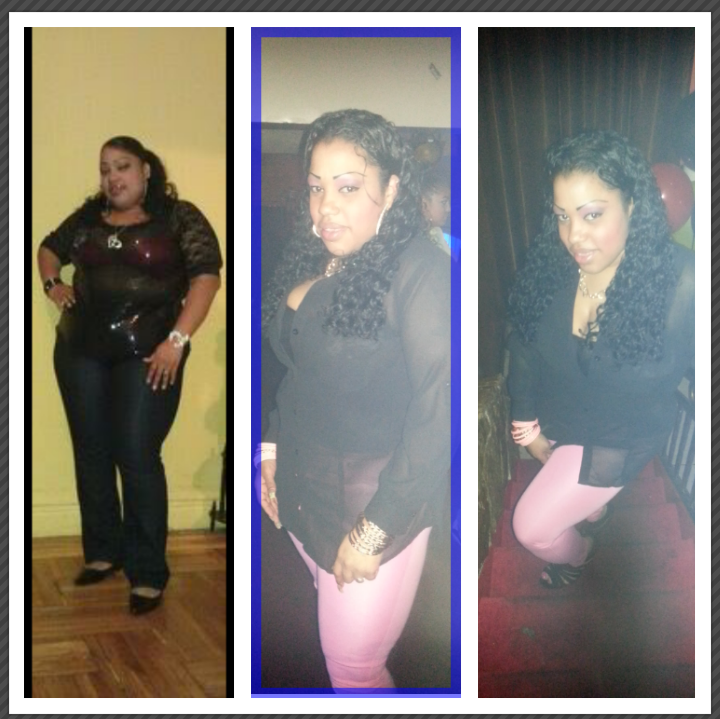
[ATTACH]3194[/ATTACH] 6 months before and after pic !!
-
Thanks
-
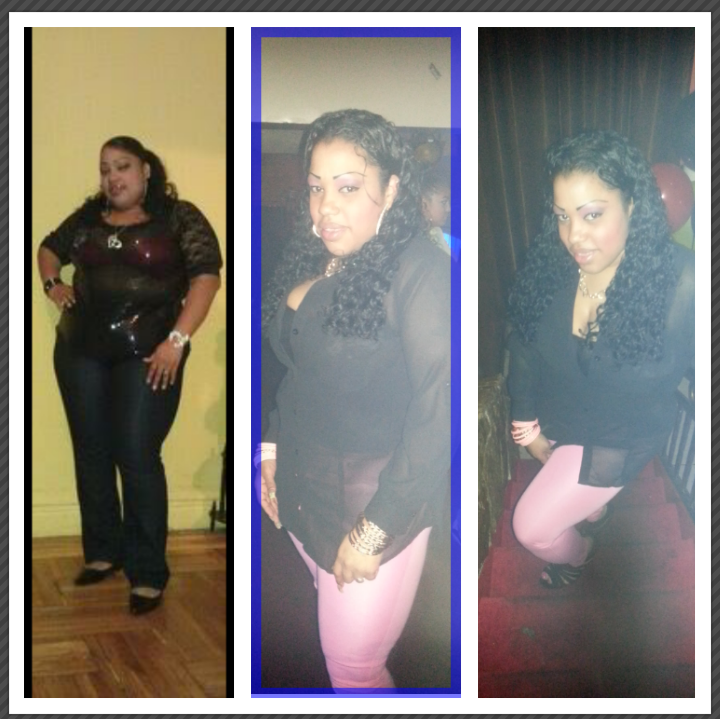
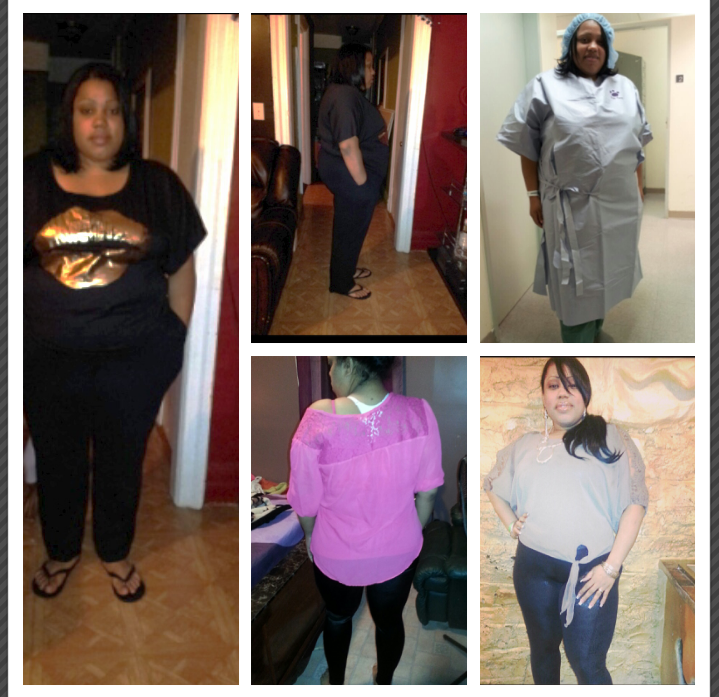
Surgery 10/9/12. 6 months total lost 81 lb [ATTACH]3182[/ATTACH]
 Comgraz nice job !!Comgraz nice job !!ThanksSurgery day 10 /9/12 [ATTACH]2925[/ATTACH]
 Wow u look great !!Surgery day 10/9/12 295 today 257 total lost 38Look amazing. CongratsNiceCongratulations u look great.Bien gracias a dios me desperte com energia pero ahora me siento el cuerpo pesadoNo sera dificil por que todas estaremos en lo mismo jajaja
Account
Navigation
Search
Configure browser push notifications
Chrome (Android)
- Tap the lock icon next to the address bar.
- Tap Permissions → Notifications.
- Adjust your preference.
Chrome (Desktop)
- Click the padlock icon in the address bar.
- Select Site settings.
- Find Notifications and adjust your preference.
Safari (iOS 16.4+)
- Ensure the site is installed via Add to Home Screen.
- Open Settings App → Notifications.
- Find your app name and adjust your preference.
Safari (macOS)
- Go to Safari → Preferences.
- Click the Websites tab.
- Select Notifications in the sidebar.
- Find this website and adjust your preference.
Edge (Android)
- Tap the lock icon next to the address bar.
- Tap Permissions.
- Find Notifications and adjust your preference.
Edge (Desktop)
- Click the padlock icon in the address bar.
- Click Permissions for this site.
- Find Notifications and adjust your preference.
Firefox (Android)
- Go to Settings → Site permissions.
- Tap Notifications.
- Find this site in the list and adjust your preference.
Firefox (Desktop)
- Open Firefox Settings.
- Search for Notifications.
- Find this site in the list and adjust your preference.