





aarval
Gastric Bypass Patients
-
Joined
-
Last visited
-
-
-
-
-
-
-
-
-
-
-
-
-
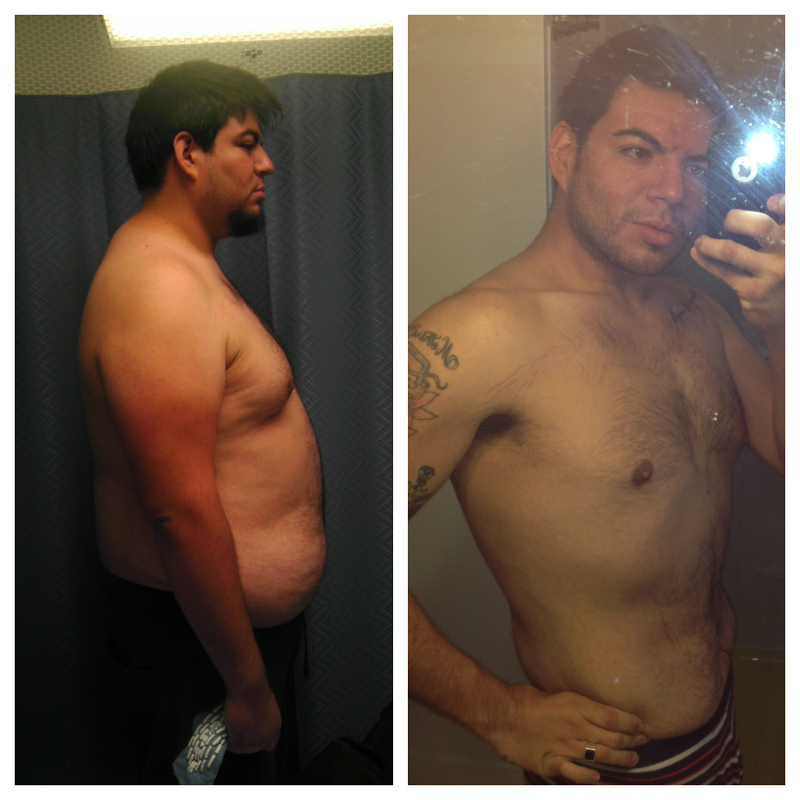
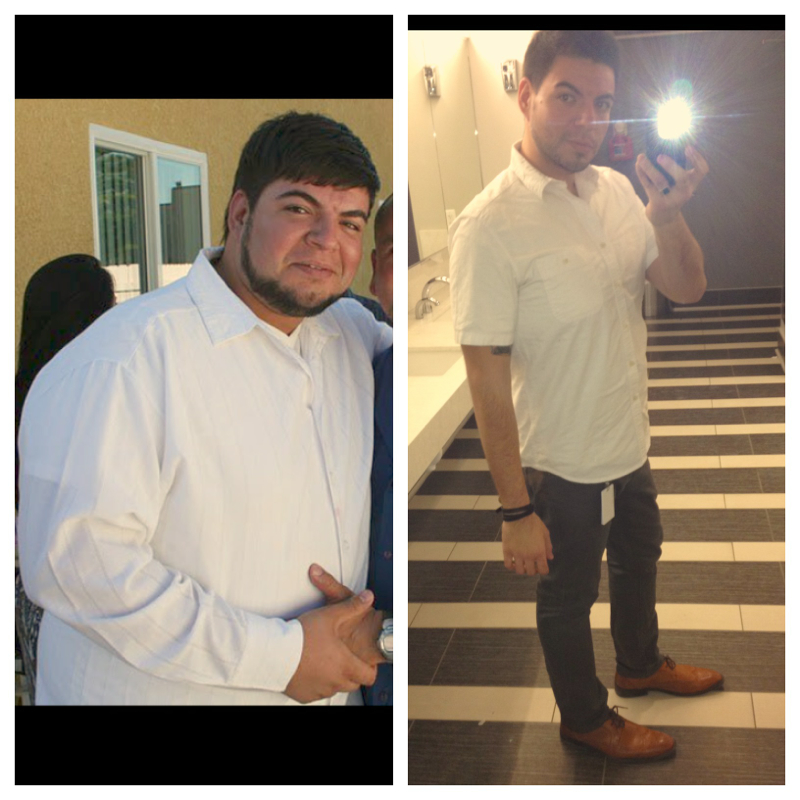
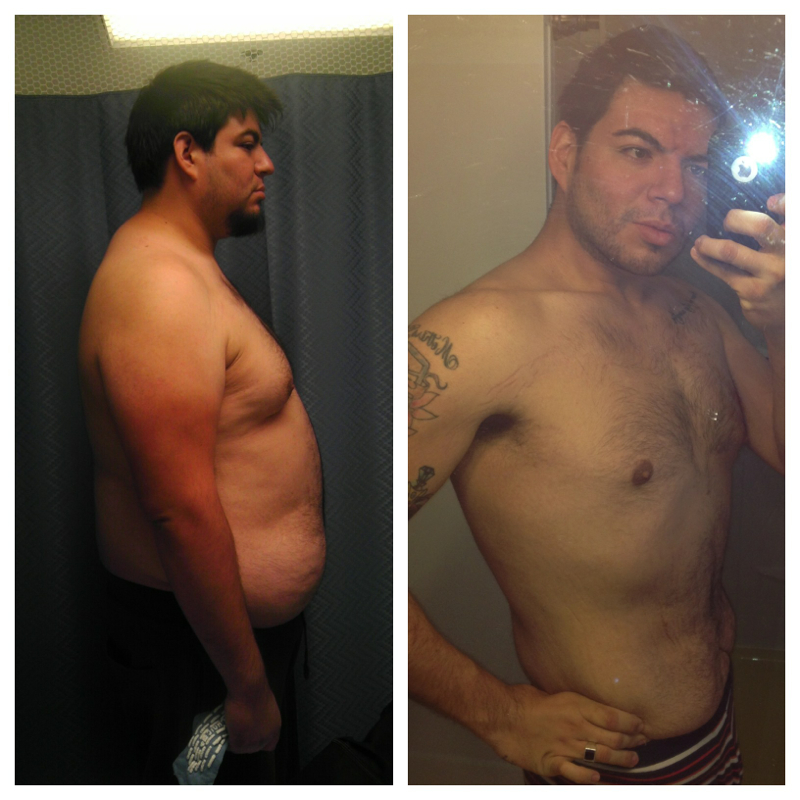
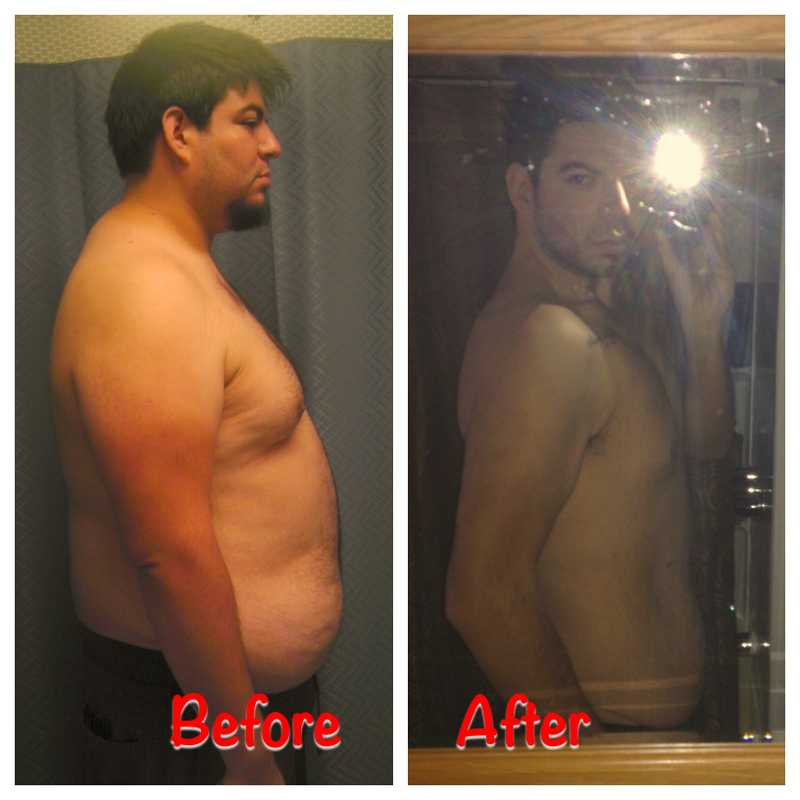
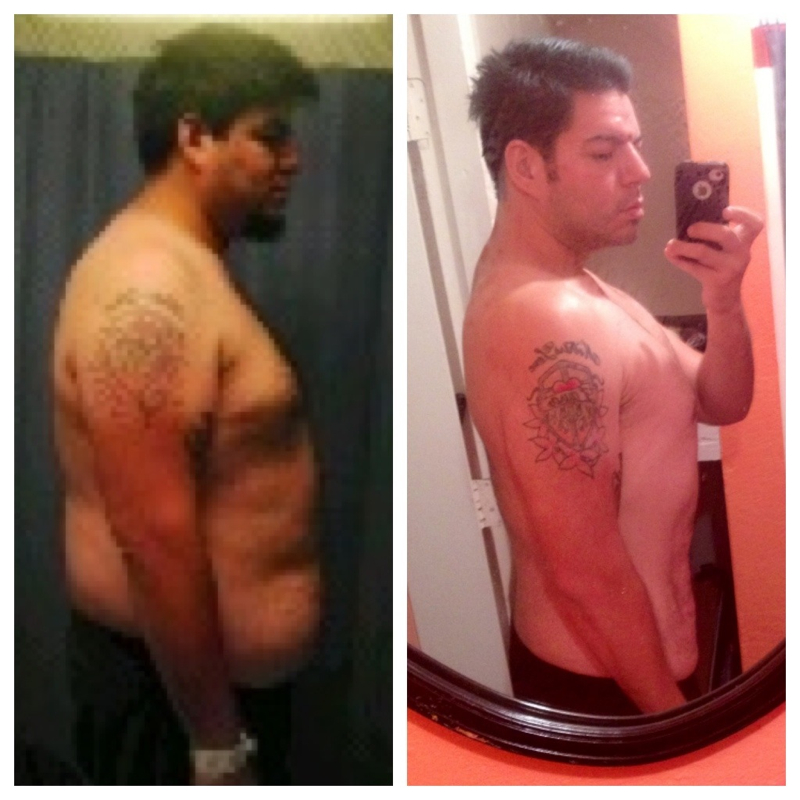
Thank you!Almost one year out. Maintaining at 220. Heaviest was over 420.
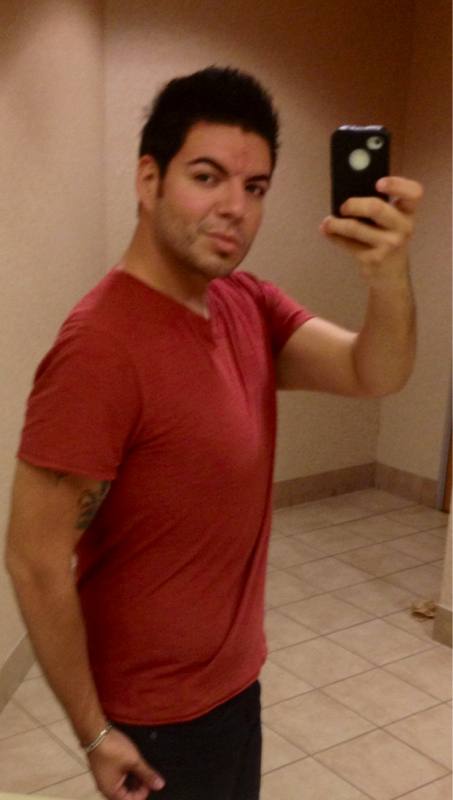
 Here is a more recent pic of me.
 Thank you mamiof3. You also have transformed and look great!8 months out. Haven't weighed myself the last two months. So not sure what weight I'm at But here's an update pic.
 I have cramping in my legs and my doctor told me it is due to not taking enough calcium. And when I am on top of taking my calcium I have no problems.I also eat up to two tacos but we are talking about on an hour window period. And a margarita lol I use to eat like ten. Sometimes one is enough. Depends if I hardly ate that day. I sometimes order chicken tacos and throw the tortilla out and eat the meat with lettuce and stuff on it.Welcome sparkyUp your Protein and make sure to eat lean meats. Low fats and low sugar contents. I also am having a plateau. My doc told me to do what I just wrote. I am hoping it works. He said to do more Protein shakes to keep me more full and to up the protein.Thank you panda! You are looking pretty fly yourself!They seem to have stayed in place. Thankfully my left arm didn't really get that saggy and that's the arm with my tatts. My right arm got a little more sag to it but still not too bad. I hope to fill them in with muscle. Started weight lifting.Looking great mami!!!

Account
Navigation
Search
Configure browser push notifications
Chrome (Android)
- Tap the lock icon next to the address bar.
- Tap Permissions → Notifications.
- Adjust your preference.
Chrome (Desktop)
- Click the padlock icon in the address bar.
- Select Site settings.
- Find Notifications and adjust your preference.
Safari (iOS 16.4+)
- Ensure the site is installed via Add to Home Screen.
- Open Settings App → Notifications.
- Find your app name and adjust your preference.
Safari (macOS)
- Go to Safari → Preferences.
- Click the Websites tab.
- Select Notifications in the sidebar.
- Find this website and adjust your preference.
Edge (Android)
- Tap the lock icon next to the address bar.
- Tap Permissions.
- Find Notifications and adjust your preference.
Edge (Desktop)
- Click the padlock icon in the address bar.
- Click Permissions for this site.
- Find Notifications and adjust your preference.
Firefox (Android)
- Go to Settings → Site permissions.
- Tap Notifications.
- Find this site in the list and adjust your preference.
Firefox (Desktop)
- Open Firefox Settings.
- Search for Notifications.
- Find this site in the list and adjust your preference.