jinxxy5
Gastric Sleeve Patients
-
Joined
-
Last visited
-
-
-
-
-
-
-
-
-
-
-
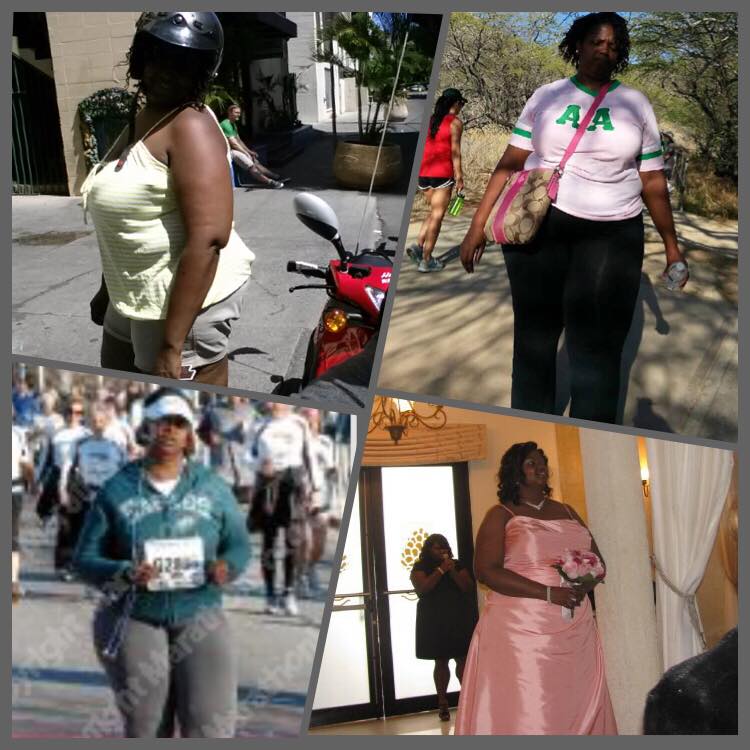
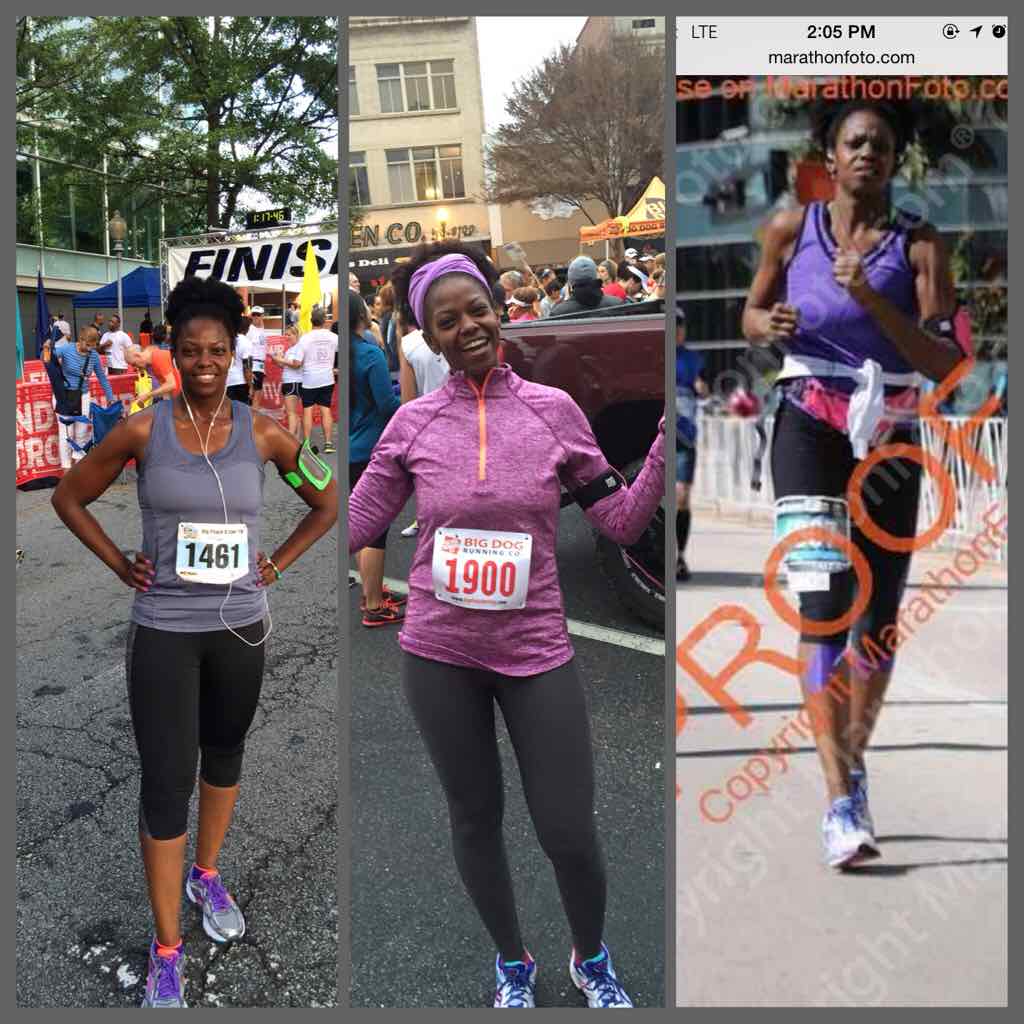
I dont mind...I'm 39 as of last week. It all started with couch to 5k before I was sleeved. At 3 months out I hooked up with a trainer for about 6 months and my baseline was 1 mile non-stop running when I started with her. She showed me what to do with the weights as far as creating different routines. After 6 months, I took over for myself! I haven't done too bad!
-
-
-
-
-
-
-
-
-
-
-
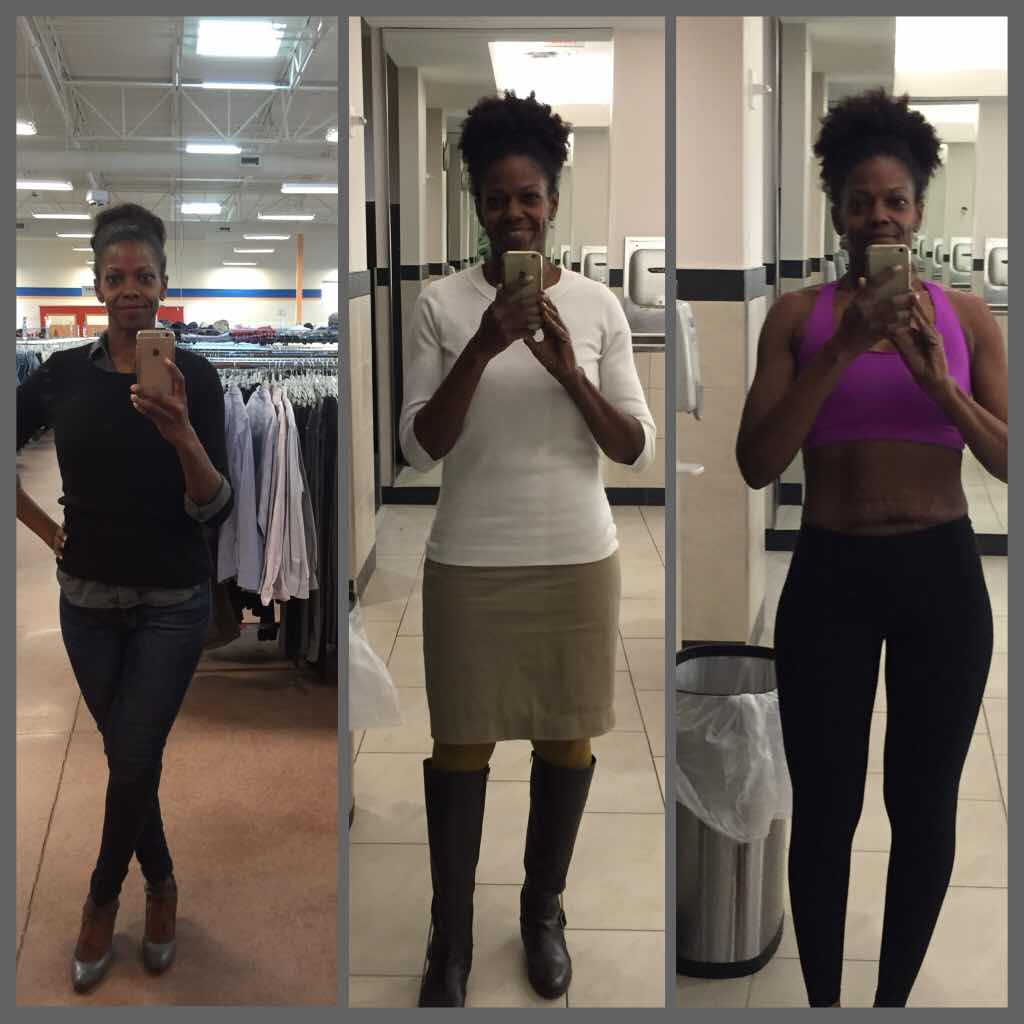
I don't log in here as much as I used to...I don't have the app due to phone space :-( But thank you all for the support and kind words you have left for me! What an awesome surprise! For those looking to start running I recommend couch to 5k and if you want to lift weights I strongly recommend getting an independent trainer to give you some routines to follow. I found a trainer for $25 per session, and I used her for a few months and now I'm smaller than she is. I took the knowledge I learned from her and did my own research and came up with something that works for me :-)
-
Thank you Kate! The secret to getting my miles up was parking my car at the trail start and running out half the distance...the mere thought of how long it would take to walk back kept my feet moving on the way back! The first time I ran 8 miles I had some Hilarious commentary going through my mind! Lol!
-
Thank you! That made my day. It's nice when people say that they can't imagine you heavy! Because we know exactly where we came from! Thanks Jovie!
-
Thank you!
-
Thank you ladies! Best of luck on your surgery! You're on your way!
-
Thank you!
-
Congrats Elizabeth!
-
Anything. You still have to make good choices but pretty much you can eat anything.
-
Thank you!
-
Thank you Kathy! ????????????Thank you!Now I am working out 5-6 days a week doing weights one day, Orangetheory one day, yoga one day and running all other days.I worked out every single day of 2014 as a challenge. I was lifting weights 2-3 days per week and doing yoga once a week and running all other days. Lots of body weight exercises (burpees, yoga, push-ups,planks, etc) will have you toned up in no time! Consistency is key.