cherbear33
Gastric Sleeve Patients
-
Joined
-
Last visited
-
-
-
-
-
-
-
-
-
-
-
Congratulations on your sleeve!!! I am so happy to hear you had a great experience with Dr. Pucci! I was originally going to use him as well but had a bad experience with the office & changed surgeons. He just was not the right one for me. Others I have spoken to have also loved him. I liked him & his team but something just wasn't right for me. Glad you are doing well & may you be blessed in your journey with continued success!!!
-
Congratulations on getting your date & also in having Dr. Judd!!! He is an awesome surgeon & you are in great hands! I am so glad I had my sleeve done & I was very honored to have Dr. Judd. He is so nice & really takes the time to explain things & his team of nurses & office staff are all fantastic!!!
-
-
Thank you very much!
-
What a beautiful transformation! You have definitely been very busy this past year working your sleeve & the results are shining through! You look like 2 completely different people both of whom are beautiful but your after pic just has an added sparkle in the eye & your smile adds an extra glow to your already beautiful face! May you continue to be so blessed along your journey & through out your future!!!
-
-
I agree you definitely don't look 40!!! Happy Birthday & a huge congratulations to you for celebrating your healthier transformed self!!!! A day to celebrate not only a birthday but also everything you have accomplished this year starting with your health!!! May you continue to be so blessed through out your future & enjoy your birthday to the fullest with many more to follow!!!
-
-
You are stunning!!! Had to put on a pair of shades to see ya thru that sparkling/glowing confidence!!! Congratulations on your awesome success!!! May you continue to be so blessed through your transformation/journey & through out your future!!!
-
Wow!!! You look fantastic!!! You were already beautiful but now ur self confidence must be shining brighter than ever!!! Congratulations on your awesome success this far & may you continue to be so blessed through out your wonderful future!!!
-
-
-
You are such a cutie pie proudgrammy!!! You just sparkle a lil more now!!!
-
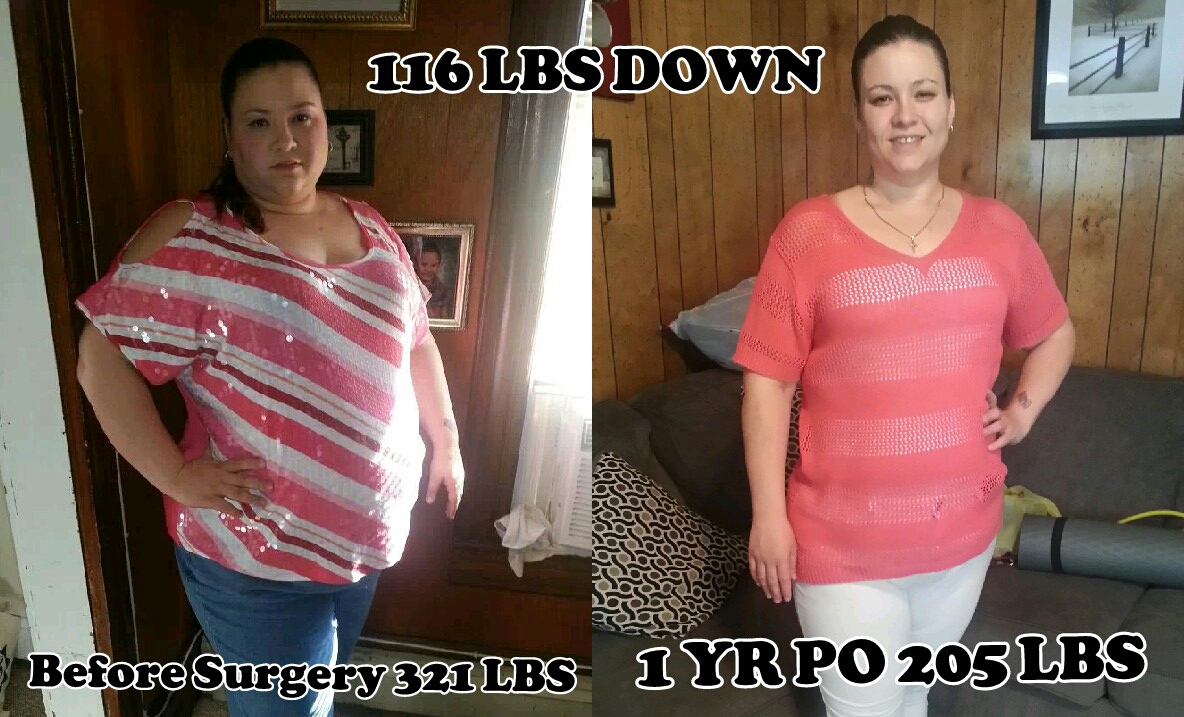
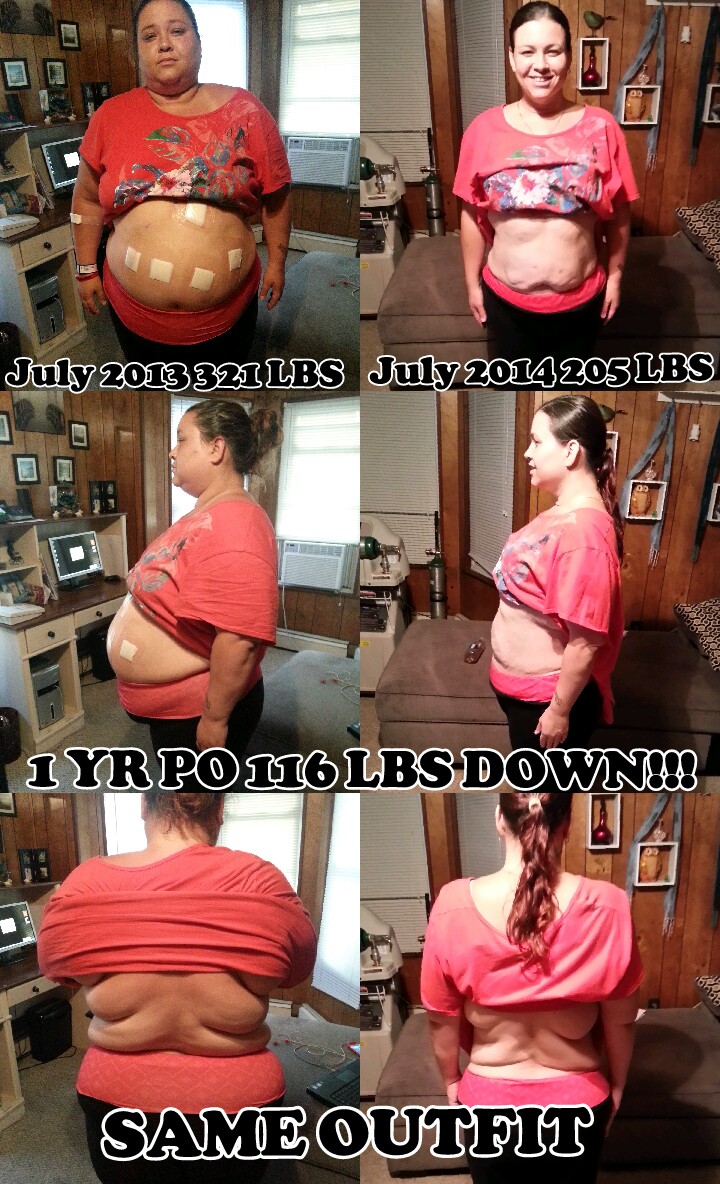
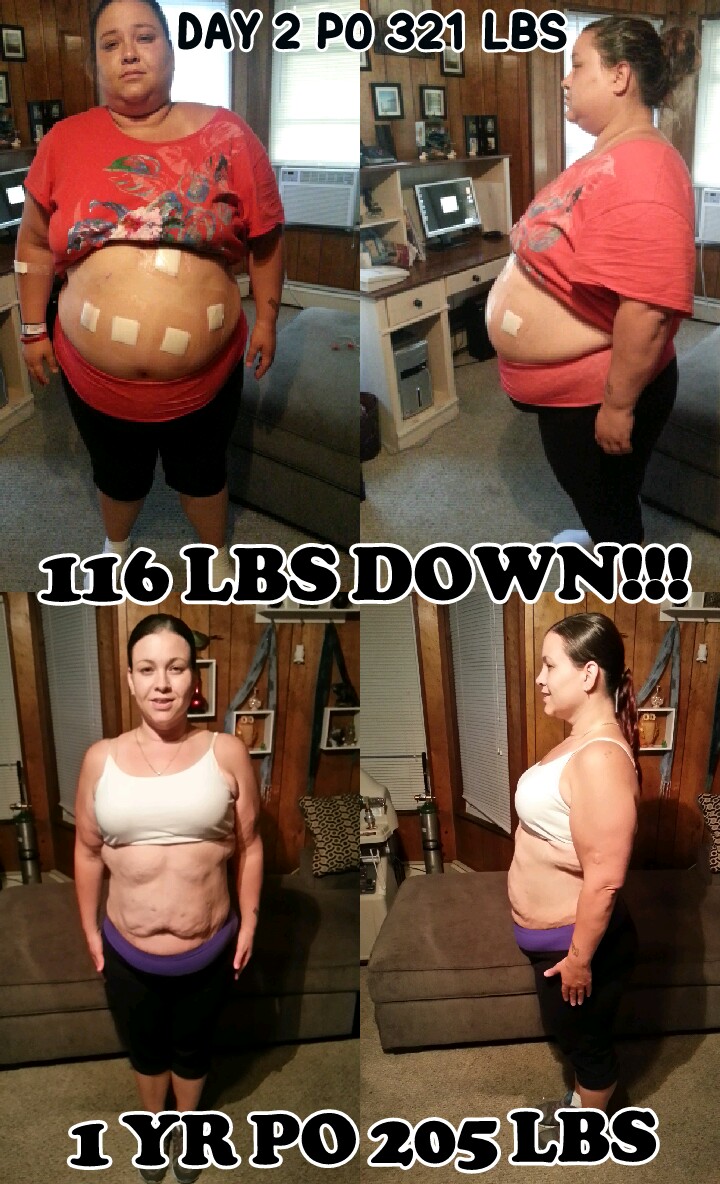
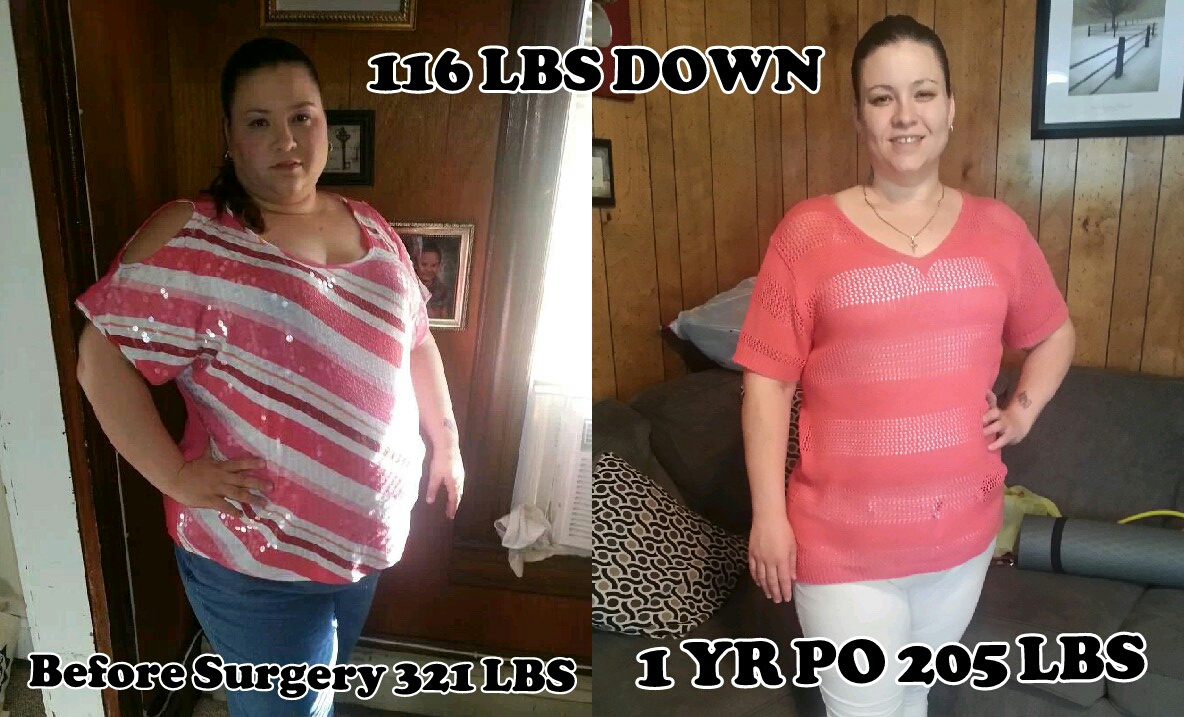
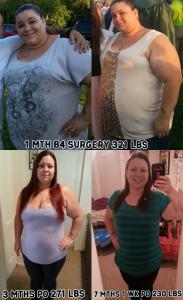
If ur using the phone app it wont let u see the pics on people profiles but if u sign on from a regular computer u will see them! U will get to see so much more by signing on from a regular computer once in a while you will see things u miss out on by only using the phone app, I know this from experience lol! Here is my before & after so far, as I still have about 65 lbs to go to hit goal! My highest weight was 321 lbs & day of surgery july 18, 2013 I weighed in @ 314 @ the hospital, on my 1 yr surgiversary I weighed in @ 205 lbs! I now weigh an even 200 lbs making my total loss 121 lbs in 1 yr & 3 weeks! Can't wait to hit "One-derland"!!! I also added a flipagram video of my whole progress for the first year of having my sleeve!!! [ATTACH]47260[/ATTACH] [ATTACH]47261[/ATTACH] http://flipagram.com/f/FnMVAw9oaO

-
I am 34 5'5 & 1/2. My HW: 321 lbs SW:314 lbs CW: 200 lbs! I was sleeved on July 18, 2013 & am down a total of 121 lbs with 65 more to lose to get to goal! I also added a flipagram video of my progress through the first year having the sleeve! On the day of my one year surgiversary I weighed in @ 205 lbs so I have lost 5 more lbs since then! You will be so happy you did this & you will lose more weight then I think you expect, I know I did! [ATTACH]47253[/ATTACH] http://flipagram.com/f/FnMVAw9oaO

-
You look beautiful in both pictures but you have more of a sparkle to ya in your newest pic!!! Congratulations on your success & may you continue to be so blessed!!!
-
-
-
Congratulations on your awesome NSV!!! may you continue to be so blessed through out your future in all aspects of your Sexier, Healthier life!!! It is much deserved, with all your continued hard work!!! NSV's are great no matter how early in or farther out you are along your journey, we discover new things about ourselves all the time. Some are smaller then others but still just as important! Some we notice right away such as our clothes falling off of us & others take more time to click in our heads but are great suprises when we do finally notice them!!! Every step of this transformation/life journey deserves to be celebrated!!!!
-
Your hubby is right people are going to talk regardless of what you do in life, whether your fat, skinny, beautiful or ugly. The reason is that in all reality they only hate what they could never be! They are obviously already jealous of you so just imagine how much more jealous they will be once you begin to drop your weight! Let them talk & let them be jealous just make sure you keep your head held high & with great pride & never let their jealousy bring you down from the top!!! (which is exactly where you belong @ the very top) Best wishes to you!!!
-
-
You look fab-u-tastic!!! Fabulous & fantastic combined!!! Wear that bikini with pride & hold ur head high! You have certainly earned ur rights by working your sleeve!!! Congratulations & a standing ovation for all your hard well earned work!!!
-
-
Thank you very much!!!