





ksmith302
Gastric Sleeve Patients
-
Joined
-
Last visited
-
-
Sent
-
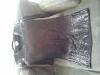
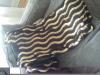
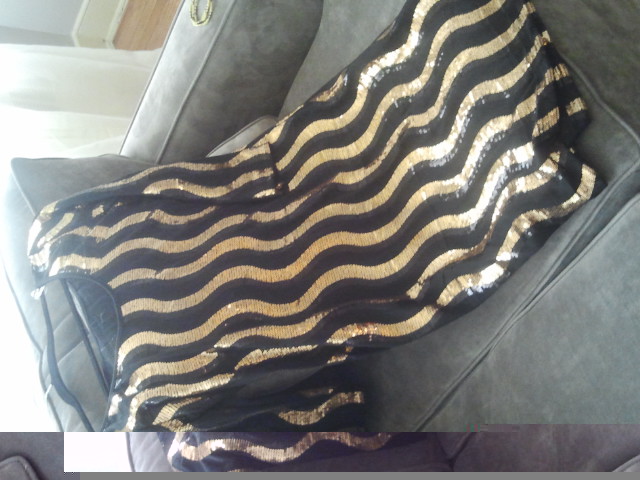
I believe your talking about the blk and gold swiggle pattern dress which is a size 3x, but it was cut a lil small so maybe can fit 2x...im creating a Paypal acct now
-
-
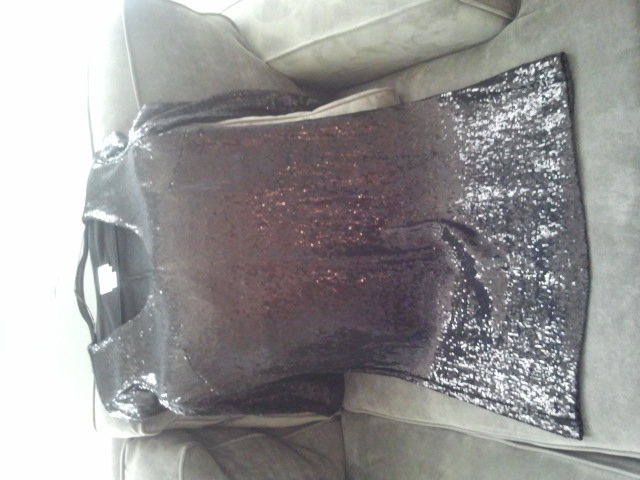
Blk sequence dress
-
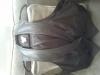
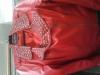
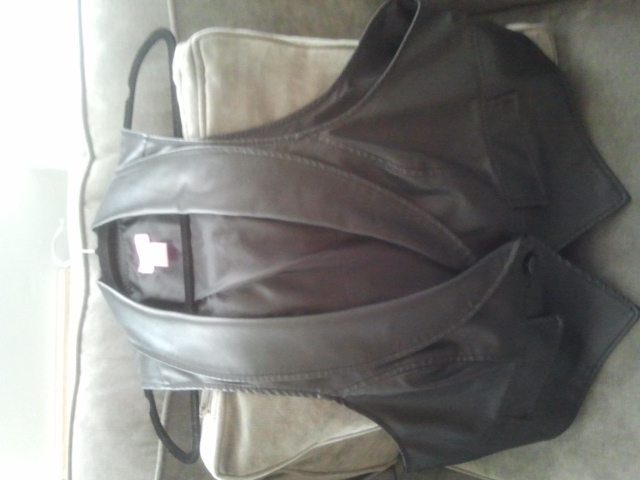
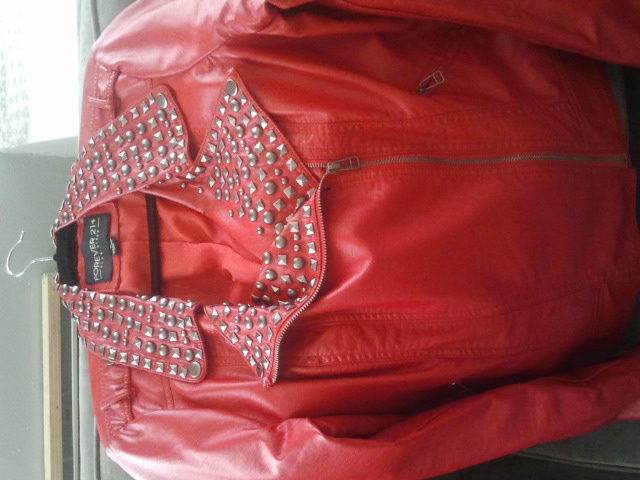
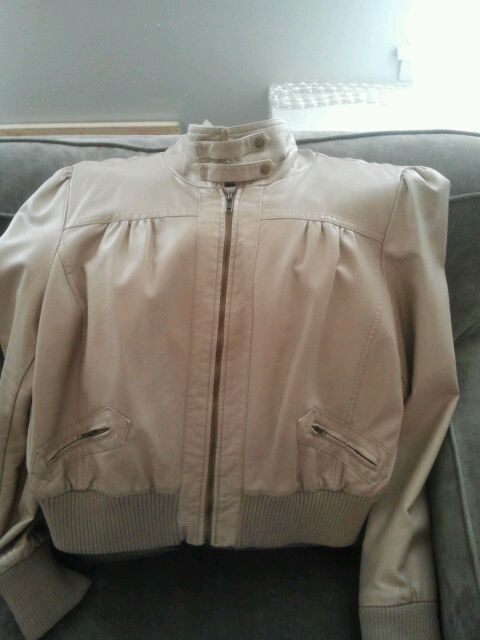
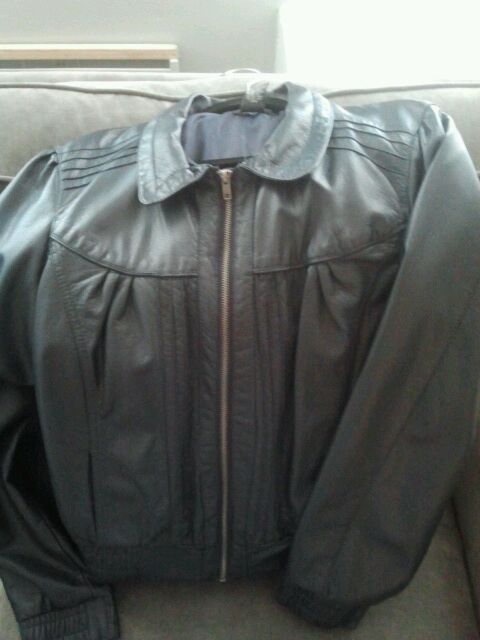
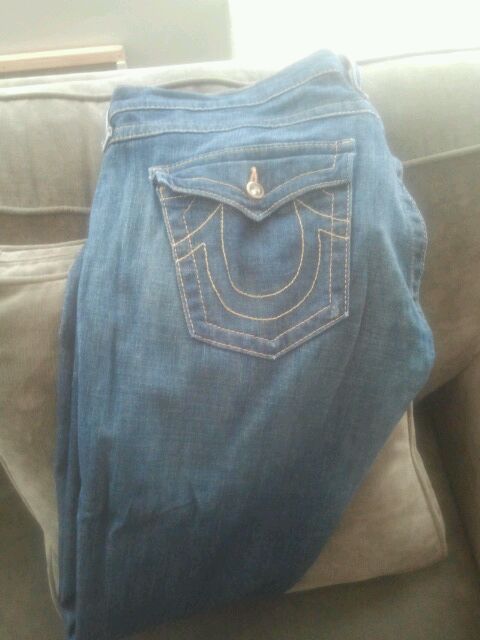
All items are priced from $10-$40, I will be uploading more pics soon 1x Forever21 red faux leather studded collar jacket 30 2x Navy faux leather 30 XL NY&Co Cream/Beige Faux leather 30 Size 14 Donna Morgan black sequence dress 3/4 sleeve 20 3x Fashion to Figure blk/gold sequence dress 20 2x faux leather black vest 10 Size 32 Authentic True Religion Jeans 40
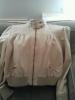
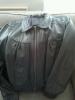
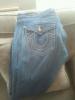
-
Congrats!
-
Unfortunately I learned the hard way Tuesday and passed out. They,kept me in the hospital for one night due to abnormal EKG because I was so dehydrated. Prior to this happening I had very dry mouth, I noticed I wasnt urinating as much, and slight dizzy spells.
-
-
U r brave! Lol...I'm three weeks today and plan on taking my first drink the wknd of 4/26 for a friends Bday in DC, hope it goes well
-
Ive also noticed my skin becoming very dry smh I hate it....think I will try using Nivea
-
-
-
-
-
Turkey chilli, piece of fish, a slice of a coldcut, anything but liquid lol
-
First day out you def may not want to see anybody gas pain is really bad and pain meds make u sleep on and off a day. Fyi alot of moaning and groaning
-
I def know what u mean. Sick of all the liquid, seems like the same routine each day. Trying to get over it, but its def becoming a challenge each day
-
-
i def can relate. i don't want to get drunk, but def want a drink or two. I miss my social outings during the week after work. They say 6 months and i'm counting down. Just to think my bday is in a couple of days. Plans this year look like the spa #grrrr
-

Account
Navigation
Search
Configure browser push notifications
Chrome (Android)
- Tap the lock icon next to the address bar.
- Tap Permissions → Notifications.
- Adjust your preference.
Chrome (Desktop)
- Click the padlock icon in the address bar.
- Select Site settings.
- Find Notifications and adjust your preference.
Safari (iOS 16.4+)
- Ensure the site is installed via Add to Home Screen.
- Open Settings App → Notifications.
- Find your app name and adjust your preference.
Safari (macOS)
- Go to Safari → Preferences.
- Click the Websites tab.
- Select Notifications in the sidebar.
- Find this website and adjust your preference.
Edge (Android)
- Tap the lock icon next to the address bar.
- Tap Permissions.
- Find Notifications and adjust your preference.
Edge (Desktop)
- Click the padlock icon in the address bar.
- Click Permissions for this site.
- Find Notifications and adjust your preference.
Firefox (Android)
- Go to Settings → Site permissions.
- Tap Notifications.
- Find this site in the list and adjust your preference.
Firefox (Desktop)
- Open Firefox Settings.
- Search for Notifications.
- Find this site in the list and adjust your preference.