bostonhok
Gastric Sleeve Patients
-
Joined
-
Last visited
-
-
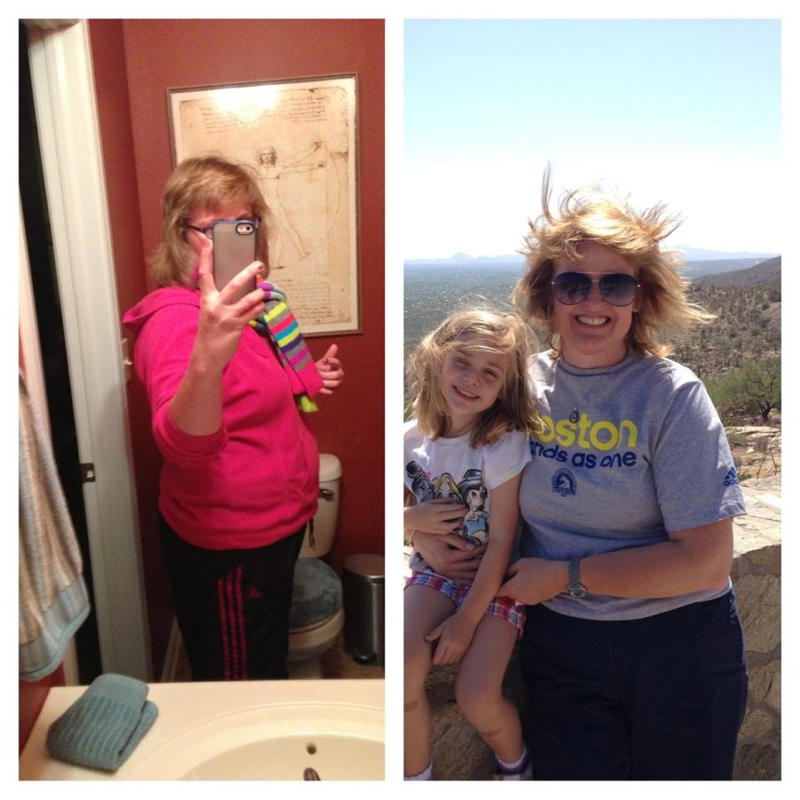
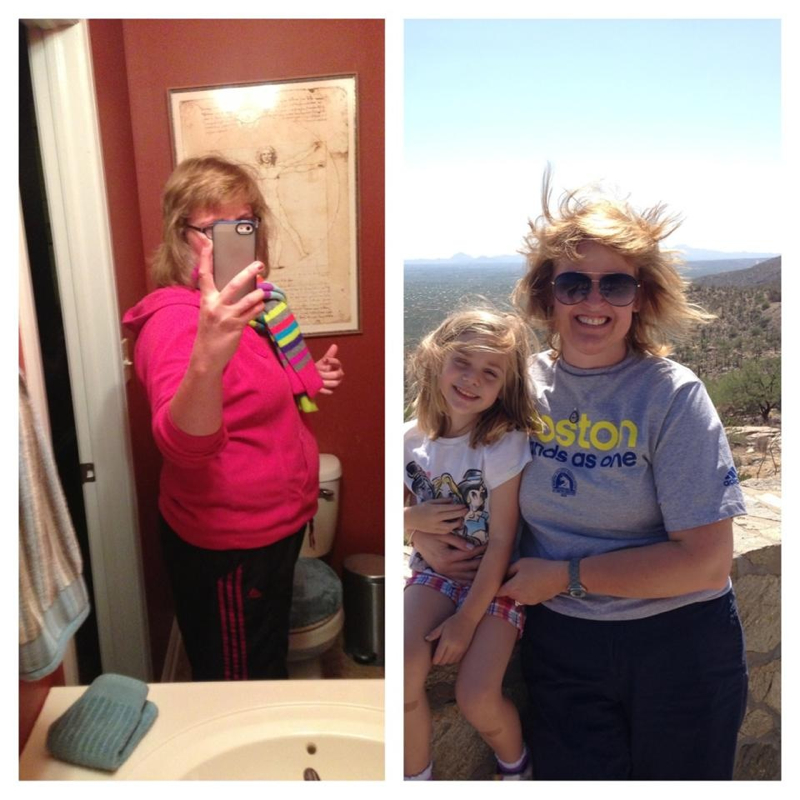
We're really close...my starting weight was 214...now 149. Size 8 now too.I had Dr. Neale....great experience and the girls in the office are great!It can be done! I've been hypothyroid since 2006. I was sleeved in March and including the pre-op diet, I'm down 60 pounds. have faith...there's lots of us out there!Can someone please add me to the Facebook page? Bostonhok@yahoo.comCan someone add me to the Facebook page? I got a link before, but still can't get in....thanks! Bostonhok@yahoo.com.Stalled for two weeks now. I do the treadmill 5 days a week....getting about 900 calories a day. Highest weight was 214. Surgery day 3/19 was 200. Now at 166.5 for two weeks. I know the overall numbers are good...but.......Can someone add me to the Facebook page? I got a link before, but had problems with my iPad accepting it. I was sleeved on March19.Before after...March 19...200 today 170. I have a ways to go but feel good!
 Day of surgery...200. Started at 214. Today, 170. more to go...but happy!
 I'm on my fitness pal! Bostonhok.So funny how that works! Keep in touch, would love to stay close to someone with similar info!Update. Started the journey at 214.... Today weighed 178! Down a size, probably two because all my clothes were too tight before surgery. So glad I did this!Please add me bostonhok@yahoo.com