-
-
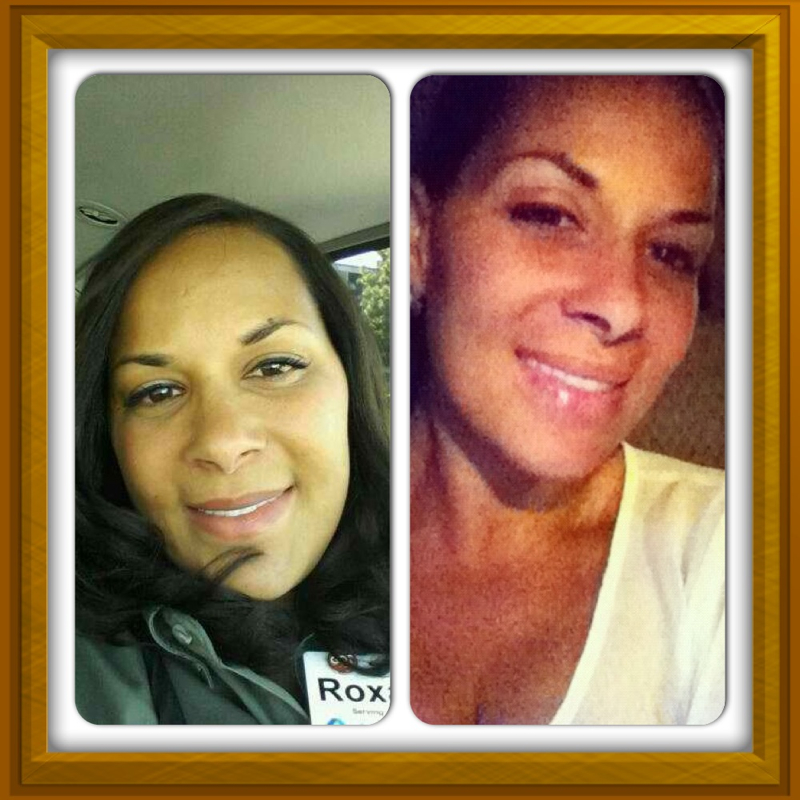
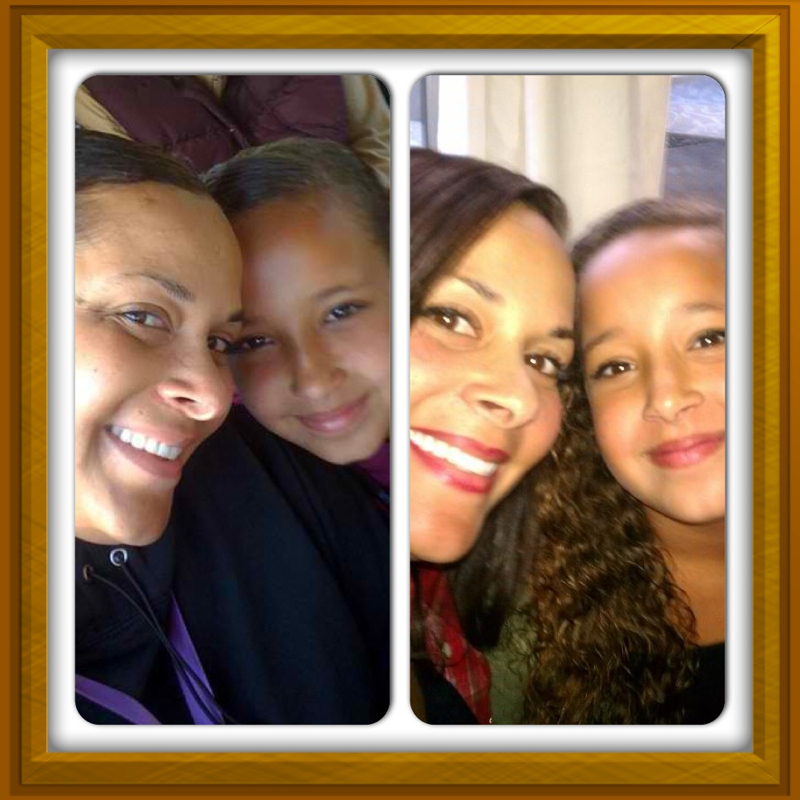
Before And Afters
Sorry late reply I have kaiser . And I paid $15 dollar co pay
-
-
Before And Afters
Thank you so much! This has been a journey!!
-
-
August Sleeves?!
Up your protein it scale will move
-
Whey Liquid Protein Shots - Which Are Best
Totally nasty!! All of the shots gross me out! I lived of premier protein from Costco!! I still do!
-
Please Please.... Put Pre Op Pics And Post Op Pics Of 12 Weeks. Request......
You look amazing and ALIVE!!! Very happy for you keep up the good work. And when u stall, don't worry. Up your protein and the scale will be on the move. And get your fiber in so u can go.
-
Puree?
Do You have meal plan that they gave you for stages? I know it's hard to follow but take it from a girl that knows... Just follow what they say it's only for a short while. You thank yourself later. I promise <3
-
-
Before And Afters
And thank you!!!
-
Before And Afters
Yes they did fully!
-
-
Before And Afters
Thank you!!!
-
Before And Afters
It's the lower part of the stomach that hangs after weightloss
-
-
Before And Afters
I'm one year out 8/25/11 I went from 274 lbs to 165 lbs I also had my panni removed this past June 25th
-
Before And Afters
- Before And Afters
Join BariatricPal free
- Ask your own questions
- Reply and follow topics
- Message other members
- No cost, no spam
Account
Navigation
Search
Configure browser push notifications
Chrome (Android)
- Tap the lock icon next to the address bar.
- Tap Permissions → Notifications.
- Adjust your preference.
Chrome (Desktop)
- Click the padlock icon in the address bar.
- Select Site settings.
- Find Notifications and adjust your preference.
Safari (iOS 16.4+)
- Ensure the site is installed via Add to Home Screen.
- Open Settings App → Notifications.
- Find your app name and adjust your preference.
Safari (macOS)
- Go to Safari → Preferences.
- Click the Websites tab.
- Select Notifications in the sidebar.
- Find this website and adjust your preference.
Edge (Android)
- Tap the lock icon next to the address bar.
- Tap Permissions.
- Find Notifications and adjust your preference.
Edge (Desktop)
- Click the padlock icon in the address bar.
- Click Permissions for this site.
- Find Notifications and adjust your preference.
Firefox (Android)
- Go to Settings → Site permissions.
- Tap Notifications.
- Find this site in the list and adjust your preference.
Firefox (Desktop)
- Open Firefox Settings.
- Search for Notifications.
- Find this site in the list and adjust your preference.