carolc
Gastric Sleeve Patients
-
Joined
-
Last visited
-
-
-
-
-
-
I turned mine off but they won't stop!!!! I had to silence them.
-
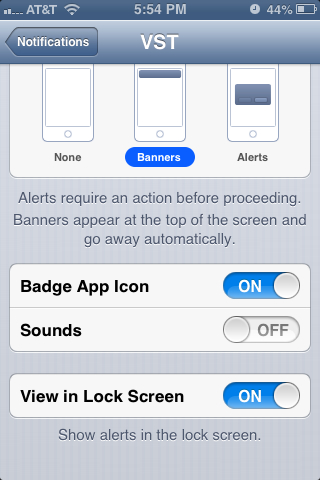
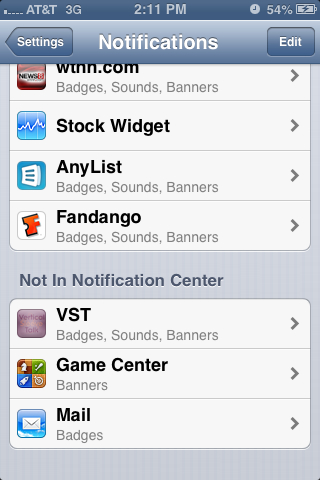
If you have iphone, go to settings, notifications, vst, and turn sound off. The notifications keep coming but they are silent at least.

-
It keeps getting better and better!
-
Beautiful!
-
It may be possessed...i am still getting them even after turning notifications off!

-
-
Thanks Alex.I have been getting the same notifications every hour since last night. They aren't new and they won't stop! Any suggestions?Same here! I loved plain water pre-op, now i can barely tolerate it. I feel so waterlogged unless I add flavor. It is actually getting worse the further along I get! Crystal lite tastes too fake and gives me a headache, plain lemon is slightly better, but i love ocean spray cran-grape sugarfree pkts. Too bad they are so expensive, $3.50 for a box. I am really hoping this is a temporary problem!Absolutely! I felt the same for the first 6 weeks. It gets better day by day, today at 9 weeks I am feeling great. Make sure you are getting enough calories, it can make a big difference.I drink EAS Myloplex dark chocolate every day, not the powder but the premade shake. i love it. I couldn't tolerate any powders.Wow! 75lbs Mensch? Awesome!Congratulations, you look fantastic!Diet and exercise are the truth! I would just stick with that, just tell them that you are eating healthy, watching portion size and exercising. I know how you feel, i don't really like talking about myself to the masses. Best of luck to you!