TimV803
Gastric Sleeve Patients
-
Joined
-
Last visited
-
-
-
-
-
-
-
-
-
-
-
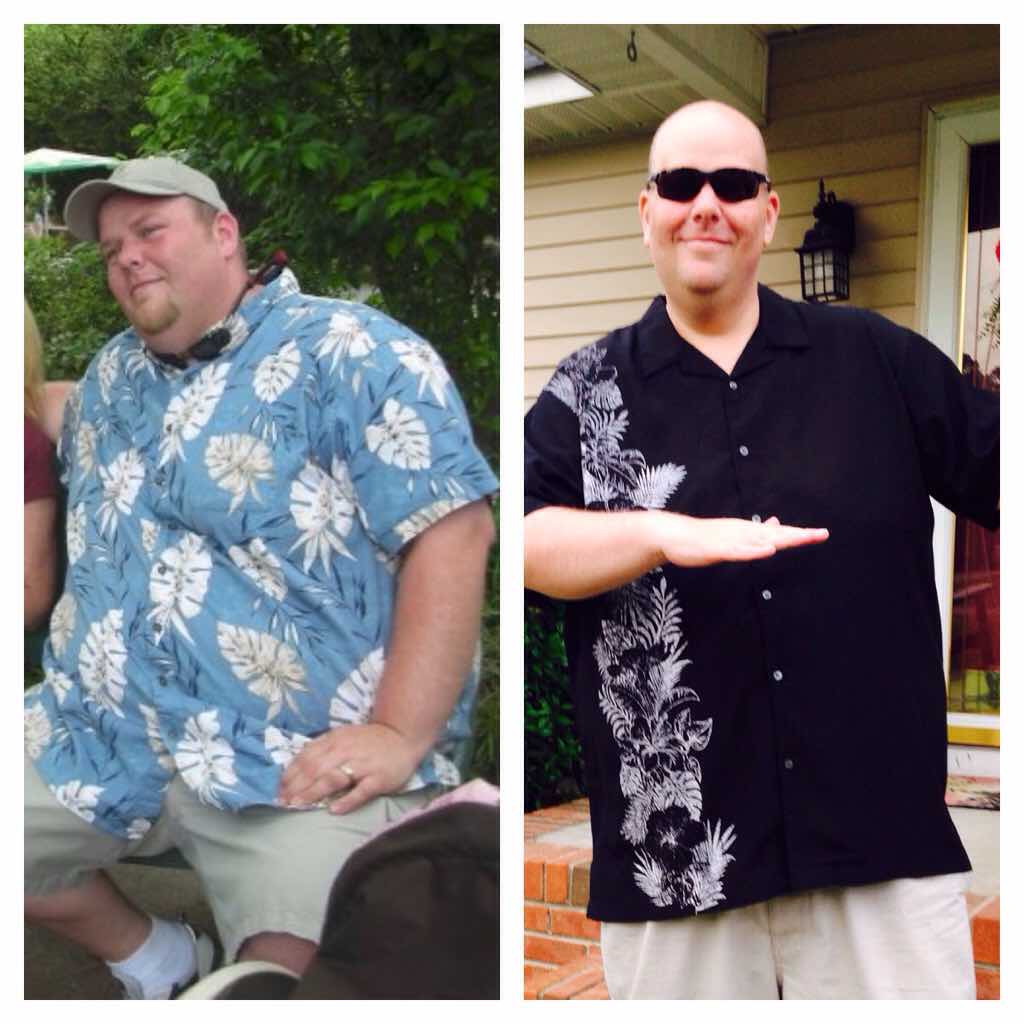
Down 97lbs since Dec.16 2014

-
Lisa, I live in Lugoff also! Small world. I was sleeved on 12/16/14 in Columbia and I am down 84lbs.
-
Me too! I was relieved when the Dr said I don't have to have one!!
-
Good news! I had my last preop appt and the Dr said I should not need a catheter. He said they only put one in if something goes wrong or if it seems necessary. WHEW!
-
My sleeve date is Dec.16 also. I started my preop diet today. Im doing the Atkins diet. I picked up some Atkins Advantage shakes last night. I'm going do have one for breakfast every morning. Lunch and dinner will be grilled chicken and vegetables. Picked up some cheese, slimjims, pistachios, for snacks. It's getting real!!!
-
Thanks guys. I sure it will be fine. I go for my final preop visit with my surgeon next week. He is suppose to go over everything with me. I'll keep y'all updated.
-
My sleeve date is Dec.16 and I know it sounds crazy but I am nervous about getting a catheter during surgery. Dr said they put in in once I'm knocked out and take it out before I wake up, but just the thought makes me cringe. Did any of you guys have this done?
-
looks like this

-
I couldn't find it with my phone but it came up with my laptop.
-
Found it!
-
I see several groups with that name. What is the picture of? Maybe that will help.
-
That's awesome to hear. I am 35 yrs old and weigh 423. I don't have any health problems "yet" but I am getting sleeved on Dec. 16. Looking forward to it. Thanks for sharing!
-
Hi, my sleeve date is Dec. 16 and I weigh 423. My doctor doesn't do the protein liquid diet before surgery. They told me to start Atkins diet 2 weeks before surgery to help shrink my liver. I'm excited and nervous.
-
I'm Dec. 16. Getting nervous but also looking forward to the change!
-
-
-
My dr doesn't do the liquid diet before. They told me to start Atkins diet two weeks before my surgery to help shrink my liver. Guess it's different per dr.