Lavada
LAP-BAND Patients
-
Joined
-
Last visited
Everything posted by Lavada
-
So I'm about 10 hours out of surgery. Feeling good. I got all staples no stitches only hurts when I get up and use my stomach muscles. I only took 5ml of pain meds they recommended 10ml. Did 20 min of walking 1/2 mile, did good. The only pain I have is between my shoulder blades and moving into my chest it's from the gas. My walk helped get some out. :-) starting weight today 4/26/13 is 314 lbs my goal is to get down to 130!
-
So 3 weeks ago I started my diet for my surgery this Friday I have lost 15 lbs. not too bad.
-
Oh ya it's tough we'll good luck ill look foreard to talking to u after. R u in fitness pal if so I'm lavadarose
-
Add me lavadarose
-
I've been on a diet for a week today I'm starting my pre op diet. Protein shake and salad for dinner. Let see how this goes. Starting weight 325 :-( Having surgery April 26th :-)

-
I'm the 26th!
-
I'm having surgery on April 26th and I started my diet but I don't know for sure how to do this so if someone can give me their opinion. Yesterday my total intake was Cal 1200 Protein 85g Carbs 91g This was totals for everything I ate. Am I in the right range? Thank you
-
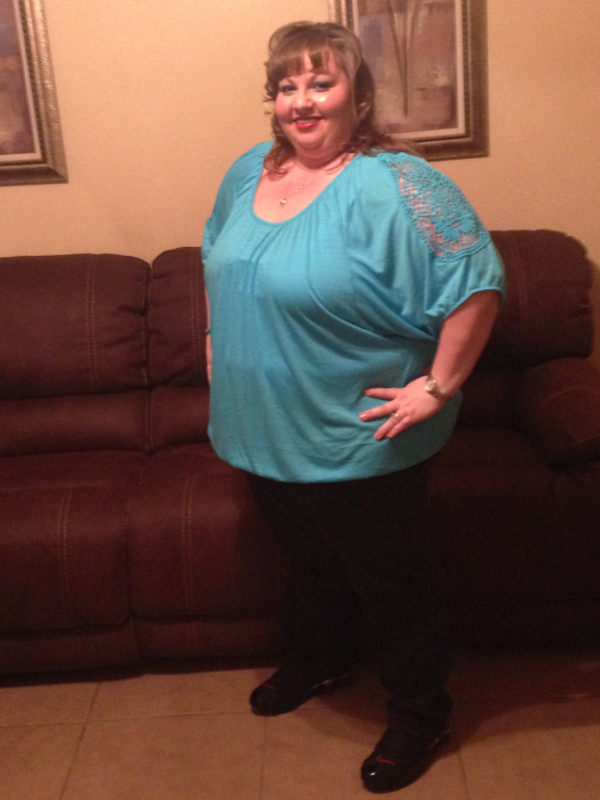
Lavada, a weight loss surgery photo album by Lavada on BariatricPal. 1 photo in Before and After Lap Band Photos.