Phillipsweightloss
LAP-BAND Patients
-
Joined
-
Last visited
-
Well this is a problem for me too because I have had the hardest stools. Since surgery my gallbladder was removed when I had surgery and I thought that this was the cause of the hard stools. But it seems it happens a lot so I will try to eat more fiber plus maybe dink more coffee and fruit juices...
-
When I had the my sleeve my DR. removed my gallbladder at the same time so I would have that problem because I had a few problems with the lap band and getting gallstones...
-
Just make sure you don't drink through a straw and small sips and walk walk walk...
-
Yes and it jumps starts your weight loss too...So walk walk walk I have slowed down a lot because it is so hot here but I am going to start just walking in the house because I have to get my walking in everyday.
-
-
-
Walk walk walk walk that is the answer to those pains...
-
Yes this is I need to do better too because I'm not going under the knife ever again for a weigh tloss surgery so this has to work.. So far it has been great I do cheat sometimes.. But I am going to do better after this video..
-
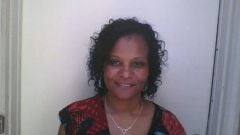
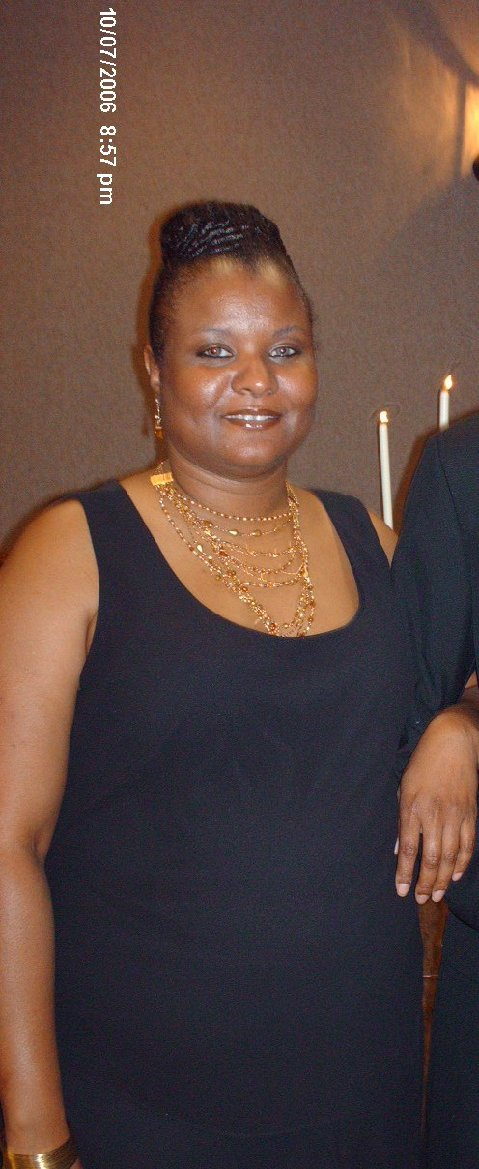
Images added to a gallery album owned by Phillipsweightloss in Before and After Gastric Sleeve PhotosThis is the first photo I am 5 weeks post op.
-
Well after a protein treatment my hair not shedding as much anymore still lose hair when take the tangle out of my hair. Noticed that I need to do more treatments on my hair because not as shiny anymore. Plus a little dry so I am going to steam my hair and deep condition for the next month no heat for about 3 months to get it back in shape.
-
-
I have been at 167 for 2 weeks at a stand still just started walking again about 2 days ago. So hopefully I will start losing weight again because I want to lose at lease 30 lbs by Sept. Because these extra pounds are getting on my nerves.
-
Had my surgery on 05/16/12 and yes I have had hair loss not doing a lot to the protein shakes I am going to do a protein treatment on my hair. Plus start drinking protein shakes and see if that makes a difference. Plus I do take vitamins, biotin, calcium but I am all natural but I do flat iron. Might have to stay curly for awhile. Most of the time after surgery there is some hair loss. Plus with weight loss too there can be some hair loss.
-
-
Why is so hard to drink the protein shakes? Please help me and if you are having the same problems help me start getting these in my system.
-
What I did is weighted my food that I am only eating the food the weights 3.0 oz or less and today I am getting the stuffed feeling. But I need to change some of my eating habits too.. Plus started walking again and I am going to continue to walk until I lose down too 135lbs. Plus on the july 16th I am going to start really working out. Because my Dr. doesn't want me to do any working out until it has been 2 months after my surgery.
-
These are all good practices just take it very slow...
-
Dr. Alexander did my revision for the band to gastric sleeve and I have had any complications at all it was a very easy transition for me. Also removed my gallbladder with taken out the band and changing it too the sleeve.
-
I bought mine off of ebay but someone said you could get one at target for $30..