khouri
LAP-BAND Patients
-
Joined
-
Last visited
-
khouri changed their profile photo
-
-
-
-
-
-
I love doing liquid diet. It's defiantly helps u lose weight if you slow down almost like a reset button. Nice!
-
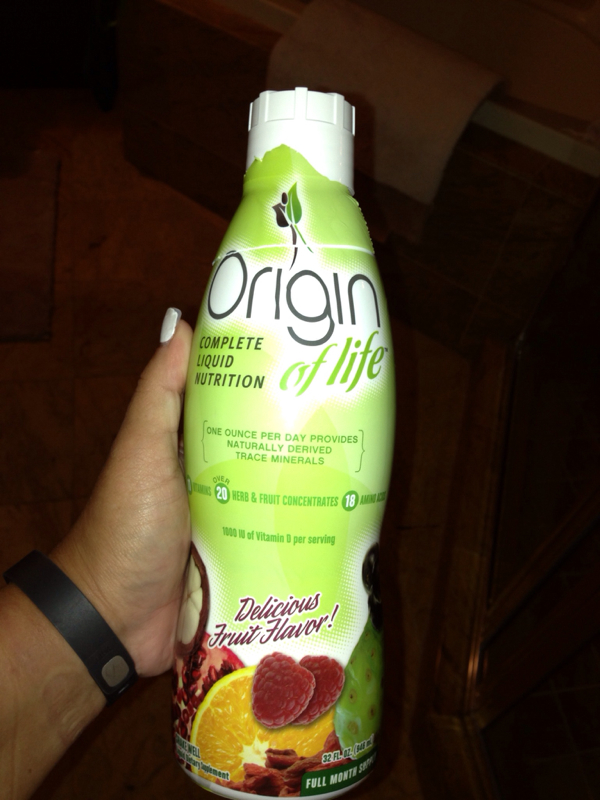
If you walk you'll release the lactic acids back into your muscles. Won't be sore anymore.I am in love with my fitbit flex and having the band helps. I am obsessed with going the extra mile or step just to watch it record. Does anybody else use it???Funny thing is I get chicken stuck too pretty much any meat actually it's pretty painful and sometimes it comes back up. I also can't eat salads the texture bothers me and I have tons of raw tuna or fish, eggs or egg salad minus the yellow. I don't eat breads or any rice anymore. It's really painful and I would rather not be in pain than eat. I can do fruits (some). I can't eat cereal that much unless with milk but still don't eat it. Chicken though is tough I try it and the pain is tolerable if it's juicy. Anybody else having problems eating. I know a few people who did the band and are able to eat breads from sandwiches and I just can't do it. Am I alone? I did however lose 50lbs since May 25, 2013.Consider liquid Vitamin
 How much do u have to lose?Yea I agree your hubby will come around. Maybe sitting him down talking to him about it. You know the band isn't a magic wand you don't have surgery and boom ur thin. It's a tool to help you lose weight. Maybe that approach will help him understand it.I actually won't have the band till sept or October. But I have user the body bugg generation 1 before I considered the band and with its help I lost 60lbs. I love the bug. My bf just bought it for me for $99 online it's on sale till June 15th by the way it usually sells for $250. If you really want something to aid you in calories burned dedicate vs calories ate which u record online via the program u get and know what you need to do in order to lose weight this is the tool for you.wow inspirational. I should be getting banded in Sept - October and I am really excited for this journey. I do enjoy going to the gym and being physically active so it shouldnt be a problem. I just need to keep with it...any words of widsom?