Cat D
LAP-BAND Patients
-
Joined
-
Last visited
-
-
-
-
Thanks y'all. I try to walk a few times a week but I haven't done any weight training. I try to make better decisions but still splurge sometimes.
-
-
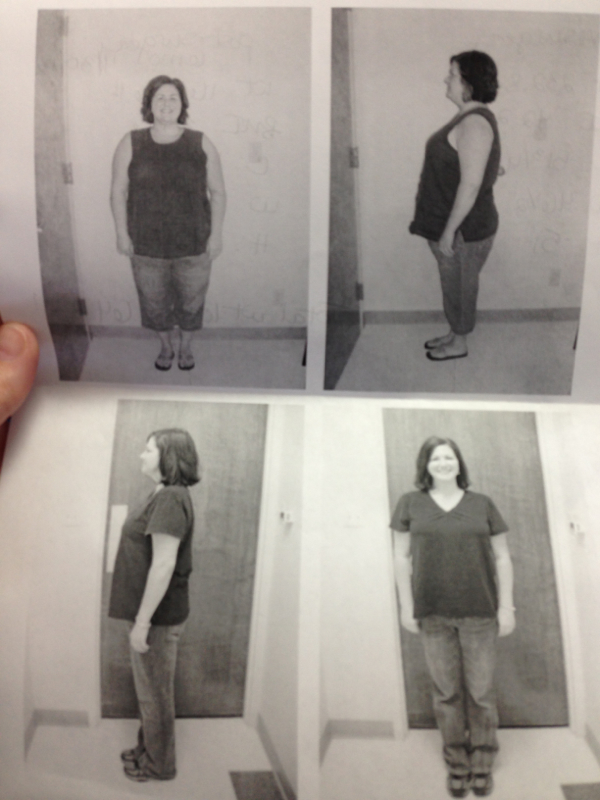
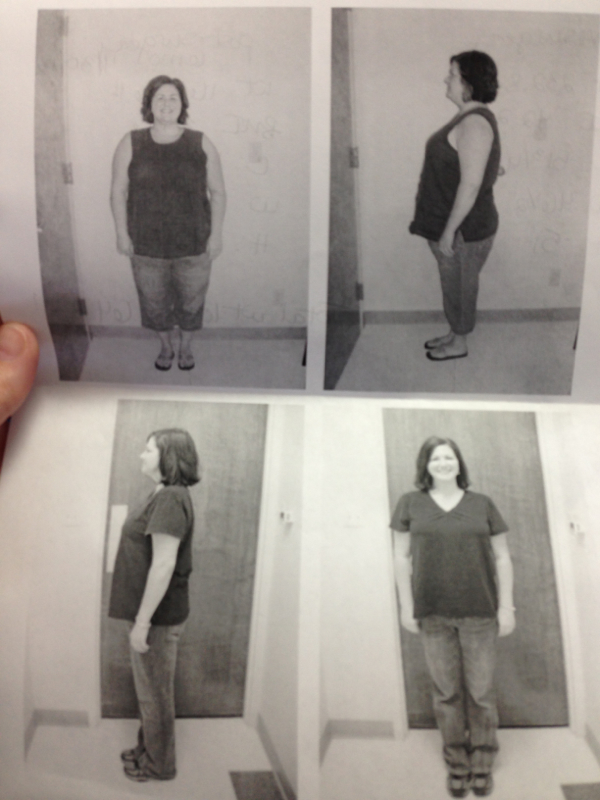
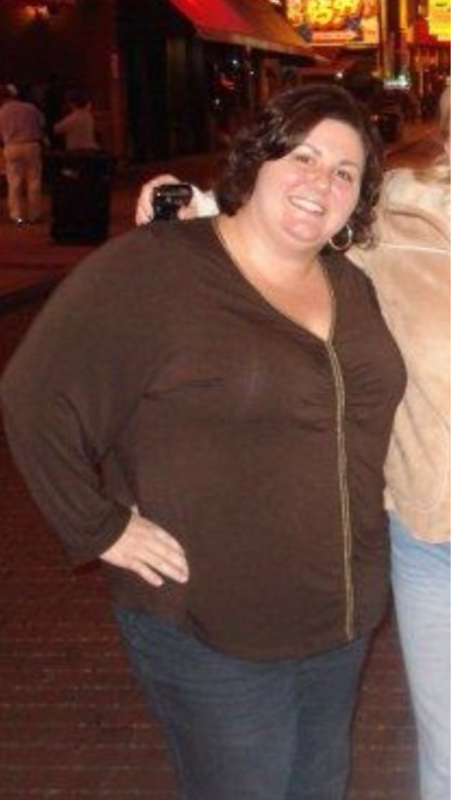
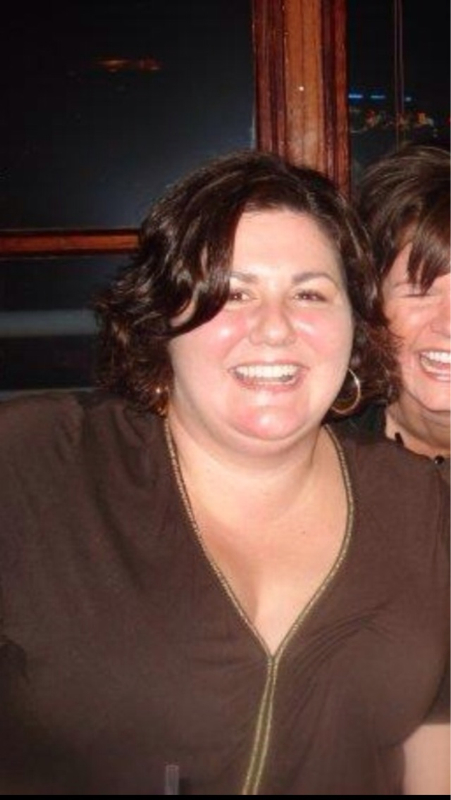
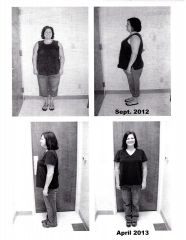
I wanted to post a few pics to help motivate and inspire others. I know it really helps me to see other success stories. I've 20 pounds until I hit goal - 145.





-
Before & After, a weight loss surgery photo album by Cat D on BariatricPal. 6 photos in Member Photo Gallery.
-
-
It depends on the dr. I didn't have a tube.
-
-
I love hanging my clothes on a hanger and they NEVER fall off when I move them. I love crossing my legs. I love squeezing between two chairs that I didn't think I couln't fit through. I love clothes now. I love posting pics on facebook now.
-
Beautiful. Congrats. I noticed your Ole Miss plates in your pic. What city do you live in?
-
-
-
Woot woot. I remember that feeling very well. You'll do great
-
My Dr. in Memphis, TN did not leave a drain in. I did get a hematoma behind one of my incisions. If I had a drain that would not have happen. It was painful but not unbearable.
-
I had a hematoma behind one of my incisions and it felt like a burning pain right underneath my skin. There was also a hard knot. It finally went away but it was painful. Good luck
-
Wow!!! You look amazing. Congrats.
-
Talking about water, I have a question too. Why can't we eat and drink at the same time. I really struggle with this. I usually end up having to take a sip or two.
-
Hey. My right side is still a little sore and the bruising is finally going away. Im down 21 pounds. Thats including my 2 week liver shrink diet. How are u.
-
-
My sister had lap-band about 8 years ago. She lost 80lbs. She told no one but very close friends and family. As she started loosing weight everyone came up to her asking how she lost her weight. She lied and said "diet and exercise". Some of her over weight friends wanted advice and help loosing weight. When they weren't successful she felt horrible and wanted to tell them. She was always afraid someone new the truth and she keep lying to them. It was really a struggle to keep it a secret from some and not from others. I had my surgery last Friday. I have told EVERYONE and I'm so glad I did!!!! Everyone has been so supportive. They are calling me skinny-minnie. Calling and checking on me and when I tell them how much I have lost they are hooting and hollering. I also thought it would give me more accountability when I was out eating with my friends. That's when I always did my worst eating. I'm so glad I've told everyone.
-
I was sleeved on Friday 9/28. I am so surprised about the recovery. I've had 3 c-sections so I thought this would be a walk in the park compared to that. But this surgery is kicking my butt. My bruising on my stomach looks like I was beaten. The largest hole (on the right side) is so sore. I can't stand my shirt to touch my skin. My sorness is much better but I still have a lot of pain as the day goes on. Is this normal. I read where people were fine after 3 or 4 days. I'm dizzy, hungry, and so tired all the time.... help.
-
-
I am having my surgery next week. One of the things I can eat on the "liquid" diet is chicken broth. I am NOT a cook, I am so stupid when it comes to cooking. I bought Chicken Cooking Stock. Is that the same thing??