kdc
LAP-BAND Patients
-
Joined
-
Last visited
-
-
-
-
Don't worry! It will work. I felt the SAME way.
-
I confess: I feel the best that I've felt in years. I like shopping for clothes now (and spend too much money doing so!). I sometimes miss the way I use to eat. That I don't always eat the most healthy foods and I'm still maintaining my loss. I don't exercise as much as should. I still drink Coke Zero. That I'm happy with the new me. Sometimes I still think I'm overweight.
-
-
I haven't used My Fitness Pal...I need to check it out!
-
Thanks! Yes, he said he wouldn't have expected me to be able to get to the point I have (and I haven't seen him since November so my follow up this upcoming November is going to be surprising to him!).
-
I started about two weeks ago. I don't know what I was thinking starting in AUGUST IN TEXAS. I'm using the 5K Runner app and it's been really helpful.
-
-
-
Thank you, ladies! I don't mind sharing at all! I'm 5'7" and at my highest was at 310 (I did lose a little pre-op) and I'm now at 150. My goal was 160, so anything else has been bonus! I'm now trying to start running...something I NEVER thought I could do...or would like to do. My skin isn't great, but I'm ok with it. The problem areas are my inner thighs, breasts, upper arms and tummy...but for the most part it doesn't even bother me! I'm so glad to be where I'm at. I think my biggest tip is to learn to listen to your body! It will tell you what to do!
-
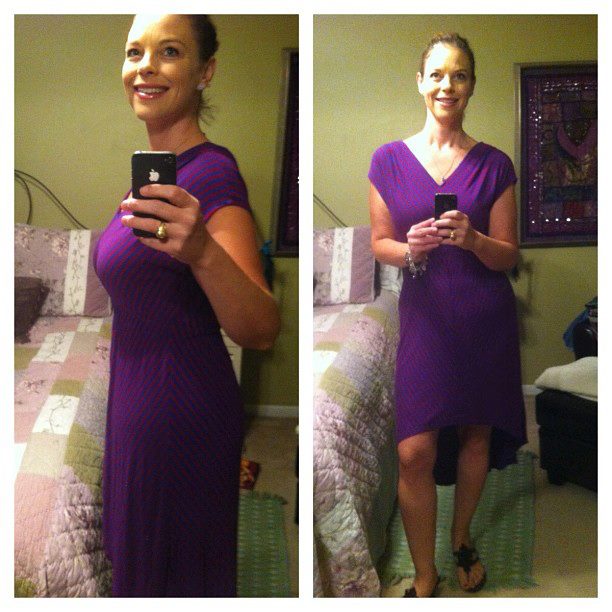
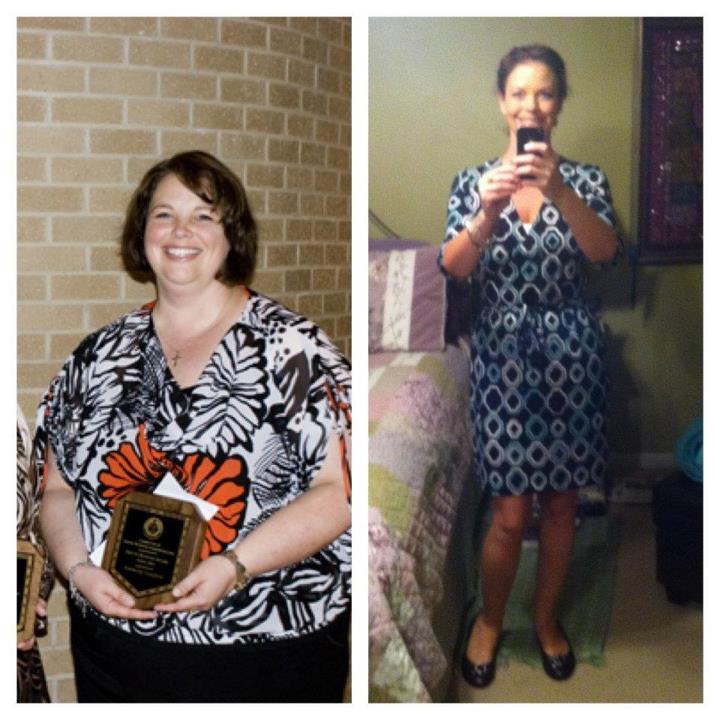
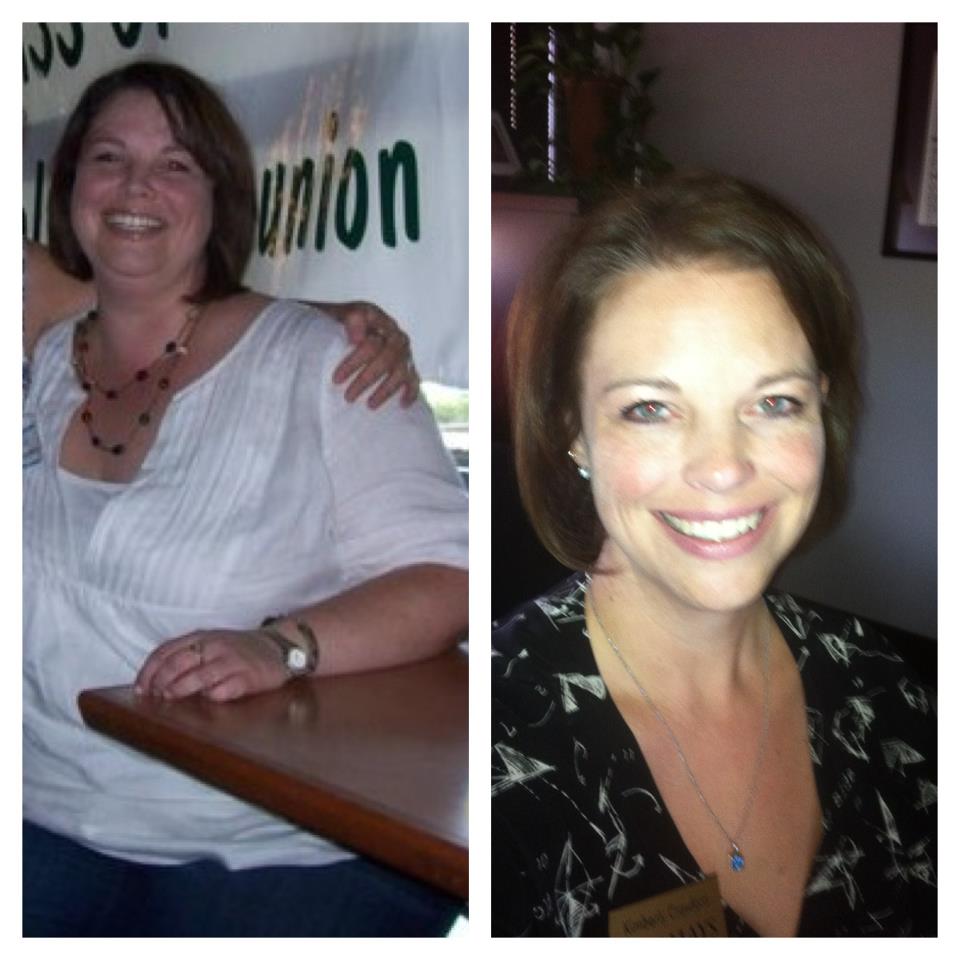
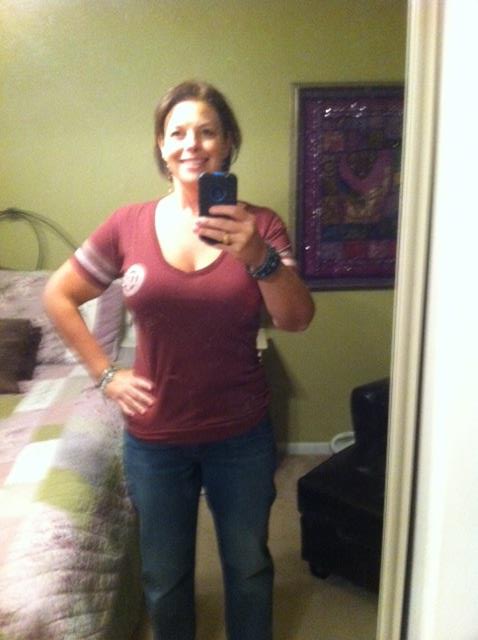
It's been a while since I posted, but wanted to share some before/after pictures. The sleeve has been the best thing I've done for myself! Down 160 lbs!


-
I was sleeved on December 28, 2010 and I am down 140 lbs. Congrats everyone!
-
-
My one year anniversary is today and I hit my goal today! 140 lbs G.O.N.E!

-
I had an appointment with my surgeon this past week. I'm right at 10 months and I've lost 130 lbs and I'm 10 away from the goal I set. I was at a BMI of 45 and am down to 26!



-
BEAUTIFUL!
-
You look AWESOME!
-
I was just commenting to someone the other day that I get a runny nose when I eat. I have no idea why....just thought it was strange.
-
AWESOME!
-
I hope this isn't tmi, but I've pretty much have had diahrea since the surgery. I just always know where a restroom is where ever I am! Also, early on I had some nausea and still occassionally do. I can't really predict when it will happen, but it's very rare now. So, nothing serious and nothing that I can't deal with.