





By ms.sss
- 1,057 views
- View ms.sss's images
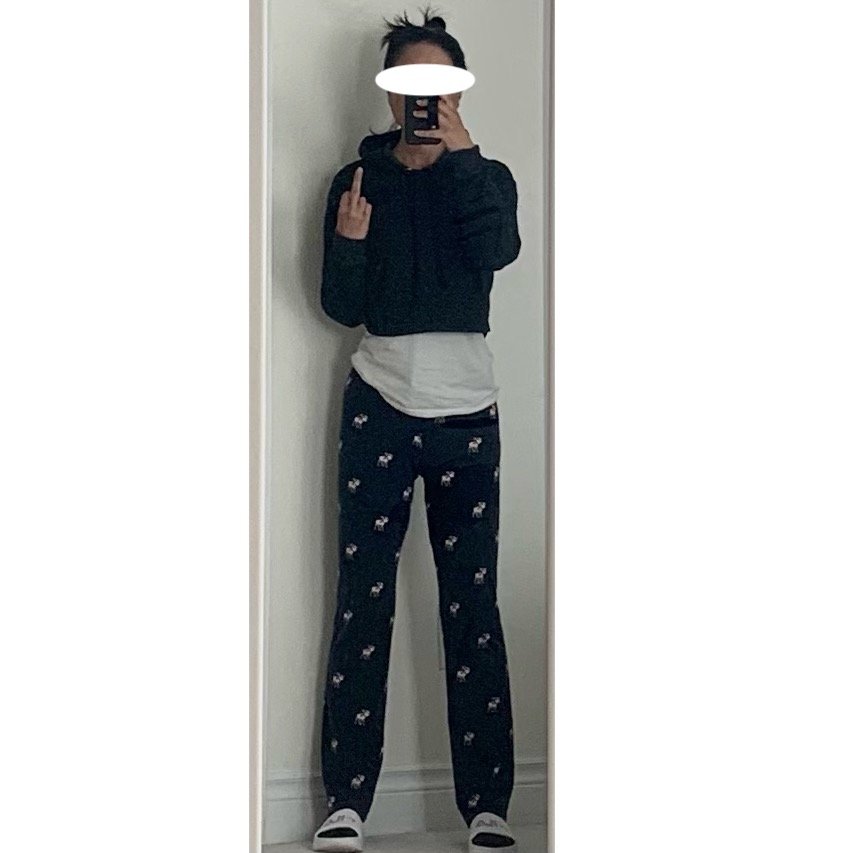
In my pathetic, personal protest to the new stay-out-home order going into effect tonite in my area, I have vowed to only wear pajamas for the next 4 weeks...even to the grocery store, dammit. This effing new development has effectively cancelled a long-awaited and fraught-secured cottage getaway that was planned for the end of this month. Arrrrrrrrrrrrgggggggggggg.
Covid sucks the big one.
It could suck my big one, if I had one. Maybe Mr. can loan his. Actually on second thought, it can find its own.
Arrrrrrrgggggggggg.
Recommended Comments
Join the conversation
You can post now and register later. If you have an account, sign in now to post with your account.