Another Photo... Share https://www.bariatricpal.com/blogs/entry/5083-another-photo/ Share via email Share on Facebook Share on X {lang="reddit_text" More sharing options... Followers
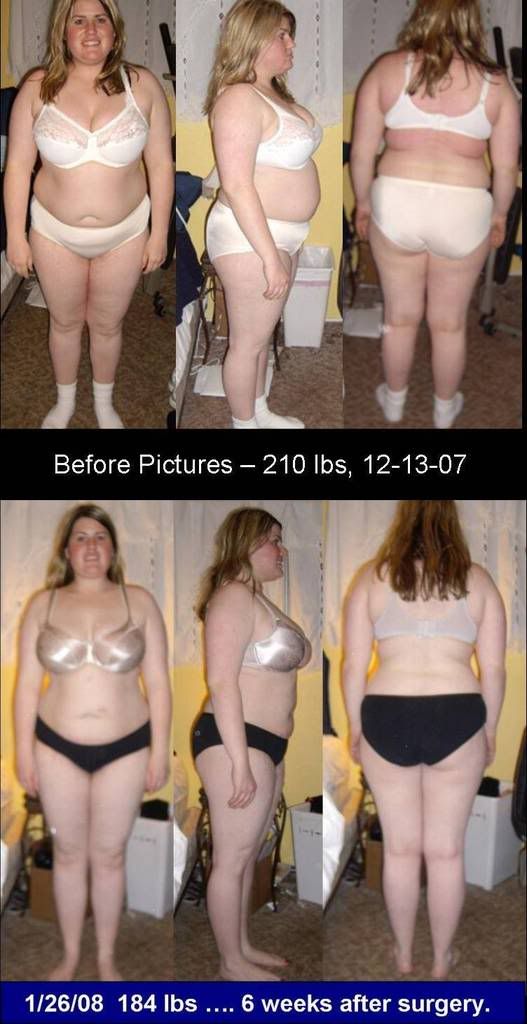
Guest Dazzle Guests January 27, 200818 yr Wow your transformation is coming through. You gave me the best idea to take some pics of myself. I am 4 days post op and I will do it tonight. Keep up the great work...
enjoylife LAP-BAND Patients February 9, 200818 yr Author stats i can't even see a surgical scare! whoever did your surgery, did a great cutting job. its amazing how quickly your body is showing weightloss changes. you look good. i think i'll do this when i get mine done.






Recommended Comments