Skip to content
View in the app

A better way to browse. Learn more.

BariatricPal

A full-screen app on your home screen with push notifications, badges and more.

To install this app on iOS and iPadOS
  1. Tap the Share icon in Safari
  2. Scroll the menu and tap Add to Home Screen.
  3. Tap Add in the top-right corner.
To install this app on Android
  1. Tap the 3-dot menu (⋮) in the top-right corner of the browser.
  2. Tap Add to Home screen or Install app.
  3. Confirm by tapping Install.

Before Surgery Measurements

blog-0399143001440337828.jpg

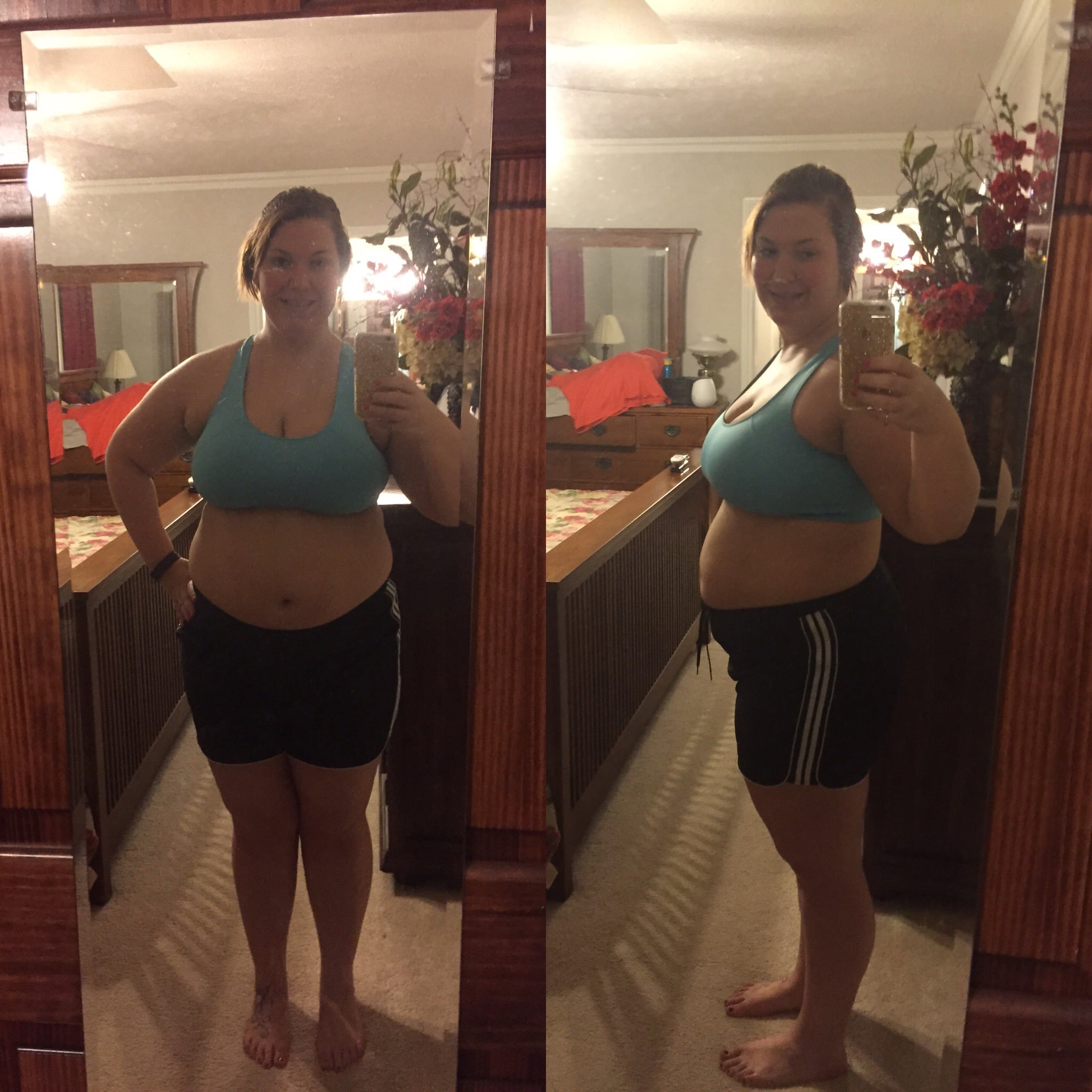
With my surgery being on Thursday, I decided I'd write out all of my measurements so that way I can track how far I come every month after the surgery.


Current Weight: 254 lbs

Waistline: 42.5"

Bust: 48.5"

Hips: 50.5"

Neck: 16"

Wrist: 7.25"

Bicep: 16"

Forearm: 12.75"

Thigh: 31.5"

Calf: 18.75"


I am able to keep these measurements with me on my phone thanks to the app "BodyShot." I know it's available for iOS, I'm not sure about Android. But it's an app I've used in the past, and I love it! You get to select what measurements you want to keep, and you take a picture of yourself so you can see physical progress, and also the inches coming off (which you can't always see).


Other than that, I'm killing this all liquid diet! But I'll be happy in 5 weeks when I can start introducing solid foods into my system again.


Can't wait until Thursday!

0 Comments

Recommended Comments

There are no comments to display.

Guest
Add a comment...

Account

Navigation

Search

Search

Configure browser push notifications

Chrome (Android)
  1. Tap the lock icon next to the address bar.
  2. Tap Permissions → Notifications.
  3. Adjust your preference.
Chrome (Desktop)
  1. Click the padlock icon in the address bar.
  2. Select Site settings.
  3. Find Notifications and adjust your preference.