Skip to content
View in the app

A better way to browse. Learn more.

BariatricPal

A full-screen app on your home screen with push notifications, badges and more.

To install this app on iOS and iPadOS
  1. Tap the Share icon in Safari
  2. Scroll the menu and tap Add to Home Screen.
  3. Tap Add in the top-right corner.
To install this app on Android
  1. Tap the 3-dot menu (⋮) in the top-right corner of the browser.
  2. Tap Add to Home screen or Install app.
  3. Confirm by tapping Install.

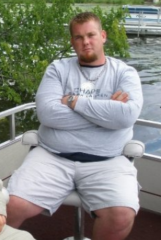
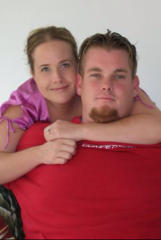
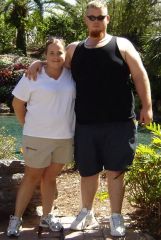
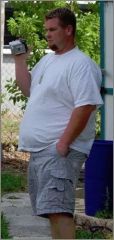
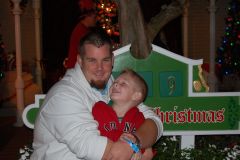
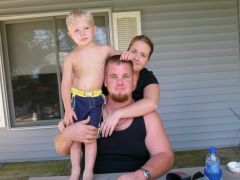
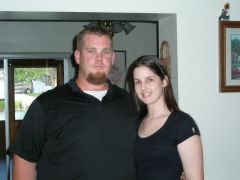
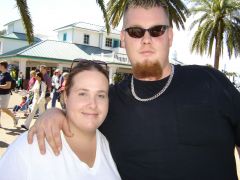
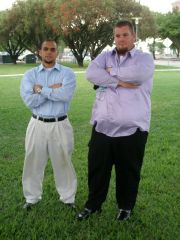
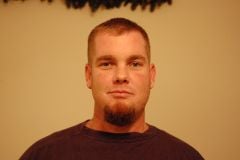
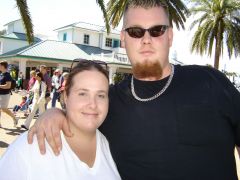
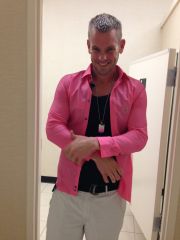
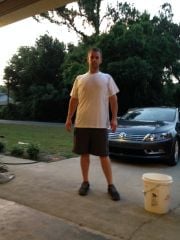
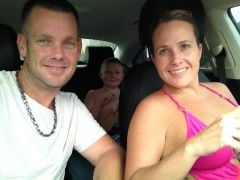
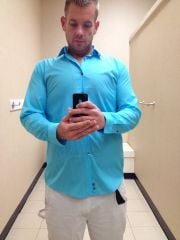
Starting my account with bariatricpal : All reviews with websites supporting weight loss surgery , I fell as a calling really that I need to provide my input with my success as well with my wife also. Hardest part of my day is What am I going to eat for breakfast , What am I going to eat today ? Usually I skip breakfast (horrible I know) I feel breakfast is really the most important part of your day. This is when we are going to step out into the world and deal with the various task through out the day.
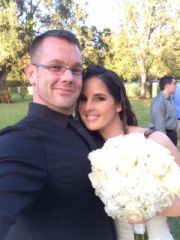
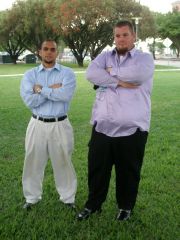
Images

  1. My sister : After Picture.
  2. steven&nicole
  3. DSC 0029
  4. Wow WOW WOW
  5. Before : wife and I
  6. Before : Wife and I
  7. 020
  8. WOW WOW WOW
  9. 007
  10. 40 pounds lost before surgery
  11. Peak weight : with my sister
  12. Before : Wife and I
  13. Size Comparison
  14. Me
  15. DSC 0029
  16. DSC00068
  17. After picture
  18. After
  19. After : Family
  20. After : Dress shirt fittings
View the entire Before and Afters (205 Lbs. lost) album

0 Comments

Recommended Comments

There are no comments to display.

Guest
Add a comment...

Account

Navigation

Search

Search

Configure browser push notifications

Chrome (Android)
  1. Tap the lock icon next to the address bar.
  2. Tap Permissions → Notifications.
  3. Adjust your preference.
Chrome (Desktop)
  1. Click the padlock icon in the address bar.
  2. Select Site settings.
  3. Find Notifications and adjust your preference.