




I got a date!

By bobbyswife
· 254 views
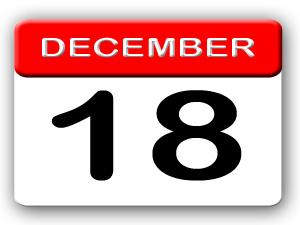
I got a date! I got a date! I got a date! I'm doing the happy dance!  So many emotions going on right now. I jump from ecstatic to scared, and then from worried to anxious. Mostly just delighted though. I know the next few months are going to fly by, but I also hate the waiting. I've had an upset tummy for 24 hours now because my nerves are all over the place. This IS the right decision though. Even my other Dr's all agree this is going to be the best thing for me in my situation. December 18th will be here before I know it! Now I just have to wrap my head around it and decide how many people I'm willing to talk to about it. It feels very private, but I'm also not ashamed of it. Oh well, time will tell what I decide to do and I'll cross that bridge when I get there!
Recommended Comments