




Skip to content
View in the app

A better way to browse. Learn more.

BariatricPal

A full-screen app on your home screen with push notifications, badges and more.

To install this app on iOS and iPadOS
  1. Tap the Share icon in Safari
  2. Scroll the menu and tap Add to Home Screen.
  3. Tap Add in the top-right corner.
To install this app on Android
  1. Tap the 3-dot menu (⋮) in the top-right corner of the browser.
  2. Tap Add to Home screen or Install app.
  3. Confirm by tapping Install.

FEELINGS

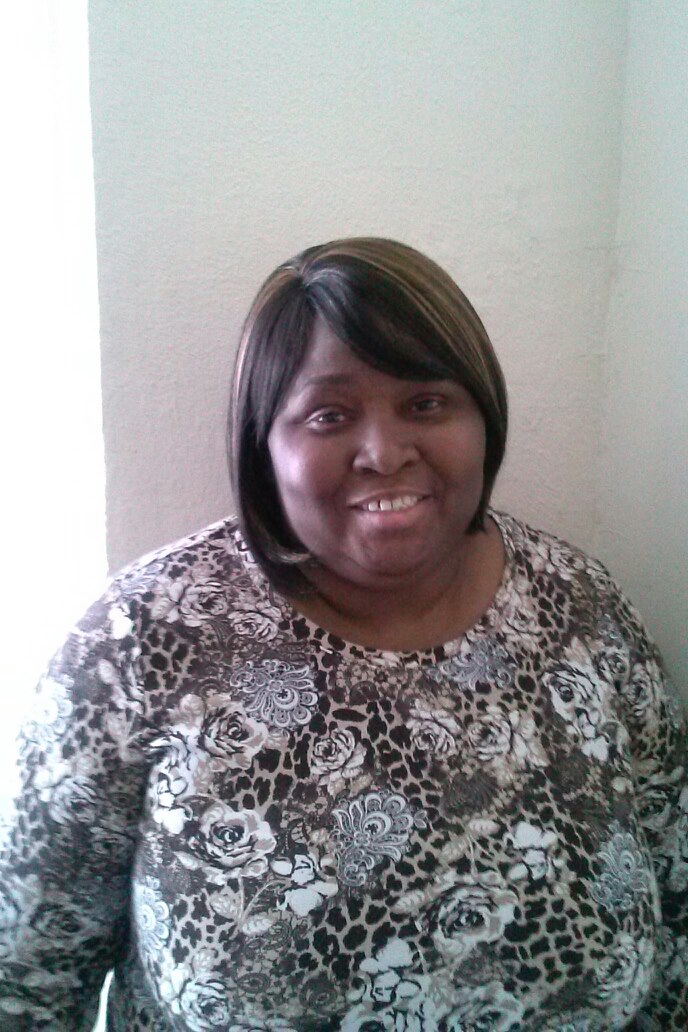
blog-0347585001409871647.jpg

September 4, 2014


Hi Everyone:


Well, this is my first post since joining the group. I took the 6-months of classes and passed all the tests and today I received my call saying my surgery will take place on September 30, 2014. I will never forget this date. It is already burned in my memory. Nor will I forget what I was doing at the time I received the call - in line at the market. I looked down into my shopping cart (the riding kind) and felt okay because I had 3 healthy choice meals. I said to myself, well my next trip to the market will be a lot different than today. I am trying to see myself in my mind's eye after the surgery. I can't see it. I guess this is normal. I haven't known what was normal for quite some time. I am so looking forward to the journey. I don't have a lot of family support, but I know you all out there are going through this with me. Thanks for going on this journey with me. I need you all.


26 Days to Countdown.

Current Weight 278 (down from 317)

Goal Weight 175

2 Comments

Recommended Comments

MzBree

Gastric Bypass Patients

That is very exciting! You will do great! I just found out as well on Friday that my surgery date is set for Oct. 15th!

Spicy06

Gastric Sleeve Patients

I still have to go through the support group meetings, psyc eval, and the nutritionist appointments. I have only told 3-4 people and I will not tell anyone else. I have the support of the people who mean the most to me and that is all that matters. You will do wonderful! I am excited for me and for you!!

Guest
Add a comment...

Account

Navigation

Search

Search

Configure browser push notifications

Chrome (Android)
  1. Tap the lock icon next to the address bar.
  2. Tap Permissions → Notifications.
  3. Adjust your preference.
Chrome (Desktop)
  1. Click the padlock icon in the address bar.
  2. Select Site settings.
  3. Find Notifications and adjust your preference.