





By Cmstewart
· 414 views
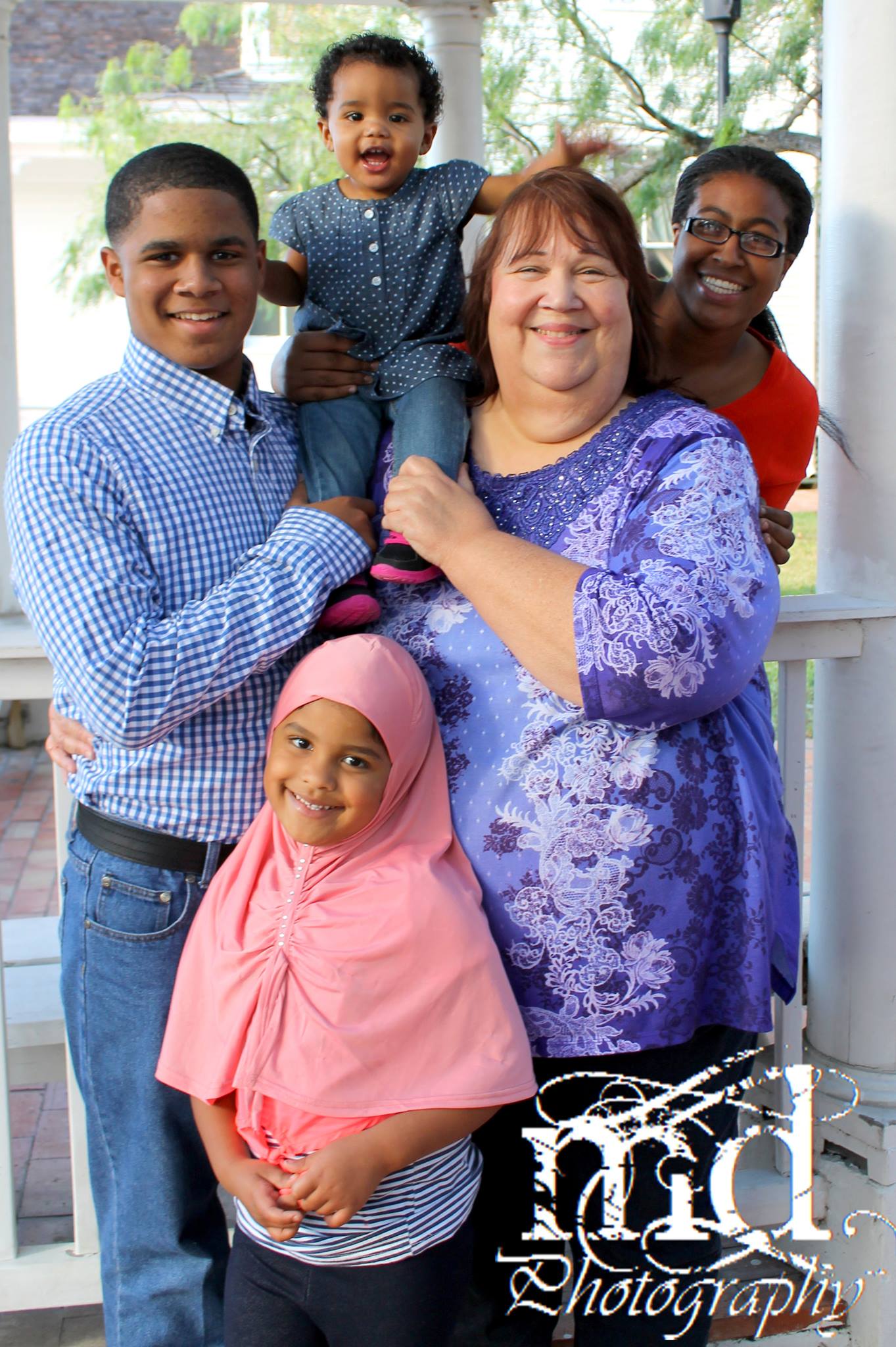
This is my first blog, so glad I found this place. I am so glad to have freedom again. I love to ride rides like at 6 flags and Disney world. I have not been able to do this in years and years. I cant wait! Im 59yrs old and I know I will be able to see my grandchildren grow up and be a active part of their lives.
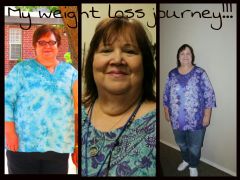
I had gastric sleeve surgery on May 13,2013. When I started this journey I weighed 302. I lost 60 pounds before surgery. Today is June 22 and I have lost a total of 65 p. I was discouraged at first but I realized I was not eating enough protein or liquid. When I increased this the weight started coming off. I don't think I am eating enough. When I eat chicken I get full very quickly. I still drink a protein drink for breakfast and a protein bar around 12 noon. This gives me 50 grams of protein. I use fitness pal to help keep track of me carbs and protein. I have went from a size mens 4x t-shirt and now I am almost in a 2x and have went down 3 sizes in pants. I have to go shopping very soon.
Im still tired a lot, I have arthritis in my knees. It is better but it hinders my exercising. I sit and do sitting exercise and standing without moving my knees to much. The pool is the best.

Recommended Comments