Skip to content
View in the app

A better way to browse. Learn more.

BariatricPal

A full-screen app on your home screen with push notifications, badges and more.

To install this app on iOS and iPadOS
  1. Tap the Share icon in Safari
  2. Scroll the menu and tap Add to Home Screen.
  3. Tap Add in the top-right corner.
To install this app on Android
  1. Tap the 3-dot menu (⋮) in the top-right corner of the browser.
  2. Tap Add to Home screen or Install app.
  3. Confirm by tapping Install.

The Why?

blogs/blog-0191294001369177802.jpg

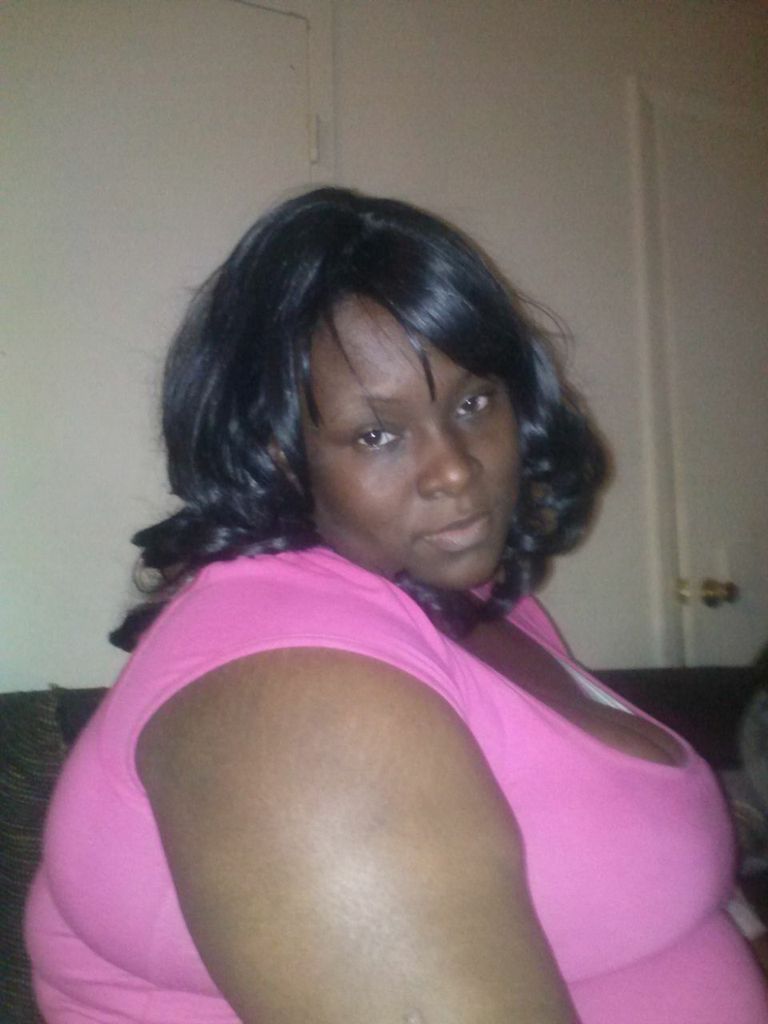
So I have been overweight since I hit puberty. It wasn't an issue until several years ago. After, I started having children the weight just never disappeared and then after some time the weight just continued and continued to increase and now I know that I need to do something. I don't think that I'm ugly or unslightly but life isn't as enjoyable as it should be and I kow that if I lost the weight I would be a more lively person. So here I am started the journey to the rest of my life.

0 Comments

Recommended Comments

There are no comments to display.

Guest
Add a comment...

Account

Navigation

Search

Search

Configure browser push notifications

Chrome (Android)
  1. Tap the lock icon next to the address bar.
  2. Tap Permissions → Notifications.
  3. Adjust your preference.
Chrome (Desktop)
  1. Click the padlock icon in the address bar.
  2. Select Site settings.
  3. Find Notifications and adjust your preference.