





By BigDaddyJoe
· 503 views
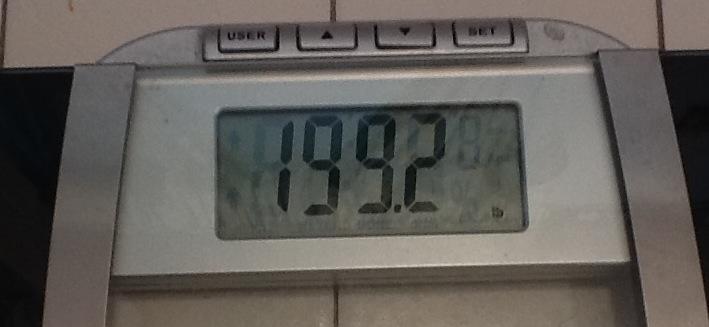 It has been a while since I posted anything. I guess that is because there hasn't been too much to report. I just looked at my last post, and it was May 31, and I weighed 214. As of this morning, I weigh 199! I haven't been under 200 in at least 15 years. I'm only 9 lbs away from my doctor's goal of 190, and 19 lbs away from my goal of 180. I've lost a total of 75 lbs now. I thought I was losing quickly, but now that I think about it, 15 lbs in a month and a half isn't that quick. I want to be at or below my doctor's goal by my 6 month follow up. Guess I need to step it up!
Recommended Comments