Skip to content
View in the app

A better way to browse. Learn more.

BariatricPal

A full-screen app on your home screen with push notifications, badges and more.

To install this app on iOS and iPadOS
  1. Tap the Share icon in Safari
  2. Scroll the menu and tap Add to Home Screen.
  3. Tap Add in the top-right corner.
To install this app on Android
  1. Tap the 3-dot menu (⋮) in the top-right corner of the browser.
  2. Tap Add to Home screen or Install app.
  3. Confirm by tapping Install.

Cleaned out closet

After the shopping Friday, I cleaned my closet out Saturday. I got rid of a lot of clothes that I could no longer fit or sew to fit. I gave a lot away to ones who needed them. But man do I have so much more room in my closet, but enough shopping for now since I plan on losing another 50+ pounds. I'm excited about where I am today. And excited about where I will be in 4 months on my surgiversary in July.
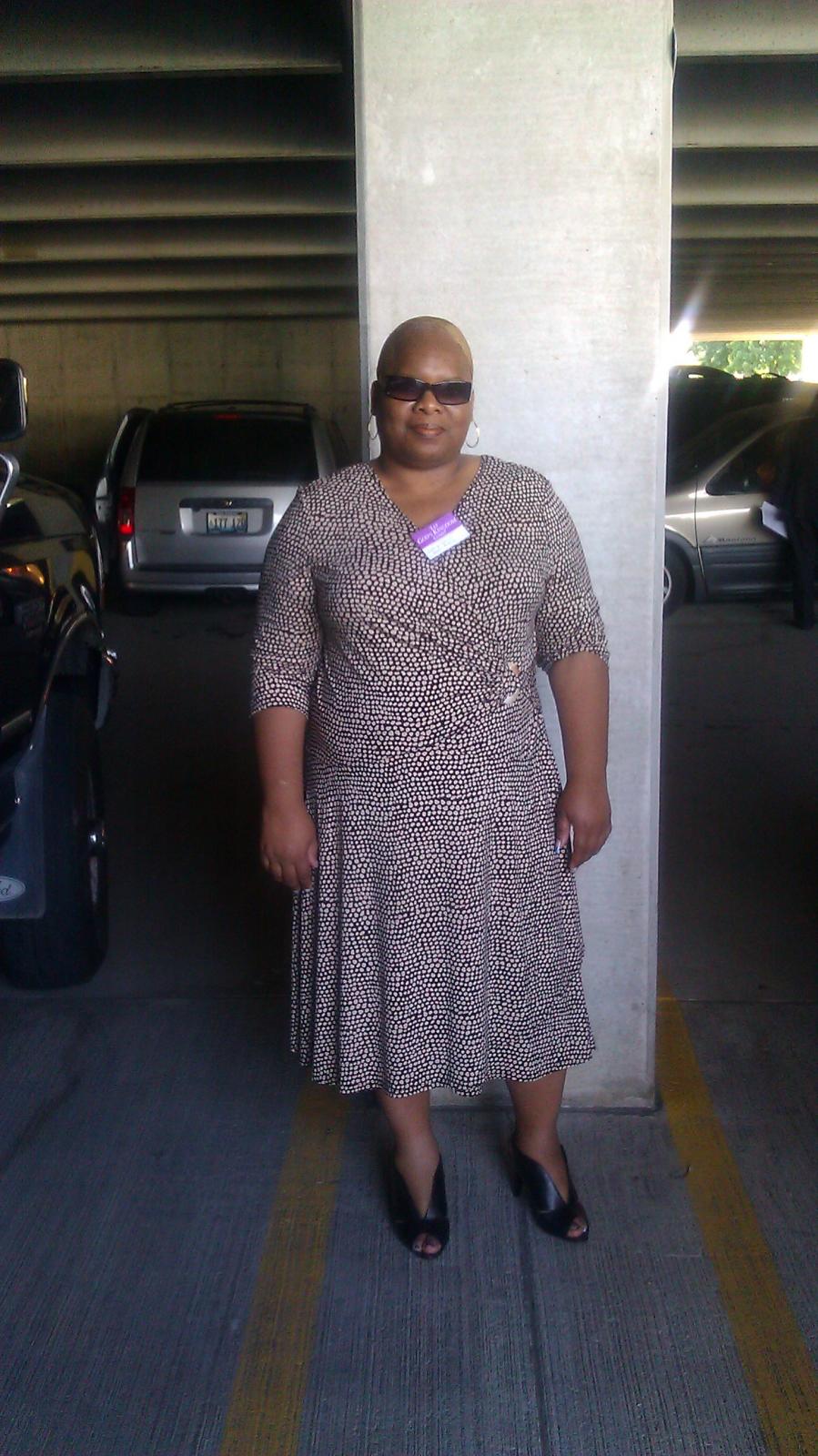


blogentry-24477-13814461286021.jpg A Month before surgery


blogentry-24477-13814461284823.jpg 8 Months Post-Op

2 Comments

Recommended Comments

DrmBig4Evr

LAP-BAND Patients

You look great! Keep it up!

serenafish

Gastric Sleeve Patients

wow stunning, you have done amazing WTG!!!

you give me hope :)

Guest
Add a comment...

Account

Navigation

Search

Search

Configure browser push notifications

Chrome (Android)
  1. Tap the lock icon next to the address bar.
  2. Tap Permissions → Notifications.
  3. Adjust your preference.
Chrome (Desktop)
  1. Click the padlock icon in the address bar.
  2. Select Site settings.
  3. Find Notifications and adjust your preference.