





By MissVVJJ
· 597 views
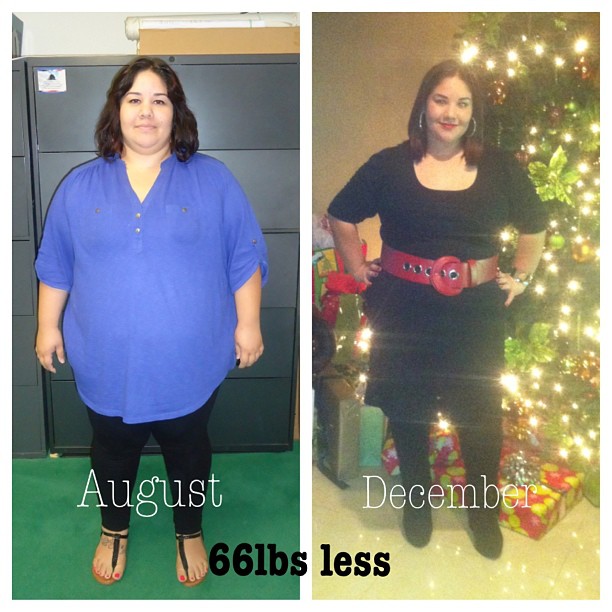 Alright so I've been MIA for a while but decided its time to come back and see how everyone is doing. So quick update...I had surgery on 8/17/12 and as of today I am down 66lbs
  I am feeling awesome and still working on losing about 85-90 more lbs. I am able to eat more than what I was 1-2 months post op but its still a small portion. I am able to eat almost everything but again smaller portions. I have become concerned about this because I don't want to over do it although I do stop as soon as I feel full. Any of you able to eat normal foods(pizza, bread, pasta, etc) but just smaller portions.
Also, I have not worked out whatsoever because I go to work AND school full time. Luckily, I am done with school the end of Feb so my main focus after that will be working out. I've attached a before and current picture of myself
Recommended Comments