




Finished My First 5K Today!
· 459 views
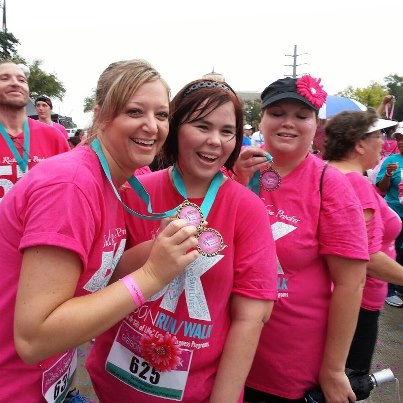 I did my first 5K today on my 3 month post surgery anniversary!!! Although I wasn't really happy that it took me 48 minutes to complete it I do have to think back and realize that 3 months ago I may not have been able to even finish it much less run half of it. This surgery has really been a blessing in my life!!! And thanks everyone that has shown support since I have started my training. It's always a nice feeling when you know you have people cheering you on!!!
Recommended Comments