Skip to content
View in the app

A better way to browse. Learn more.

BariatricPal

A full-screen app on your home screen with push notifications, badges and more.

To install this app on iOS and iPadOS
  1. Tap the Share icon in Safari
  2. Scroll the menu and tap Add to Home Screen.
  3. Tap Add in the top-right corner.
To install this app on Android
  1. Tap the 3-dot menu (⋮) in the top-right corner of the browser.
  2. Tap Add to Home screen or Install app.
  3. Confirm by tapping Install.

The Journey

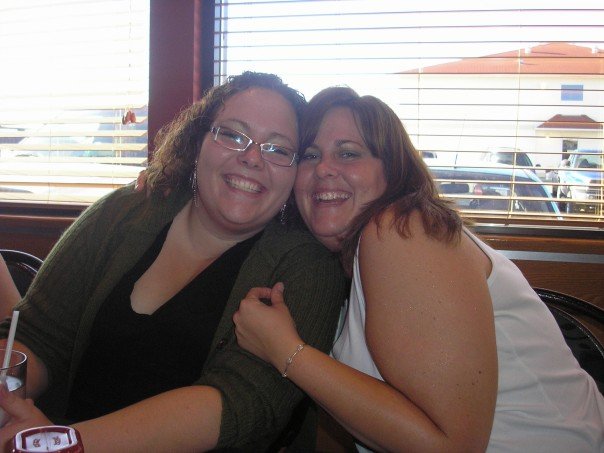
ive decided since im over half way through my weight loss to post some pics of my journey so far

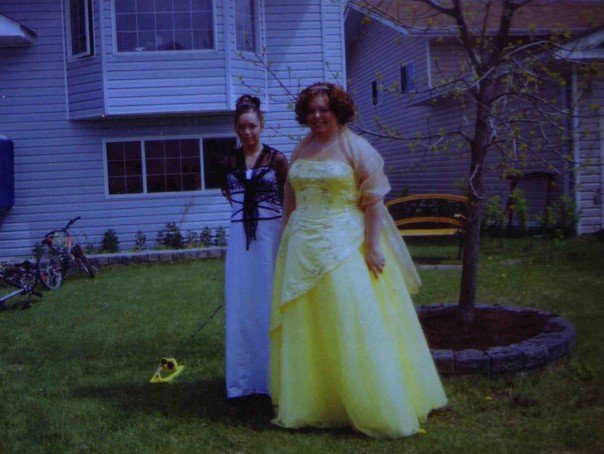
in the beginning

320 pounds im on the left
blogentry-247607-13814445095571.jpg

my grad

blogentry-247607-13814445095973.jpg

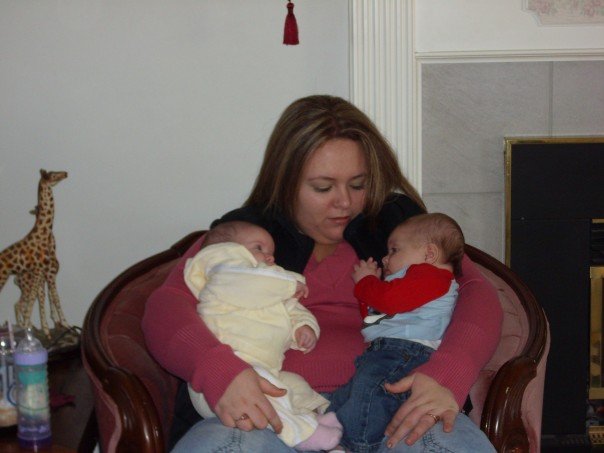
Me with my neice and nephew

blogentry-247607-13814445096357.jpg

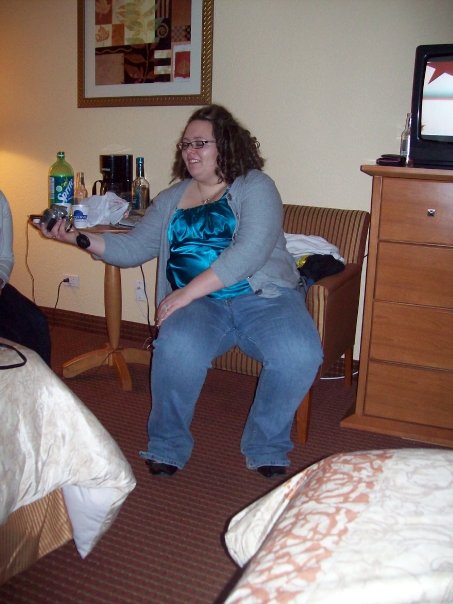
Birthday 3 years ago

blogentry-247607-13814445096883.jpg

The journey begins

blogentry-247607-1381444509731.jpg

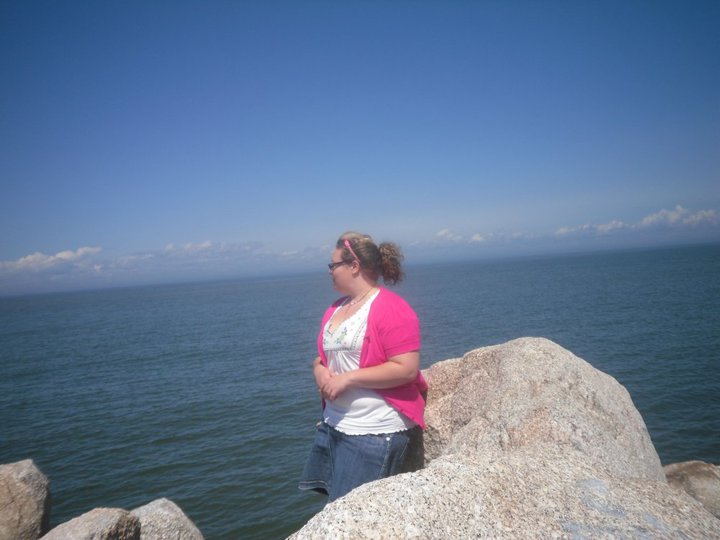
Last summer over a year past surgery

blogentry-247607-1381444509768.jpg

and finnaly 2 months ago at a loss of 100 pounds, will post more as im 115 lost now

blogentry-247607-13814445098276.jpg

im on the laft at my best friends wedding

3 Comments

Recommended Comments

brunettey22

LAP-BAND Patients

These pics are great!! You've come so far and your gonna go even farther!!!

smilinginside

LAP-BAND Patients

lol how did i know youd be the only one to comment hahah thanks!!!

suzbuni

LAP-BAND Patients

Great job. you look beautiful in all the photos. Great job!

Guest
Add a comment...

Account

Navigation

Search

Search

Configure browser push notifications

Chrome (Android)
  1. Tap the lock icon next to the address bar.
  2. Tap Permissions → Notifications.
  3. Adjust your preference.
Chrome (Desktop)
  1. Click the padlock icon in the address bar.
  2. Select Site settings.
  3. Find Notifications and adjust your preference.