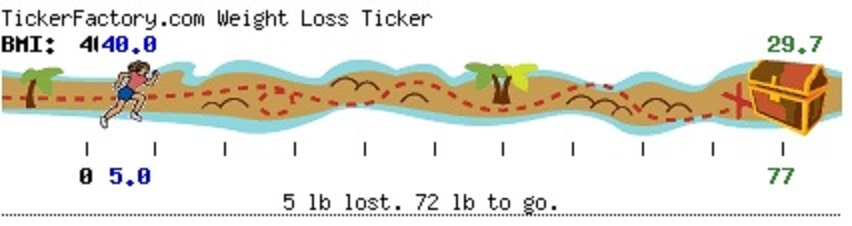
Starting Again Share https://www.bariatricpal.com/blogs/entry/22623-starting-again/ Share via email Share on Facebook Share on X Share on Reddit More sharing options... Followers I have been away from the forum, my lapband and taking good care of myself for a long time. Today is the first day of the rest of my life ! I am going to love myself today. I will know I am worthy of God's lovingkindness. :wub: MaggieGT
mopopp LAP-BAND Patients April 28, 201214 yr Author stats I feel the same way, I have a tool and I am not using it. Need to get my head back in weight loss mode. I lost about 50 lbs five years ago post surgery and have regained 30! I need to focus and get back on track. I'll be check on you Maggie, Good luck Maureen
MaggieGT LAP-BAND Patients April 28, 201214 yr Author stats Thank you Maureen. Let's do it together. Starting today, loving ourselves. Like you said, focus and get back on track. I know we can. Good Journey to you Maureen :-) MaggieGT






Recommended Comments