





Skip to content
View in the app

A better way to browse. Learn more.

BariatricPal

A full-screen app on your home screen with push notifications, badges and more.

To install this app on iOS and iPadOS
  1. Tap the Share icon in Safari
  2. Scroll the menu and tap Add to Home Screen.
  3. Tap Add in the top-right corner.
To install this app on Android
  1. Tap the 3-dot menu (⋮) in the top-right corner of the browser.
  2. Tap Add to Home screen or Install app.
  3. Confirm by tapping Install.

Just Updating

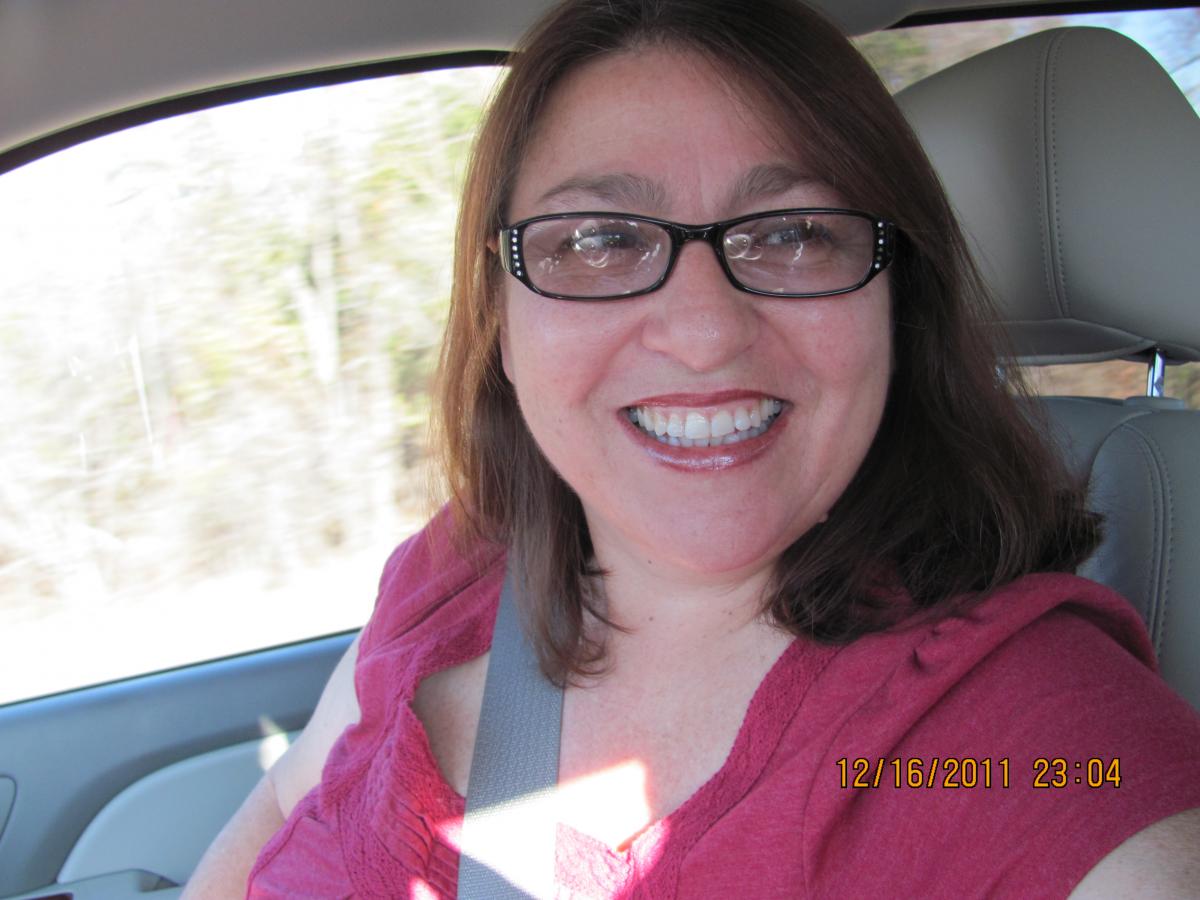
Well I am nearly three months out and 28 pounds down. I feel good, but I always felt good, Changes are happening, I am down one size in clothes and even my ring size is down one. lol My doctor visit last friday went well and I may get another fill Wednesday. My biggest gripe right now is my baggie pants keep pulling my underwear down lol blogentry-323695-13814445022804.jpg
1 Comment

Recommended Comments

lspeeler1

LAP-BAND Patients

Those are good problems but problems all the same It was hard for me to be able to go out and get clothes that fit. It was also hard for me to get rid of the old ones that didn't fit anymore. Keep up the good work!

Guest
Add a comment...

Account

Navigation

Search

Search

Configure browser push notifications

Chrome (Android)
  1. Tap the lock icon next to the address bar.
  2. Tap Permissions → Notifications.
  3. Adjust your preference.
Chrome (Desktop)
  1. Click the padlock icon in the address bar.
  2. Select Site settings.
  3. Find Notifications and adjust your preference.