




YEA!!!!!! For Me!
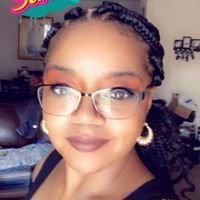
By bird925
· 396 views


 Yea!!!!! For Me!!!!!!! I got a date. I am so excited. I get banded on May 11th. I am so ready. Well now Pre-op diet. I am so happy right now. I was suprised this morning when I got the call because she just put my paper work in yesterday and she got the approval this morning. My insurance is quick. I started my journey on March 8th when I went to my first siminar with my surgeon. Dr. Adam Goldstein and his staff are a wonderful group.
Recommended Comments