Skip to content
View in the app

A better way to browse. Learn more.

BariatricPal

A full-screen app on your home screen with push notifications, badges and more.

To install this app on iOS and iPadOS
  1. Tap the Share icon in Safari
  2. Scroll the menu and tap Add to Home Screen.
  3. Tap Add in the top-right corner.
To install this app on Android
  1. Tap the 3-dot menu (⋮) in the top-right corner of the browser.
  2. Tap Add to Home screen or Install app.
  3. Confirm by tapping Install.

Hobbies help

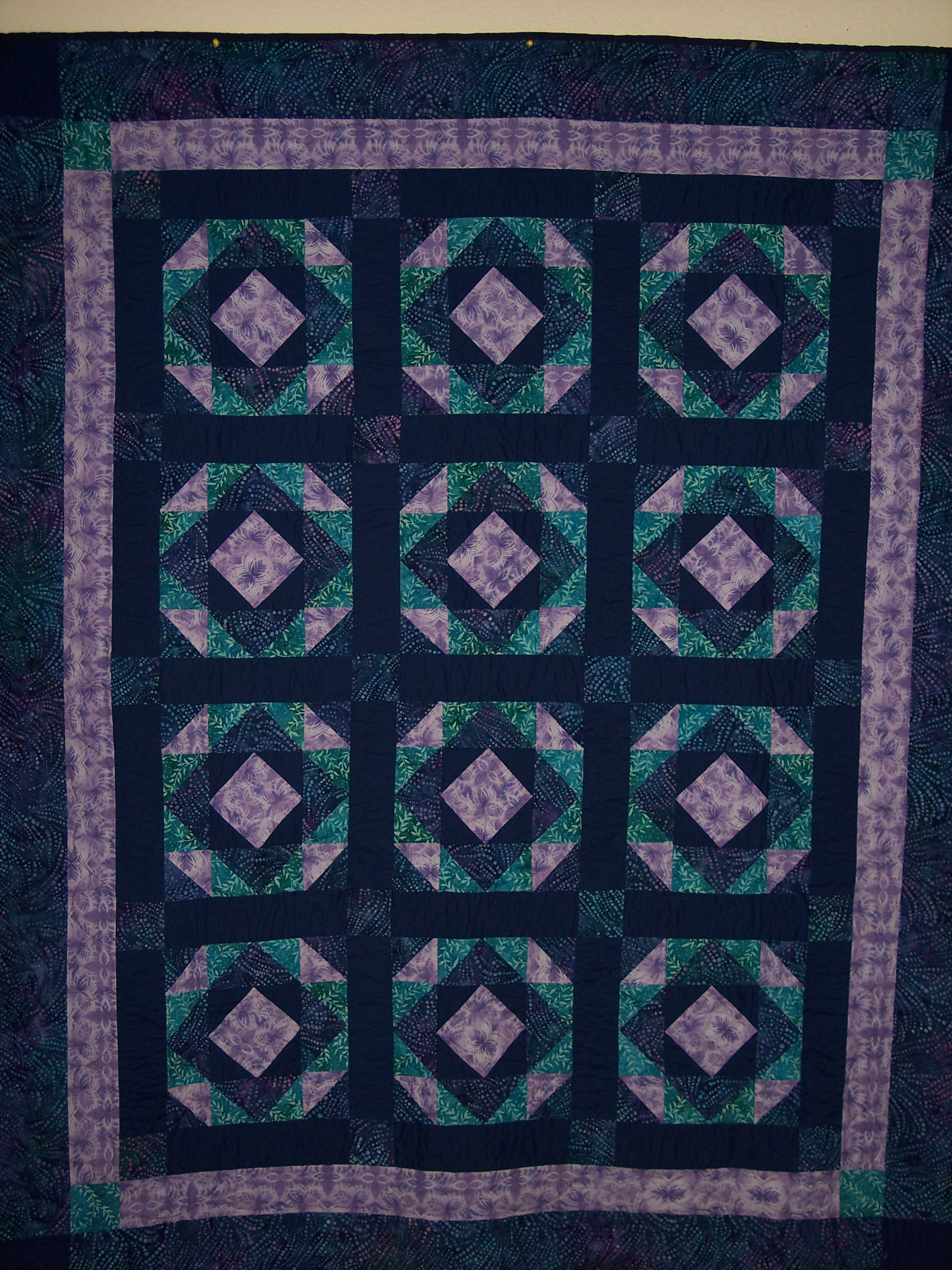
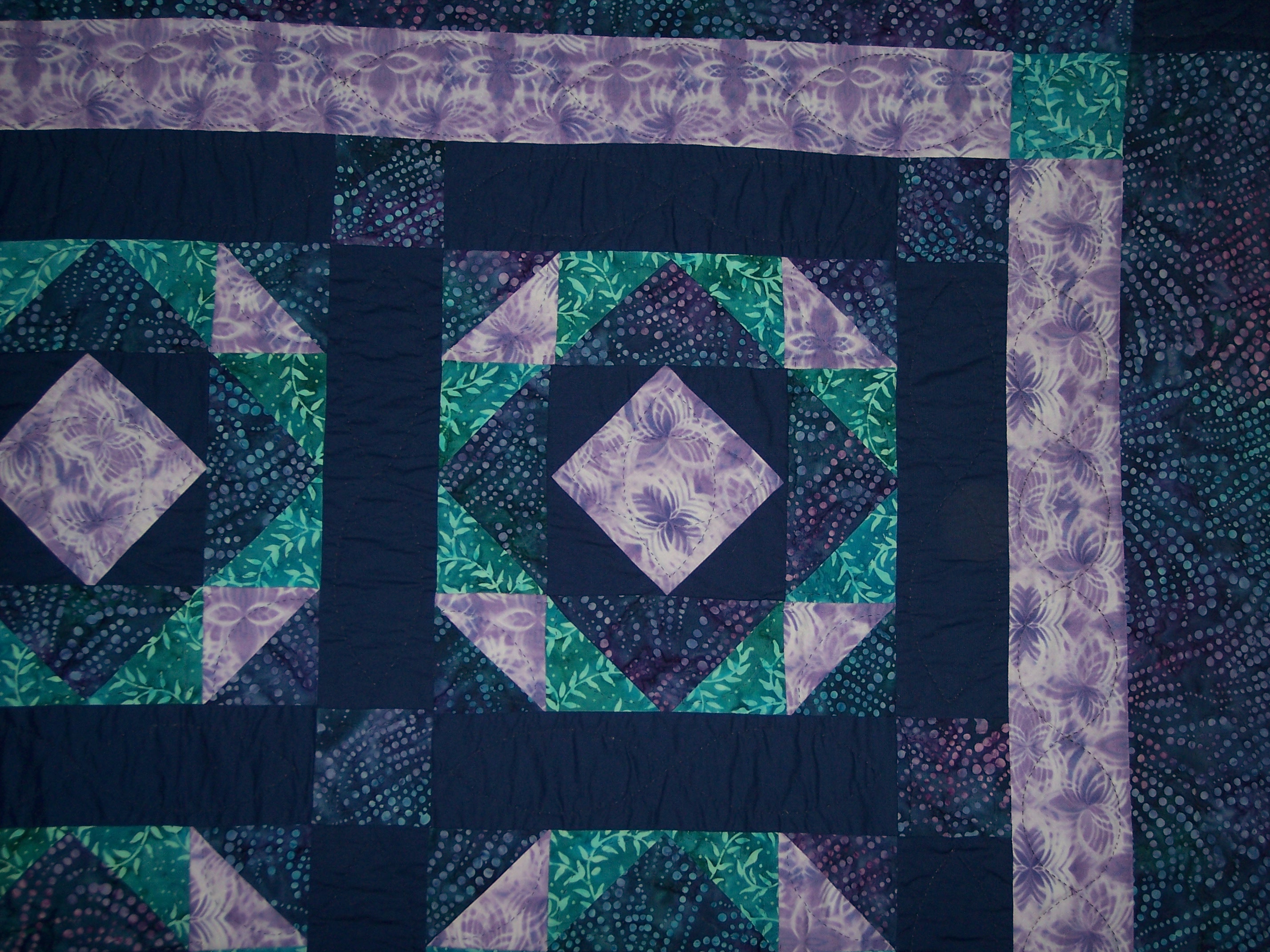
I finished my first real quilt and was trying to figure out how to post pics in a thread to share with friends. Spending time doing some sort of hobby helps me stay away from too many snacks. I guess for now all I can figure out is how to post pics in my blog or an album.blogentry-270429-1381444476625.jpg blogentry-270429-13814444770845.jpg

1 Comment

Recommended Comments

elcee

Gastric Bypass Patients

I love it, it looks great. I've just started quilting so am a complete novice. Just got back from buying some cheap fabric at one of our craft shops. I can't wait to finish a proper quilt.

Guest
Add a comment...

Account

Navigation

Search

Search

Configure browser push notifications

Chrome (Android)
  1. Tap the lock icon next to the address bar.
  2. Tap Permissions → Notifications.
  3. Adjust your preference.
Chrome (Desktop)
  1. Click the padlock icon in the address bar.
  2. Select Site settings.
  3. Find Notifications and adjust your preference.