Skip to content
View in the app

A better way to browse. Learn more.

BariatricPal

A full-screen app on your home screen with push notifications, badges and more.

To install this app on iOS and iPadOS
  1. Tap the Share icon in Safari
  2. Scroll the menu and tap Add to Home Screen.
  3. Tap Add in the top-right corner.
To install this app on Android
  1. Tap the 3-dot menu (⋮) in the top-right corner of the browser.
  2. Tap Add to Home screen or Install app.
  3. Confirm by tapping Install.

Pre-op Dating

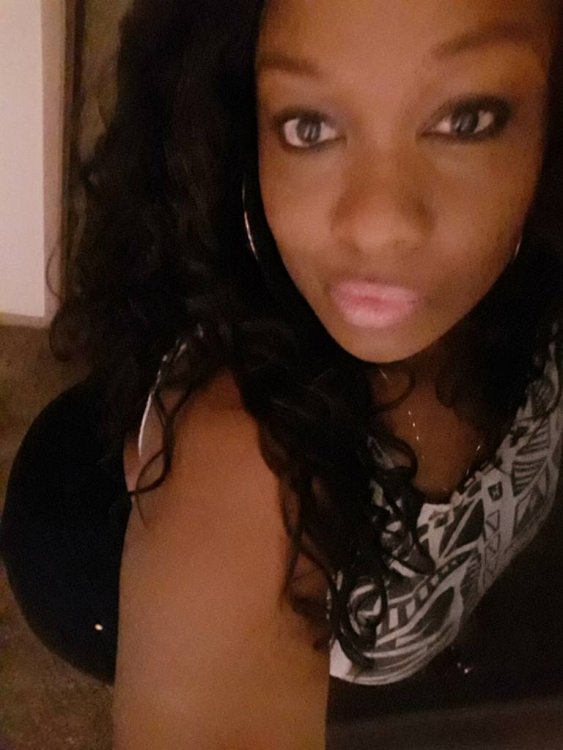
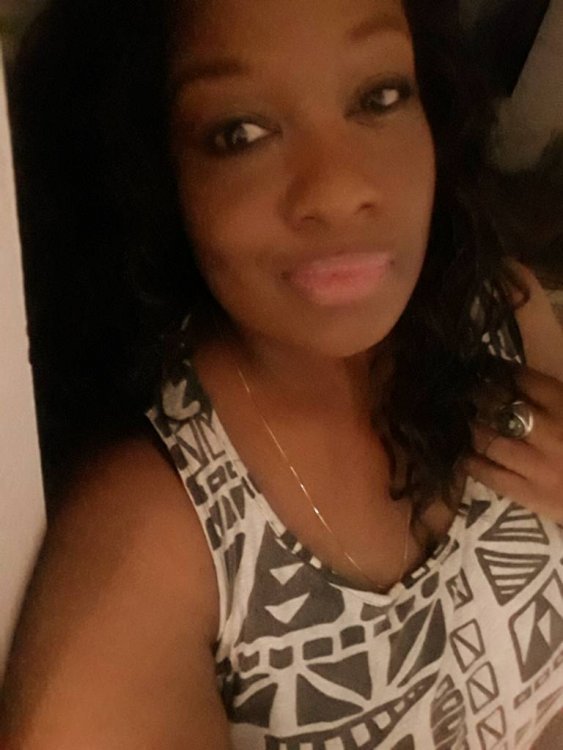
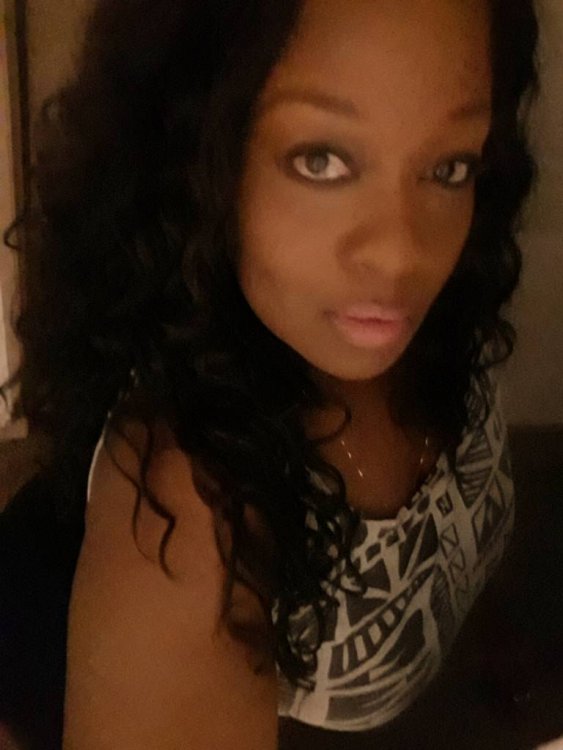
Hello my surgery is scheduled to be sometime in June. I'm a easygoing woman looking for buddies, pals and local friends to help support during our journey. I enjoy discussing topics of self-love and possibly looking for someone to walk with and prep healthy meals. Peace and love.

20190310_191442.jpeg20190310_191534.jpeg20190310_191819.jpeg

  • Replies 1
  • Views 2k
  • Created
  • Last Reply

Top Posters In This Topic

Most Popular Posts

  • Mr Tallahassee
    Mr Tallahassee

    Hi there, I'm Charles and I had my sleeve surgery March of 2018.id love to be a friend for you if u like. Sent from my LG-H910 using BariatricPal mobile app
Posted Images

Featured Replies

Join the conversation

You can post now and register later. If you have an account, sign in now to post with your account.

Guest
Reply to this topic...

Trending Products

PatchAid Vitamin Patches

Account

Navigation

Search

Search

Configure browser push notifications

Chrome (Android)
  1. Tap the lock icon next to the address bar.
  2. Tap Permissions → Notifications.
  3. Adjust your preference.
Chrome (Desktop)
  1. Click the padlock icon in the address bar.
  2. Select Site settings.
  3. Find Notifications and adjust your preference.