Skip to content
View in the app

A better way to browse. Learn more.

BariatricPal

A full-screen app on your home screen with push notifications, badges and more.

To install this app on iOS and iPadOS
  1. Tap the Share icon in Safari
  2. Scroll the menu and tap Add to Home Screen.
  3. Tap Add in the top-right corner.
To install this app on Android
  1. Tap the 3-dot menu (⋮) in the top-right corner of the browser.
  2. Tap Add to Home screen or Install app.
  3. Confirm by tapping Install.
  • Appearance

Join BariatricPal free

  • Ask your own questions
  • Reply and follow topics
  • Message other members
  • No cost, no spam

Weird Email Message PW Authentication Message

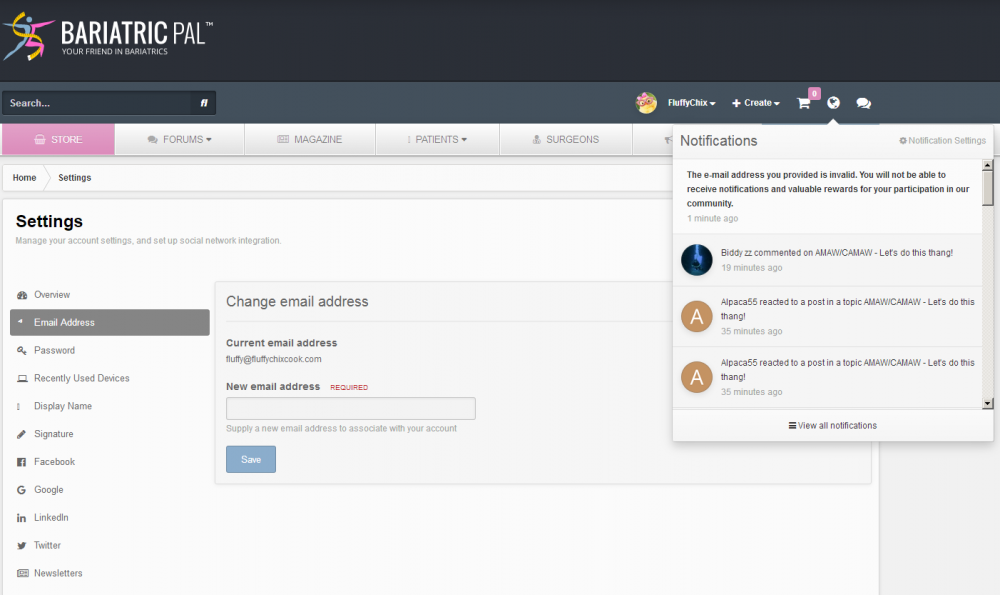
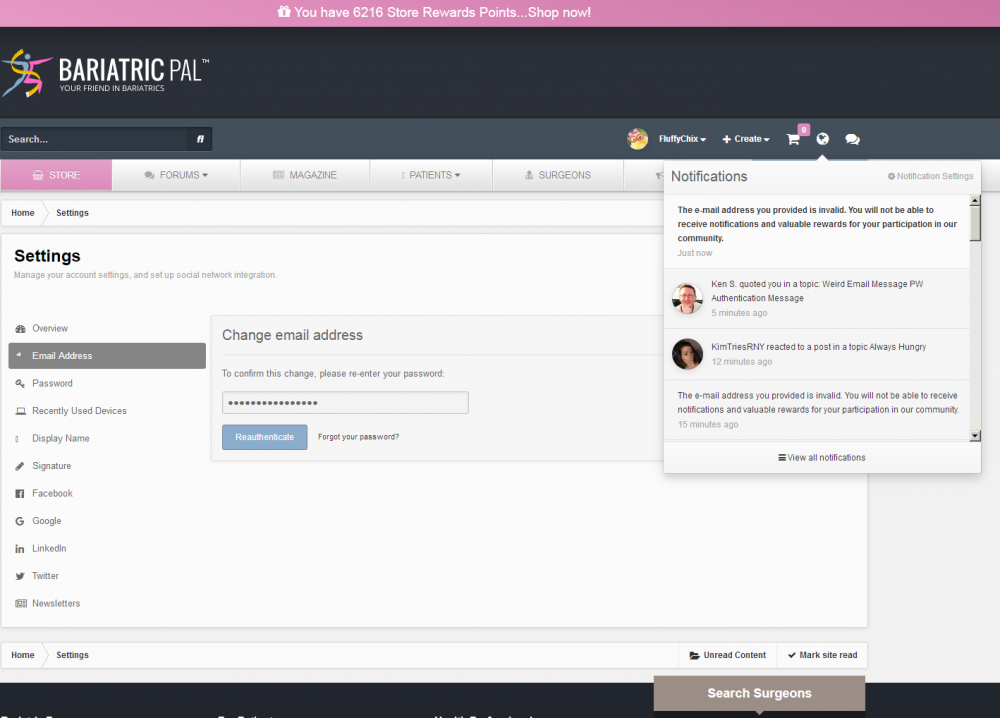
Hi guys! My email hasn't changed, yet I got this message popping up wanting me to update my email. And when I did it gave me this message wanting me to re-enter my password. I didn't change my email. It's still valid. And still in use, and I'm getting email notifications from BP. So why am I being prompted to enter my password. Am I being hacked by someone using a disguise of BP in order to capture my pw?

Thanks!

Fluffy

image.thumb.png.a87ddbe1950ae6ee23544198ce9b55b2.png

  • Replies 16
  • Views 3.4k
  • Created
  • Last Reply

Top Posters In This Topic

Most Popular Posts

  • Oh @Ken S.! Oh Ken!!! Ken Ken Kenster Kenny-my-mayun, goodbuddy, my pal... Guess what I got in my notifications just now. *sniff* *sob* *ohnoooooooooooosssssssss* (psst It wasn't a letter from S

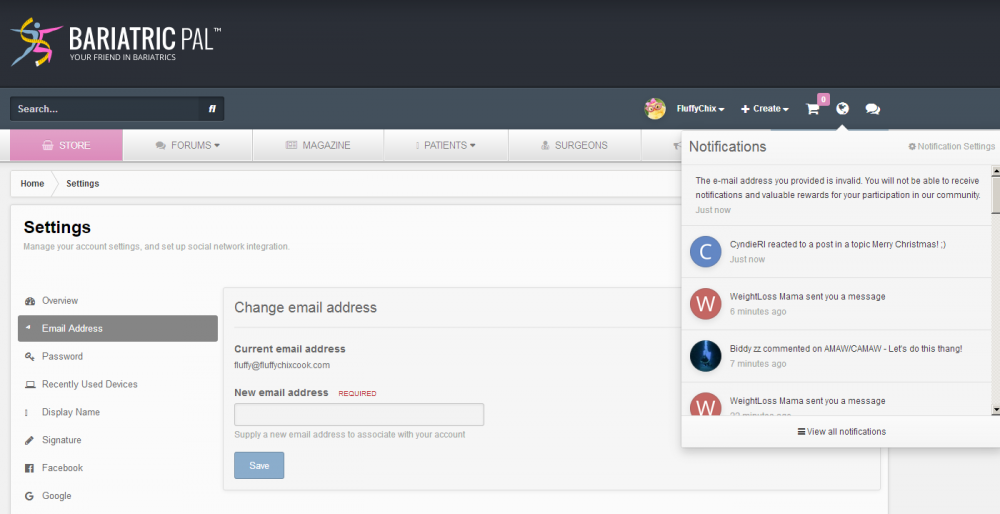
  • Got another love letter today!

  • Hi @FluffyChix, was the password popup that you saw initially displayed directly on BariatricPal.com? Or was it an email that received or something along those lines?

Posted Images
Featured Replies

  • Author

Got another love letter today! :(

image.thumb.png.cd41b740379cd3d047570b843f7c4d1b.png

Join the conversation

You can post as a guest; create a free account to track replies, follow topics, and be part of the largest weight loss surgery community.

Join the conversation

You can post now and register later. If you have an account, sign in now to post with your account.

Guest
Reply to this topic...

Account

Navigation

Search

Search

Configure browser push notifications

Chrome (Android)
  1. Tap the lock icon next to the address bar.
  2. Tap Permissions → Notifications.
  3. Adjust your preference.
Chrome (Desktop)
  1. Click the padlock icon in the address bar.
  2. Select Site settings.
  3. Find Notifications and adjust your preference.