Skip to content
View in the app

A better way to browse. Learn more.

BariatricPal

A full-screen app on your home screen with push notifications, badges and more.

To install this app on iOS and iPadOS
  1. Tap the Share icon in Safari
  2. Scroll the menu and tap Add to Home Screen.
  3. Tap Add in the top-right corner.
To install this app on Android
  1. Tap the 3-dot menu (⋮) in the top-right corner of the browser.
  2. Tap Add to Home screen or Install app.
  3. Confirm by tapping Install.
  • Appearance

Join BariatricPal free

  • Ask your own questions
  • Reply and follow topics
  • Message other members
  • No cost, no spam

Compression shirts

I need a compression shirt to help keep my gut steady as u learn to run. I am post op, 6'0 and 295 lbs. 50 inch waist, 57 gut and 52 chest. I am a 2xl deluth Trading shirt. Size charts say i am a 2xl underwear, bit i wear 1xl. Any brand or size suggestions?

Sent from my XT1609 using BariatricPal mobile app

  • Replies 18
  • Views 4.7k
  • Created
  • Last Reply

Top Posters In This Topic

Most Popular Posts

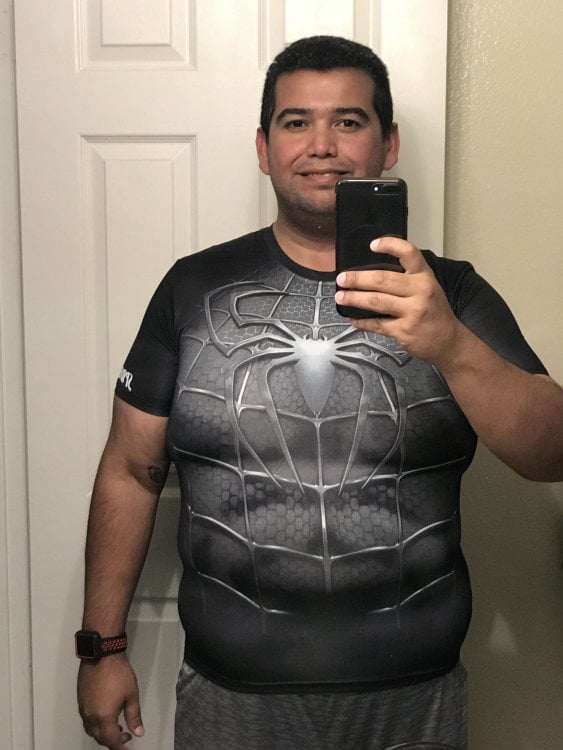
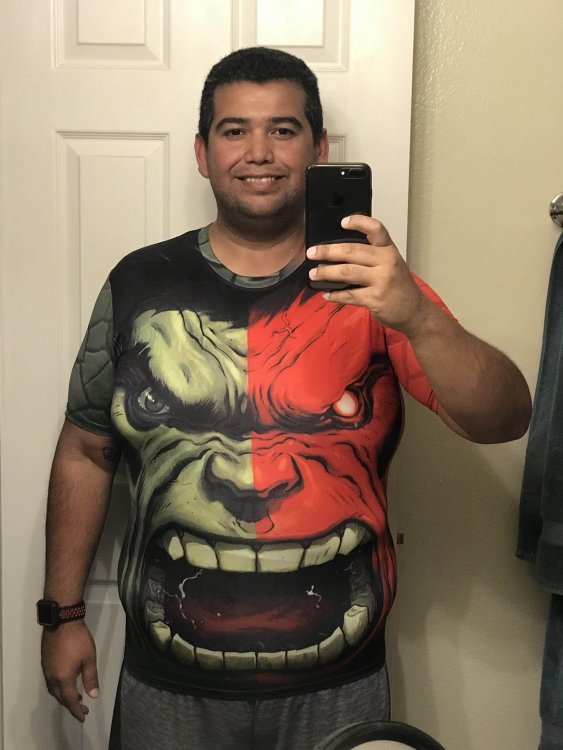
  • Received the ebay shirts. Spider-Man is XL and Hulk is XXL

  • Compression gear should be purchased at 1 size smaller than your current comfortable shirt size. Brand really doesn't matter too much, go for the cheapest up front, until you get to a stable s

  • I originally purchased a compression shirt right after surgery because it was easier to use and more comfortable than the band the doctor gave me. Now I use compression shirts to help with the loose s

Posted Images
Featured Replies

Received the ebay shirts. Spider-Man is XL and Hulk is XXL

image-0.00202655792236328.jpg

image-0.0100135803222656.jpg

5 hours ago, nenes78 said:

Received the ebay shirts. Spider-Man is XL and Hulk is XXL

nice score man!

Join the conversation

You can post as a guest; create a free account to track replies, follow topics, and be part of the largest weight loss surgery community.

Join the conversation

You can post now and register later. If you have an account, sign in now to post with your account.

Guest
Reply to this topic...

Account

Navigation

Search

Search

Configure browser push notifications

Chrome (Android)
  1. Tap the lock icon next to the address bar.
  2. Tap Permissions → Notifications.
  3. Adjust your preference.
Chrome (Desktop)
  1. Click the padlock icon in the address bar.
  2. Select Site settings.
  3. Find Notifications and adjust your preference.