- Replies 16
- Views 2.4k
- Created
- Last Reply
Top Posters In This Topic
-
Ironholly 3 posts
-
Nataliesmom 3 posts
-
mommy14895 2 posts
-
GlowingGal 1 post




Most Popular Posts
-
At your stage, I would recommend three things. 1. Take a good before photograph of yourself, so that you have something to compare to after surgery. Many times we are blind to our obesity. We
-
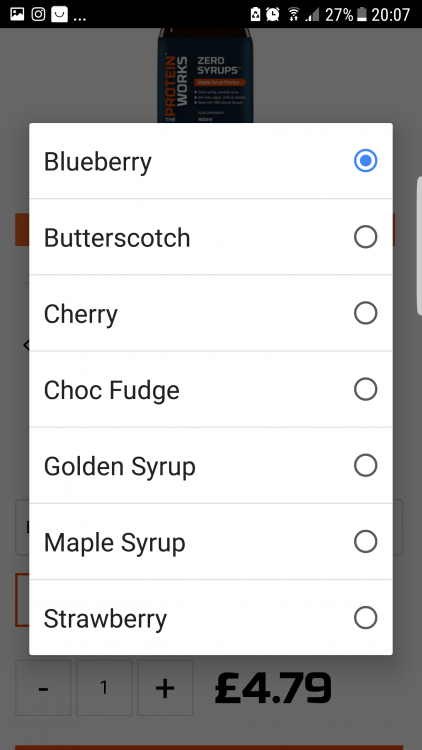
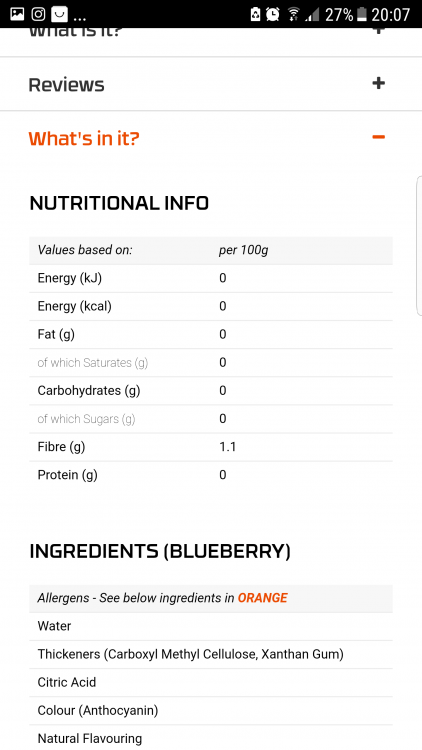
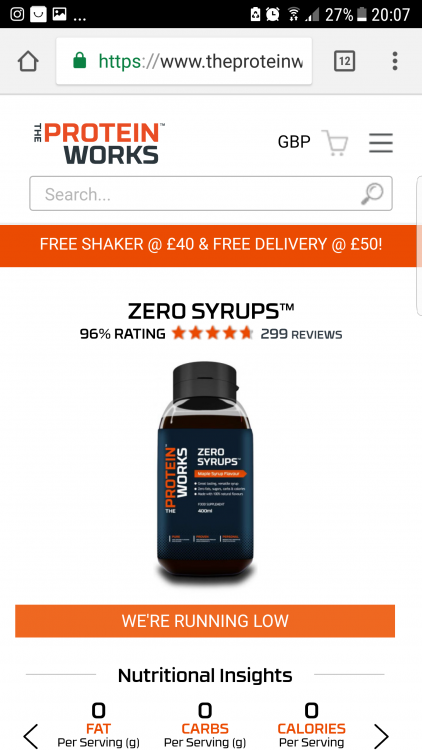
You can get zero cals syrup sauce thing that you can put in and on food which might help people too. I got some from Holland and barrot but I don't know for people outside the UK and I'm sure they do
-
Nov 7 is my surgery date too! I start my pre-op diet on October 28. I am only required to do a 10 day diet. Very worried about my caffeine right now, I am totally addicted to Diet Dr. Pepper.


Posted Images
Featured Replies
Join the conversation
You can post as a guest; create a free account to track replies, follow topics, and be part of the largest weight loss surgery community.
My surgery date is Nov 7th. I start my 2 week liquid diet Oct 24.
It’s been a lot of hoops to jump thru up till now. I’m excited....
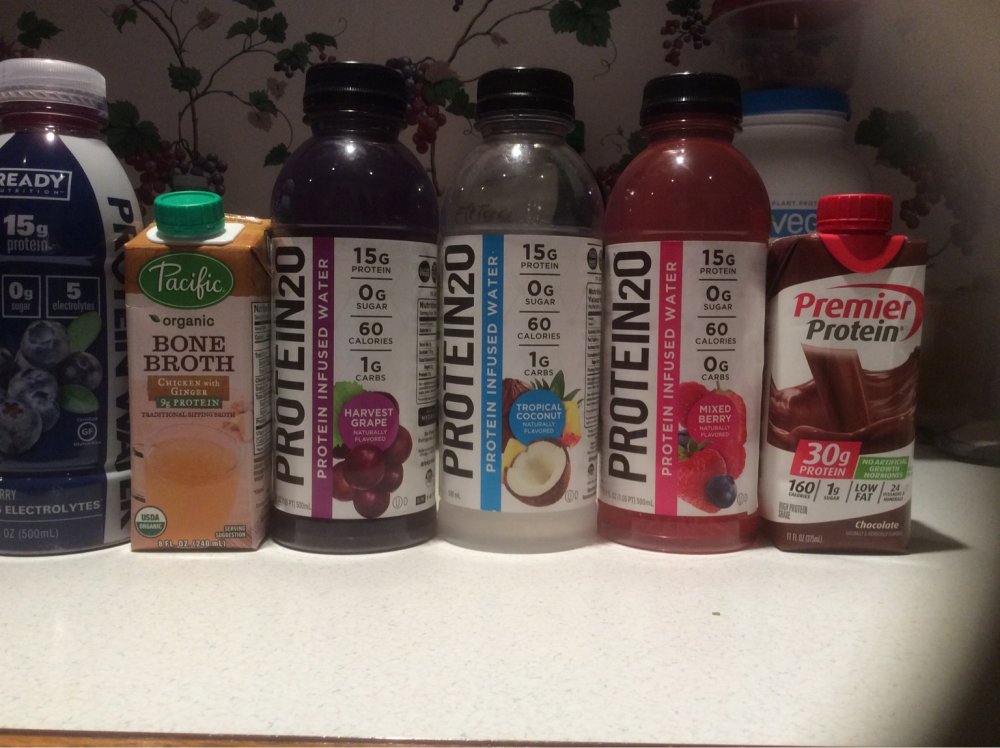
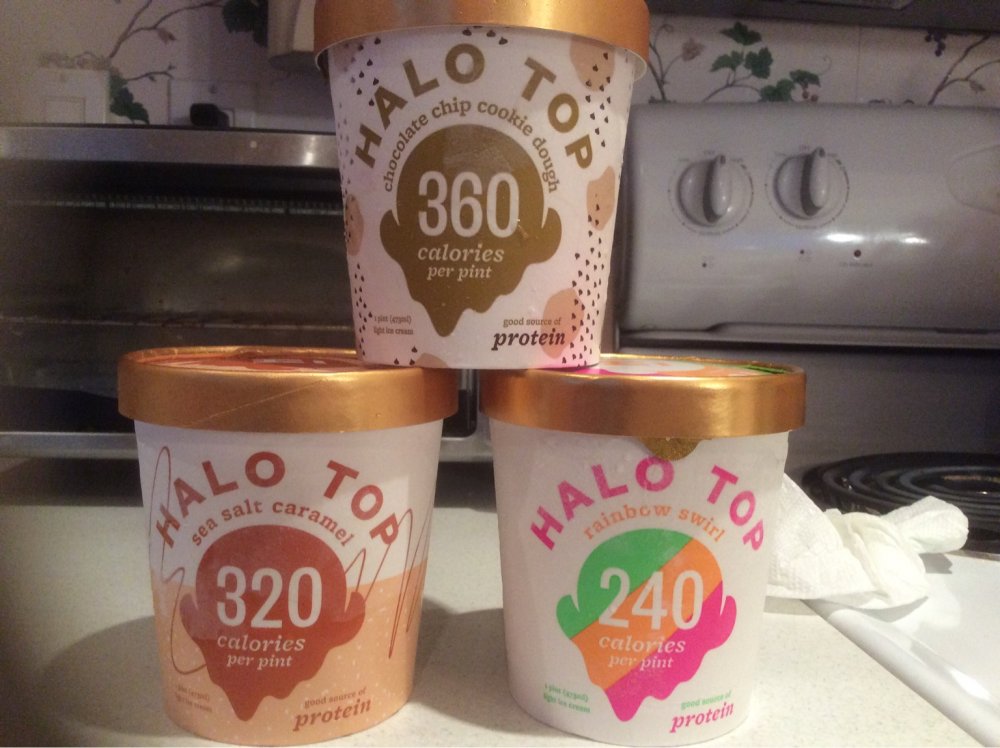
I could use some tips on what you liked on your liquid diet. Here is what I’m stocking up on so far...