Skip to content
View in the app

A better way to browse. Learn more.

BariatricPal

A full-screen app on your home screen with push notifications, badges and more.

To install this app on iOS and iPadOS
  1. Tap the Share icon in Safari
  2. Scroll the menu and tap Add to Home Screen.
  3. Tap Add in the top-right corner.
To install this app on Android
  1. Tap the 3-dot menu (⋮) in the top-right corner of the browser.
  2. Tap Add to Home screen or Install app.
  3. Confirm by tapping Install.

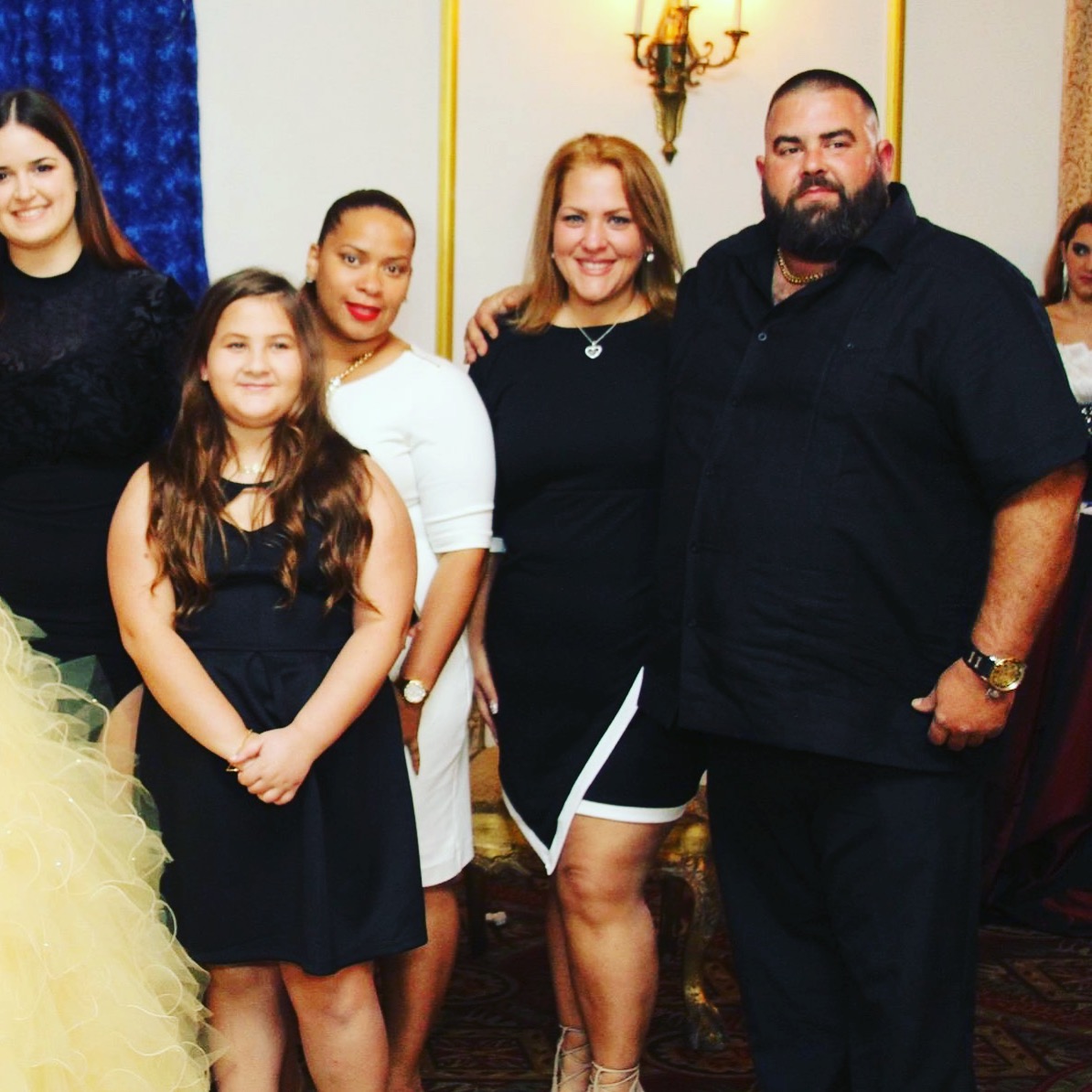
2 years later and loving dressing up

IMG_3876.JPG

  • Replies 4
  • Views 1k
  • Created
  • Last Reply

Featured Replies

Congrats on your success!! I totally understand. I was stuck in stretchy pants and tshirts for so long now I am semi dressed up all the time. haha I can finally dress cute so you bet I'm going to do it all the time!!

I thought it was just me. I find myself wanting to wear cute jackets now. Im always on the colder end now and always need a light jacket but with summer coming and me needing a new wardrobe, especially for my new job (squeal! ), its anxiety inducing not knowing how things are going to fit or supposed to fit. But it's still fun thinking about new clothes. Just gotta get rid of the old ones. But i find it hard because i feel i might need them again.

Sent from my SM-G925T using BariatricPal mobile app

Wearing cute clothes is so important to me! I can wear a few cuter things now, but there's still so much I have to look forward to! :D

  • 2 weeks later...
  • Author

Girl, playing dress up is what we do best!!! Get rid of the old stuff and get new stuff ASAP!!! New alert, you will STOP losing weight, and then there will be no excuse to go shopping as often, so.do.it.now!!!!!! Enjoy!

Archived

This topic is now archived and is closed to further replies.

Trending Products

PatchAid Vitamin Patches

Account

Navigation

Search

Search

Configure browser push notifications

Chrome (Android)
  1. Tap the lock icon next to the address bar.
  2. Tap Permissions → Notifications.
  3. Adjust your preference.
Chrome (Desktop)
  1. Click the padlock icon in the address bar.
  2. Select Site settings.
  3. Find Notifications and adjust your preference.